Waze is the driver’s early warning system. Built on reports from over 180 million drivers, it tells you about traffic jams, accidents, police, road closures, and speed traps in real time, often before Google Maps does, and reroutes you on the fly to save you time.
That’s why so many commuters love it. But that same crowd-sourced model is also why so many drivers are now searching for the best Waze app alternatives.
The app is cluttered with ads and pop-up icons; it stops working the moment you lose cell signal because it has no true offline maps, and outside major metros there aren’t enough Wazers to make the reports accurate. It also doesn’t do truck, RV, bike, or hiking routes, and it tracks a lot of your data.
If you want clean, ad-free driving, offline navigation, better privacy, or routes for more than just cars, you need a switch. I tested them, and these Waze app alternatives actually work.
Best Waze App Alternatives
1. Google Maps
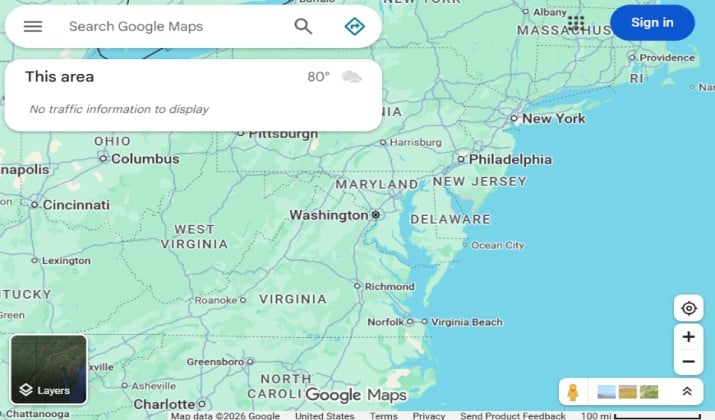
Google Maps is still the closest direct replacement for Waze.
Now, Google pulls Waze’s crowd-sourced incident reports directly into Maps. That means you get the same police, accident, road closure, and hazard alerts you loved on Waze, but without the cluttered, ad-heavy map.
The rerouting is less aggressive than Waze, which most drivers actually prefer. It won’t send you down a strange back alley to save 30 seconds.
Where it beats Waze is everything else. You get Immersive View for a 3D preview of your route, live EV routing that shows real-time charger availability and how long you’ll need to charge, and true multimodal directions. You can drive, walk, cycle, and take public transit in one trip.
Offline is where it really wins. You can download entire cities or regions and still get turn-by-turn navigation, search, and ETAs with no signal. Waze still can’t do that.
Add in real-time location sharing, Street View, and Google Assistant hands-free control, and it’s the one app that does everything for 90% of drivers.
Pricing: Google Maps is completely free on Android, iOS, Android Auto, Apple CarPlay, and web. No subscription or premium tier. You just need a Google account to save offline maps and your places.
Read this too: Google Maps vs Google Earth
2. Apple Maps
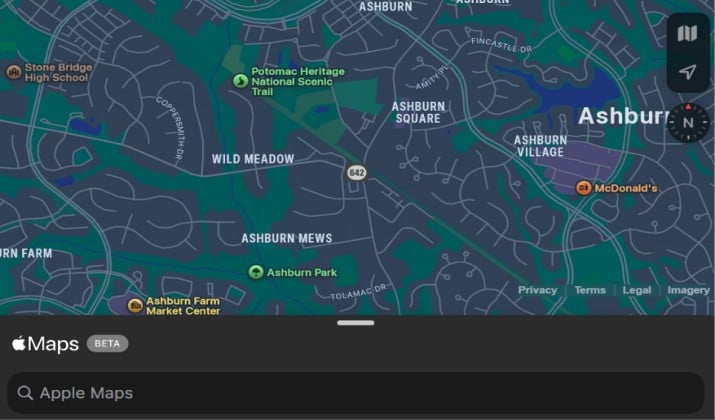
Apple Maps is a totally different app than it was a few years ago. If you dismissed it before, it’s worth a second look this year.
The biggest change is offline maps. Since iOS 17, you can download entire states or regions with one tap and get full turn-by-turn, search, and ETAs offline, including hours for businesses and transit info.
Apple also launched Apple Maps on the web in beta in 2024, so you can now plan a route on your Mac or PC.
The driving experience is cleaner than Waze. You get detailed lane guidance that shows you exactly which lane to be in, speed limit displays, and alerts for fixed and mobile speed cameras.
The 3D Detailed City Experience makes complex interchanges much easier to read.
And unlike Waze and Google, Apple doesn’t sell your location data to show you personalized ads. Your routes and searches are tied to a random ID, not your Apple ID. It’s private by design.
Pricing: Apple Maps is free and pre-installed on iPhone, iPad, Mac, and Apple Watch. Offline maps and web access are included at no cost. No ads, no subscription.
3. HERE WeGo
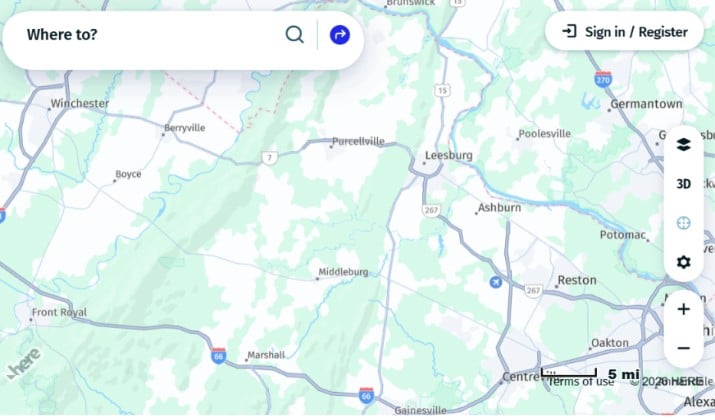
If your main complaint with Waze is that it dies without internet, HERE WeGo was built for you.
This is the only major navigation app that takes offline transit seriously. You can download maps for over 150 countries and navigate fully offline — driving, walking, cycling, and even public transit. It carries offline schedules for over 1,900 cities in more than 50 countries, including metro, bus, and tram.
It’s also incredibly practical for city life. The route planner compares your options side-by-side: drive vs. transit vs. walk vs. bike, with ETAs and costs. It shows real-time traffic even when online, and for EV drivers it now lets you find charging stations, compare prices, and pay right in the app.
The interface is simple, with big buttons designed for in-car use. You can save collections of places for trips, and your reports help improve traffic data for other HERE users.
Pricing: HERE WeGo is 100% free on Android, iOS, and web. All offline maps, offline transit, and EV features are included for free. No subscription needed.
4. TomTom GO Navigation
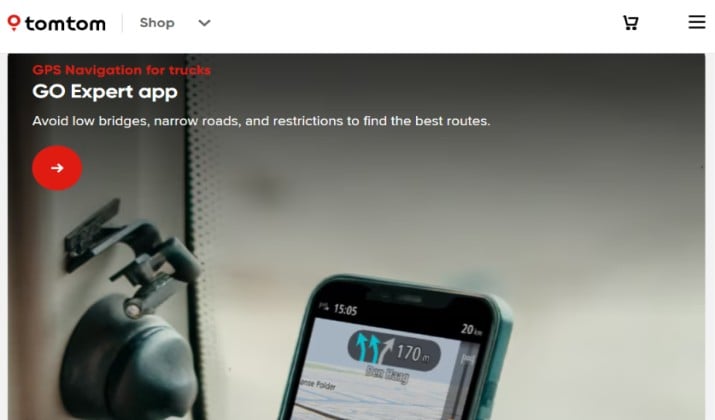
This is the app for people who love Waze’s traffic data but hate Waze’s ads.
TomTom GO turns your phone into a proper TomTom device. The promise is simple: no ads, pop-ups, or distractions. Just the road ahead.
You get TomTom’s legendary Traffic service, which is often more accurate than crowd-sourced data on highways because it uses both phone signals and historical data.
Features include clear lane-level guidance that shows you the exact lane with a blue line, early warnings for traffic jams, blocked roads, roadworks, and highly accurate speed camera alerts, both fixed and mobile.
The maps are stored on your phone and updated weekly, so you save data and never lose navigation.
It also handles the little things well: find parking lots and garages with availability, see gas and charging stations along your route with prices, and it works perfectly with Android Auto and Apple CarPlay. It runs in the background so you can take calls.
Pricing: TomTom GO offers a 7-day free trial to test all premium features. After that, it is $6.99 per month billed monthly, or $29.99 per year. All plans can be canceled anytime.
5. Sygic GPS Navigation & Maps
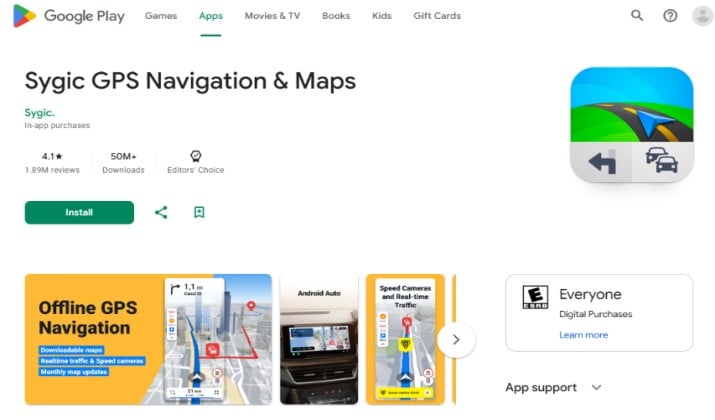
With over 200 million drivers globally, Sygic is the most popular premium alternative to Waze.
Sygic’s superpower is offline 3D maps. You can download high-quality 3D maps of entire countries that are updated monthly and navigate with voice guidance that speaks street names, all without any internet. That’s something Waze still can’t offer.
It packs in features you won’t find in Google or Apple Maps. It has a built-in dashcam that records your drive, a Head-up Display (HUD) that projects navigation onto your windshield at night, wrong-way driver warnings, and real-time fuel price info along your route.
Sygic also added full motorcycle navigation optimized for curves and hills, fully integrated with Android Auto and Apple CarPlay. The pedestrian mode is excellent too, with walking directions and tourist attractions in satellite view.
Pricing: Sygic has a free basic version with limited features. To get offline maps, live traffic, speed cameras, and all premium features you need Premium+. It costs 19.99 € per year, with frequent promos down to €14.99 per year. A 7-day free trial is included to unlock everything.
6. Organic Maps
Organic Maps is what privacy-conscious drivers are switching to.
It’s built on OpenStreetMap and is completely open-source. There is no tracking, ads, account required, or data collection. What you search and where you drive stays on your phone.
Despite being privacy-first, it’s powerful. You get true offline navigation for driving, hiking, and cycling. You can download entire countries and get turn-by-turn directions with no signal.
It includes detailed hiking trails, cycling routes, contour lines, elevation profiles, and even subway maps for major cities.
The interface is clean and fast. It loads maps quickly and uses very little battery because it’s not constantly phoning home. You can also import bookmarks and tracks from other apps.
Pricing: Organic Maps is 100% free forever. No ads, subscription, or in-app purchases. It’s funded by donations. Available on Android, iOS, and Huawei AppGallery.
Check this out: Best Google Earth Alternatives
7. OsmAnd
If you want to customize every single thing about your navigation, OsmAnd is the powerhouse Waze will never be.
OsmAnd is also open-source and built on OpenStreetMap, but it’s aimed at power users. You can overlay almost anything: Wikipedia points of interest, ski slopes, nautical depth charts, cycling routes, contour lines, and even street lighting.
You can set your vehicle profile by height, weight, width, and length to avoid low bridges and narrow roads, making it perfect for trucks and RVs.
Offline is its core strength. You can download maps by region or state and get full voice-guided navigation without any internet. It also lets you record your trip, add waypoints, and plan complex routes with intermediate stops. The map rendering is highly detailed and works even in the most remote areas.
It has a learning curve. The menu has a lot of options, which is why beginners sometimes find it overwhelming. But for truckers, overlanders, and serious hikers, that control is exactly the point.
Pricing: OsmAnd is free to start with up to 7 free map downloads. For unlimited maps and all premium features, Maps+ costs $7.49 per year or a one-time purchase of $34.99 for lifetime access on Android and iOS.
8. Gaia GPS
Waze is useless the moment you leave pavement. Gaia GPS was built for everything after the pavement ends.
This is the go-to app for overlanders, hikers, campers, and RVers. Instead of just one road map, you get access to hundreds of map layers.
You can layer NatGeo Trails Illustrated, US Forest Service maps, satellite imagery with high resolution, private vs. public land boundaries, and MVUM off-road trails to build your own custom map.
You can record tracks, add waypoints with photos, plan routes on the web and sync them to your phone, and then download everything for true offline use.
When you’re deep in a national park with no signal, Gaia still shows your exact location on a topo map.
The new Outside+ integration adds even more value. Your routes, tracks, and printed maps sync across devices, and you get weather, wildfire, and snow depth overlays.
Pricing: Gaia GPS has a free 14-day trial with limited maps. Premium is $59.90 per year and unlocks the full map catalog, offline downloads, and map layering.
Explore: Best Google Maps Alternatives
9. ViaMichelin
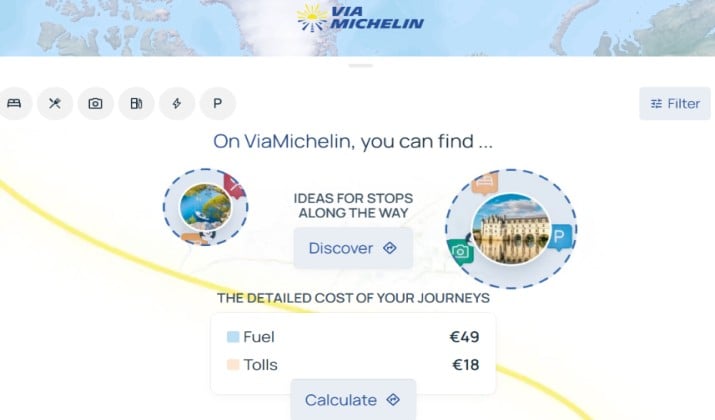
Made by the Michelin tire company, ViaMichelin is Europe’s answer to Waze for long-distance drivers, but it works great in the US too.
Its traffic rerouting is excellent and less erratic than Waze. It won’t send you through a residential neighborhood to save 45 seconds. Where it really beats Waze is trip cost planning. It calculates the exact toll cost for your entire route before you leave and shows you a detailed breakdown by toll booth.
The app also has the best fuel price comparison. It shows gas stations along your route with real-time prices, so you can find the cheapest fuel before you need it.
And because it’s Michelin, it integrates the famous Michelin Guide. You can see rated restaurants and hotels right on your route map with one tap.
The voice guidance is clear, and it supports multi-stop planning with time and cost estimates for each leg.
Pricing: ViaMichelin is completely free on Android, iOS, and web. No subscription, no ads in navigation. It makes money through its hotel and restaurant booking partners.
Also read: Best App Maps
10. MapQuest
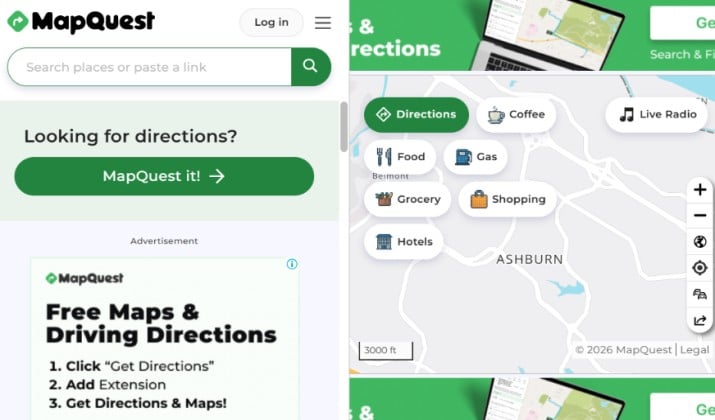
MapQuest is still around since 1996, and it’s still one of the best for planning complex routes, something Waze is bad at.
Waze only really lets you do A-to-B. MapQuest lets you plan a route with up to 26 stops and automatically reorders them for the fastest route. That’s why delivery drivers, realtors, and sales teams still use it. You get live traffic, ETAs, and automatic rerouting, but with much better multi-stop logic.
It also solves two other Waze pain points. First, the built-in gas price finder shows you the cheapest gas nearby with prices updated by users. Second, you can search and book hotels directly in the app without switching to another app, which is great for road trips.
Navigation accuracy is not quite as sharp as Google Maps or Apple Maps for final arrival, so most power users plan in MapQuest and navigate in Google. But for planning itself, it’s unbeatable.
Pricing: MapQuest is free on Android, iOS, and web. The app is ad-supported but navigation is free with no premium subscription required.
Which Waze Alternative Should You Install?
If you want one app that does it all, Google Maps is still the best overall Waze replacement. You get the same Waze hazard alerts without the ads, plus real offline maps, EV routing, and walking, biking, and transit in one place for free.
Organic Maps is perfect for private, everyday driving, while HERE WeGo is unbeatable for free offline transit in 1,900+ cities.
For drivers who want a premium, distraction-free cockpit, TomTom GO Navigation offers more accurate highway traffic information than Waze.
Gaia GPS is the best for off-road, camping, and RVs, while OsmAnd is best if you drive a truck or RV and need to set height, weight, and width to avoid low bridges.
Bottom line: Install Google Maps for daily driving and Organic Maps or HERE WeGo for offline backup. That’s the combo that covers you everywhere Waze doesn’t.
Enjoyed the post?