
You’d be surprised by the number of people who search for how to create Gmail account without phone number verification. Maybe you want a little more privacy, don’t want to share your personal number, or simply prefer keeping your online accounts separate.
In reality, creating an anonymous Gmail account without a phone number is harder than ever. Google now flags most signups that skip phone verification. You might get through once using a VPN or an old Android device, but Google often locks the account later and demands a number.
So instead of fighting Google’s system, let’s look at smarter options. You can get an anonymous email without phone number today. All you need to do is to use email providers built for privacy. Services like Proton Mail, Tuta, and Mailfence let you sign up in 60 seconds with no phone number, no tracking, and no strings attached.
In this guide, I’ll show you why Gmail without phone verification is a headache, and then walk you through the best anonymous Gmail alternatives that don’t require a phone number. You’ll also get pricing links, features, and tips to stay private.
Why Gmail Without Phone Is Hard?
Google tightened signup rules over the last few years. The company says phone verification stops bots and spam. In practice, it also links your real-world identity to every Google service you use.
3 Reasons Why Gmail Forces Phone Verification
- Risk detection: If you sign up from a new device, new IP, or browser in incognito, Google asks for a phone.
- Account recovery: Skip the phone and Google may block you the first time you forget a password.
- Re-verification: Even if you create an account without a phone, Google can prompt for one weeks later during a “security check”.
That’s why searching for how to create an anonymous Gmail account without phone number leads to dead ends. You can try workarounds, but they’re unreliable and against the spirit of what you want: a truly anonymous email account without phone number.
The fix? Pick email services that don’t ask for a phone to begin with.
Best Anonymous Email Alternatives to Gmail That Don’t Require a Phone Number
These 8 secure email providers let you sign up without a phone number. They’re the best anonymous Gmail alternatives if you value privacy.
| Provider | Phone Required? | Free Plan | Key Privacy Feature |
| Proton Mail | No | 1GB, 1 address | End-to-end encryption, based in Switzerland |
| Tuta | No | 1GB, 1 address | Quantum-resistant encryption, anonymous signup |
| Mailfence | No | 500MB, 1 address | Digital signatures, Belgian privacy laws |
| Posteo | No | None, €1/mo | No logs, anonymous payment, green energy |
| StartMail | No | None, 7-day trial | Disposable aliases, Dutch privacy laws |
| Mailbox.org | No | None, 30-day trial | PGP built-in, no ads, no tracking |
| Disroot | No | 2GB | Run by volunteers, open source focus |
| CTemplar | No | 1GB | Iceland-based, zero-access encryption |
Let’s go a bit deeper into each of these alternatives. The pricing details I’ve included are subject to change, Make sure to check with the official websire before signing up.
1. Proton Mail
Best for: Most people switching from Gmail
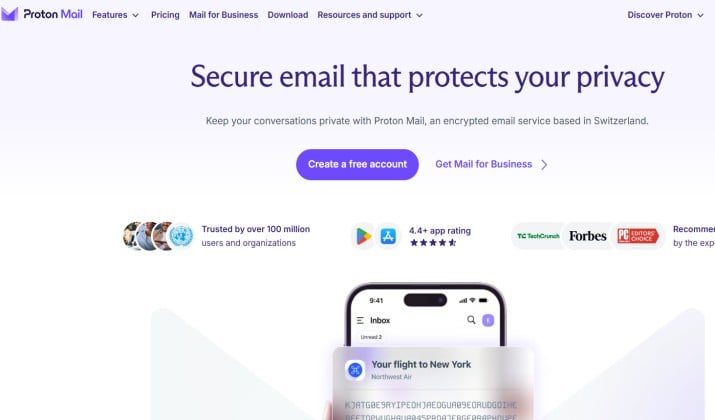
You create a Proton Mail anonymous email account with just a username and password. No phone or backup email needed. It’s based in Switzerland, so your inbox falls under strong privacy laws. You get end-to-end encryption, iOS and Android apps, and a clean interface that feels a lot like Gmail.
The free plan gives you 1GB. Proton Mail pricing also includes Mail Plus plan priced at $3.99 per month and the Proton Unlimited plan that costs $9.99 per month.
Download links: Web | iOS | Android
2. Tuta
Best for: Maximum anonymity
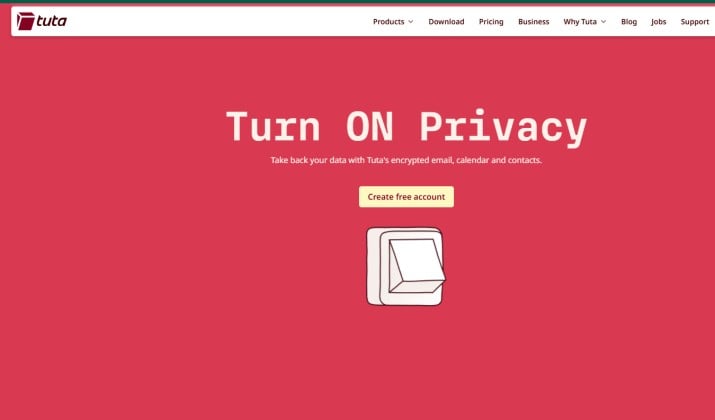
Tuta, previously called Tutanota, doesn’t ask for a phone or even a recovery email. You can sign up over Tor if you want.
It encrypts your whole mailbox, including subject lines and your calendar. That’s more than Proton Mail does. The tradeoff is search runs slower because everything stays encrypted.
Tuta pricing includes a free plan and two paid plans. The free plan gives you 1GB storage and one calendar. While the Revolutionary plan is priced at €3.60 per month, the Legend plan will cost you €9.60 per month.
Download links: Web | iOS | Android
Also read: Tuta vs ProtonMail
3. Mailfence
Best for: PGP users and digital signatures
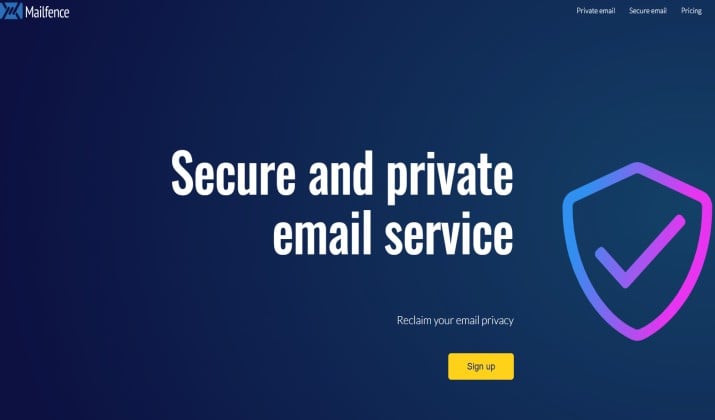
Mailfence is based in Belgium and skips phone verification. You also get encrypted contacts, calendar, and documents in one account.
It supports OpenPGP natively, so you control your keys. If you need to send legally binding signed emails, this is your pick.
Mailfence pricing has a free plan that gives you 500MB storage. The Base plan that costs $2.95 per month comes with 11GB storage. The Entry plan is priced at $4.13 per month and it offers 40GB storage.
Download links: Web | iOS | Android
4. Posteo
Best for: No-logs + sustainability
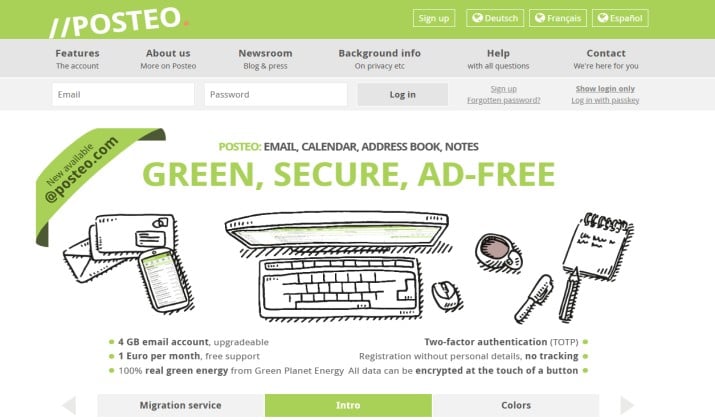
Posteo is a German provider with a simple rule: no personal data collection. You pay €1 per month, and you can even mail cash anonymously to fund your account. Phone verification is never required.
If you want a private email account without phone verification, Posteo keeps signup simple and anonymous. You get IMAP and POP3 support, so your mail syncs across your phone, tablet, and PC, and most apps like iOS, Thunderbird, or Outlook set it up automatically.
Posteo blocks spam and viruses with a strong filter, and you can build your own custom rules to sort mail by sender or content. You also get two alias addresses plus unlimited filter addresses to keep your inbox tidy. The migration service lets you pull in up to three old email accounts with their folders intact.
Posteo Pricing: There’s no free tier, but you start with 4 GB of storage and you can bump it up to 50 GB anytime for 0.25 EUR per month per extra gigabyte.
Signup link: Web
5. StartMail
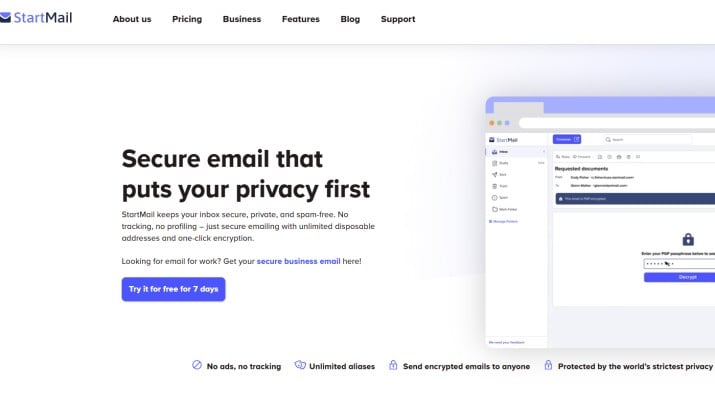
Best for: Unlimited disposable aliases
StartMail is made by the people behind Startpage search.
You sign up without a phone and immediately get access to unlimited email aliases. Use a new alias for every website and kill it if you get spam.
StartMail is based in the Netherlands and comes with strong EU privacy laws.
No free plan, but they offer a 7-day trial.
StartMail pricing: There’s no free plan, but they offer a 7-day trial of their paid plans that start from $4.99 per month.
Signup link: Web
6. Mailbox.org
Best for: Business users and custom domains
Mailbox.org also skips phone verification at signup. You get secure email plus an encrypted office suite, cloud storage, and video calls.
Based in Germany, it’s built for people who want to replace Google Workspace without giving up features.
Mailbox.org pricing: They offer a 30-day trial, then paid plans start as low as € 1.00 per month for 2GB storage. For more storage, you can choose the Standard plan priced at € 2.50 and offering 10GB storage, or the Premium plan costing € 7.50 for 25GB storage.
Signup link: Web
7. Disroot
Best for: Open source and nonprofit fans
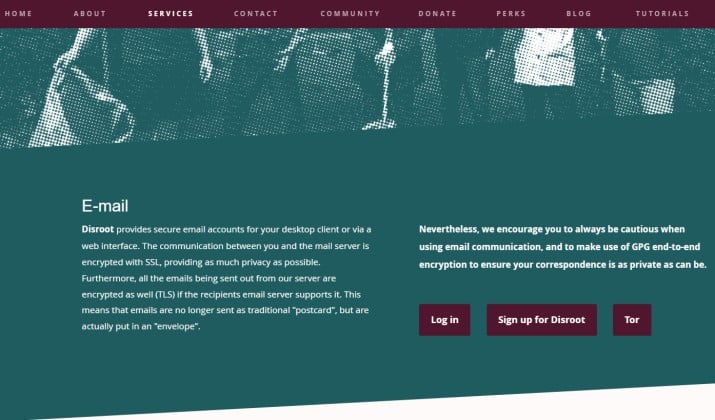
Disroot is run by volunteers and doesn’t require a phone. It’s part of a bigger suite of privacy tools like cloud storage and forums offered through a community driven platform.
Because it’s community run, support is slower, but you know your data isn’t being sold. It is based in the Netherlands.
Disroot operates on a “pay as you wish” donation model rather than fixed subscription plans. The base service is completely free and includes access to their core productivity suite. The free tier offers up to 2GB of email storage, 2GB of cloud storage and access to tools like Cloud, CryptPad, XMPP, and Mastodon.
Signup link: Web
8. CTemplar
Best for: Zero-access encryption from Iceland
CTemplar focuses on zero-access encryption, which means even they can’t read your mail.
The interface is basic but fast. You don’t need a phone number to sign up. Its servers sit in Iceland, known for free-speech protections.
CTemplar pricing: There is a free plan that offers 1GB storage and allows you to send 200 mails per day. For higher storage and mailing capabilities, you can choose paid plans that range from $8 per month to $50 per month.
How to Use a Temporary Virtual Number to Verify Gmail Without Exposing Your Real Phone?
Some people buy a virtual number from services like TextVerified or SMSPool to get past Gmail’s check.
Risks you should know:
- Google bans many virtual number providers
- If you lose access to that number, you lose account recovery
- It violates the spirit of Google’s policy, and Google may suspend the account
If your goal is an anonymous email account without phone number, using virtual numbers adds cost and risk. A provider like Proton Mail skips this mess entirely.