Want to chat on WhatsApp but don’t want to share your real number?
You are not alone. Maybe you want to keep your personal number private for work, you lost your SIM, or you just want to use WhatsApp on a tablet without a SIM.
This guide shows you exactly how to use WhatsApp without your real phone number.
You will learn official methods and privacy hacks for sharing WhatsApp numbers that actually work right now. We will cover new ways to register WhatsApp without a physical SIM, from companion device mode in WhatsApp to virtual numbers.
If you have been searching for a clear WhatsApp without SIM card guide that tells you how to verify WhatsApp with virtual number and use WhatsApp on a tablet without SIM, you are in the right place.
How Can I Use WhatsApp Without Giving My Phone Number?
WhatsApp always needs a phone number to verify your account, but that number does not have to be your personal SIM number.
You have three working routes:
- Link a second device as companion so you can use WhatsApp without SIM card on that device
- Register WhatsApp without a real phone number using a virtual phone number for WhatsApp verification
- Use WhatsApp landline verification call me option with your home or office landline
Let us walk through each one.
Can I Use WhatsApp Without a SIM Card?
Yes, you can use WhatsApp without SIM card after your account is active. WhatsApp only needs the SIM for the one time WhatsApp number verification by SMS or call. Once verified, you only need WiFi.
So if you ask how to use WhatsApp without phone number or SIM on a daily basis, the answer is simple. Verify once, then you can chat on WiFi only. That is how you run WhatsApp on a phone without SIM card, or on a tablet, or even on a PC.
Official Method 1: Companion Device – WhatsApp Companion Device Setup
This is the cleanest and 100% official way if you already have WhatsApp on one phone.
WhatsApp linked devices feature now lets you link a device as companion on WhatsApp. You can link up to four devices and they work even if your main phone is offline.
This is perfect if you want to know best way to use WhatsApp on a second phone or tablet.
How to do it:
- Install WhatsApp on your second phone or tablet. Open it.
- On the setup screen, tap the three dots on Android or look for Help and select Link as Companion Device. You will see a QR code.
- On your primary phone where WhatsApp is already active, go to Settings > Linked Devices > Link a Device.
- Scan the QR code on the second device.
That is it. You just completed WhatsApp companion device setup. Your second device will sync chats and you can use WhatsApp without SIM card on it. You do not need a second phone number for WhatsApp account setup here because you are using your existing account.
Also read: WhatsApp Tricks You May Not Know About
Official Method 2: Tablet Setup – Use WhatsApp on Tablet or Secondary Device Without SIM
Want to use WhatsApp on tablet or secondary device without SIM from scratch?
WhatsApp now has a native tablet app. You have two options here.
Option A: Companion mode for tablets
Follow the same companion phone number method for WhatsApp above. Install WhatsApp on your tablet, choose Link as Companion Device, and scan with your main phone.
Option B: Tablet with its own number
If you want a separate account on your tablet, you will need a number to verify. Use one of the virtual number methods below to verify, then you can run WhatsApp on a phone without SIM card logic, which is the same for a WiFi only tablet.
This is the easiest way to learn how to use WhatsApp without phone number or SIM on a bigger screen.
Read this too: Best Funny WhatsApp Stickers
Method 3: Landline Call Verification – WhatsApp Landline Verification Call Me Option
Can I use a landline for WhatsApp verification? Yes, and this is officially supported.
If you have a landline phone number verification for WhatsApp, you can use it to receive a voice call. WhatsApp will call your landline and read the code.
Steps:
- Install WhatsApp or WhatsApp Business on your phone.
- Enter your landline number with country and city code. Remove any leading 0.
- Wait for SMS verification to fail. WhatsApp will show you the Call Me option.
- Tap Call Me. You will get an automated call on your landline with a 6 digit code.
- Enter that code.
This works great for an office setup or if you want WhatsApp without phone number on your personal device. Use WhatsApp Business number setup with your landline to keep business and personal chats separate.
Another interesting read: WhatsApp Auto Reply Message Examples
Method 4: Virtual Number – Virtual Phone Number for WhatsApp Verification
This is the most popular answer for how to make a WhatsApp account without a real number. You use a second phone number for WhatsApp account setup from an app that gives you a virtual number.
A word of caution first. WhatsApp says you should use a number you own. Virtual numbers can work, but they can be recycled. Pick a reputable service that gives you a private number.
Here are the active services people use right now:
1. Google Voice Number for WhatsApp
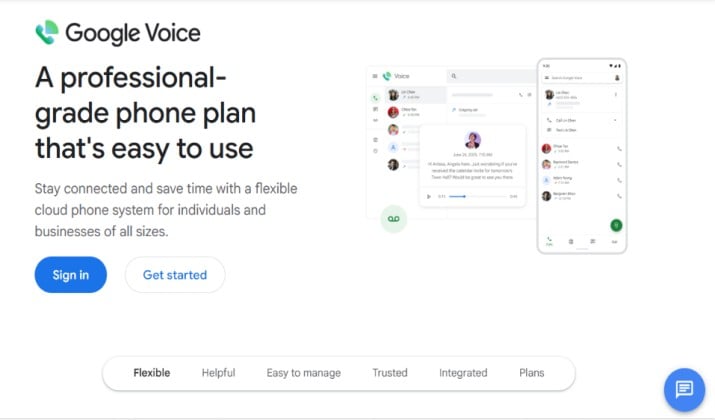
Google Voice gives you a free US number that can receive SMS and calls over Wi-Fi. You can use it as a virtual phone number for WhatsApp verification.
How to use it: Create a Google Voice account at voice.google.com, pick a number, then enter that number in WhatsApp. Choose SMS verification. Enter the code you get in Google Voice.
App Links: Official Site | Play Store | App Store
Google Voice Pricing: Google Voice is free for personal use in the US. Paid plans start for Workspace users.
2. TextNow Number for WhatsApp
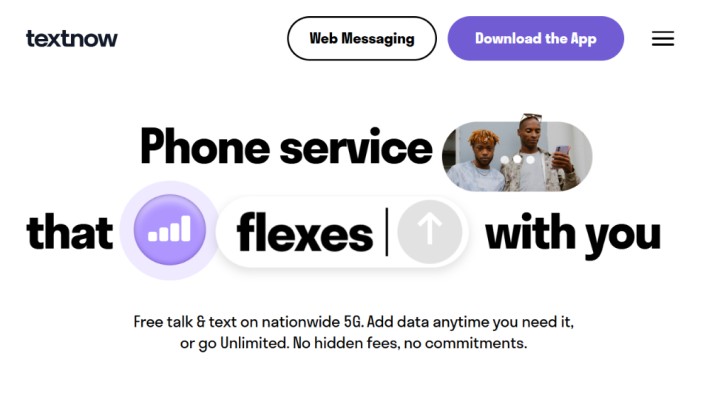
TextNow offers a free second number that works over WiFi. Many people use TextNow number for WhatsApp because it is quick to set up.
How to use it: Install TextNow, get your free number, then use that number in WhatsApp. If SMS does not arrive, use the call verification option.
App Links: Official Site | Play Store | App Store
TextNow Pricing: Free with ads. Premium plans remove ads and add features.
3. TextPlus Number for WhatsApp
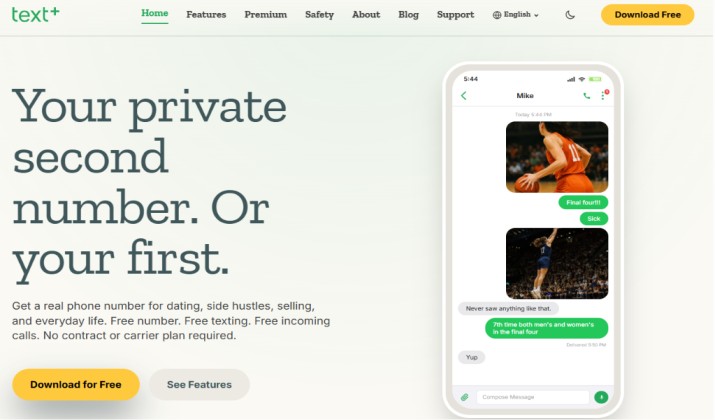
TextPlus is similar. You get a real looking US number and you can receive SMS for verification.
App Links: Official Site | Play Store | App Store
TextPlus Pricing: Free with in app purchases for credits and premium numbers.
Other Virtual Number Services for WhatsApp Verification
If the above do not work in your country, look for other virtual number services for WhatsApp verification like Numero eSIM, Hushed, or Burner.
Always pick a service that offers long term rental of the number, because you will need the same number again if WhatsApp asks you to reverify.
This is how you register WhatsApp without a real phone number and keep your real identity private.
How to Keep My Number Private on WhatsApp?
If your goal is privacy, you need more than just a second number. Here is how to keep your number private on WhatsApp after you set it up:
- Never share your virtual number publicly. Treat it like a password.
- Turn off Last Seen and Profile Photo for strangers. Go to Settings > Privacy.
- Use a different profile name and photo for your private account.
- For business, use WhatsApp Business number setup with a landline or virtual number so customers never see your personal number.
Is It Safe to Use a Virtual Number for WhatsApp?
It depends on the service you pick.
Official companion device mode is 100% safe. Landline verification is also safe because you own the landline.
Virtual numbers carry some risk. Free numbers are often recycled. If someone else gets your old free number later, they could try to take over your WhatsApp account. That is why you should:
- Enable two step verification inside WhatsApp. Go to Settings > Account > Two step verification and set a PIN.
- Avoid free temporary SMS websites. They are public and anyone can see your code.
- Choose a paid private virtual number if you plan to use this account long term.
If privacy matters more than cost, a paid virtual number or a landline is much safer than a free public one.
So, How Should You Do It?
If you already have WhatsApp on your main phone and you just want it on your tablet or second phone without a SIM, use the WhatsApp linked devices feature. It is official, free, and takes 30 seconds. This is the best companion device method.
For a completely separate WhatsApp account without using your real SIM, use landline phone number verification for WhatsApp if you have one. It is stable and you will never lose access.
If you do not have a landline and you want to stay private, use Google Voice number for WhatsApp if you are in the US. Outside the US, TextNow or TextPlus are solid starting points. Just remember to keep the number active and turn on two step verification.
Pick the method that fits your situation and try it today. You will have your private WhatsApp running in a few minutes.