Imagine it’s Friday afternoon. Your kindergartners are wiggly, your 2nd graders are watching the clock, and you still need to review phonics blends before the bell.
You pull up a colorful grid on your screen, split the class into two teams, and say, “Team Tigers, pick a number!” Suddenly, 22 little voices are shouting, debating, and cheering as they sound out /ck/ and /r/ words.
Nobody wants recess yet. That’s the Baamboozle effect.
Baamboozle, as we know, is a web-based, teacher-controlled quiz game that’s exploded in elementary classrooms because it’s dead simple, wildly engaging, and actually free to use.
But is it really the best free quiz game for K-2? In this deep-dive review, we’ll break down exactly what Baamboozle is, how it works, and whether it deserves a permanent spot in your K-2 teaching toolkit.
Let’s go question by question.
Also Read: Best Kahoot Alternatives
Why Are K-2 Teachers Obsessed With Baamboozle?

Baamboozle is built specifically for group play in classrooms. Think of it like a digital game show where you’re the host, the kids are the contestants, and the game board is a grid of tiles hiding questions, commands, or surprises.
Teachers love it for 3 reasons:
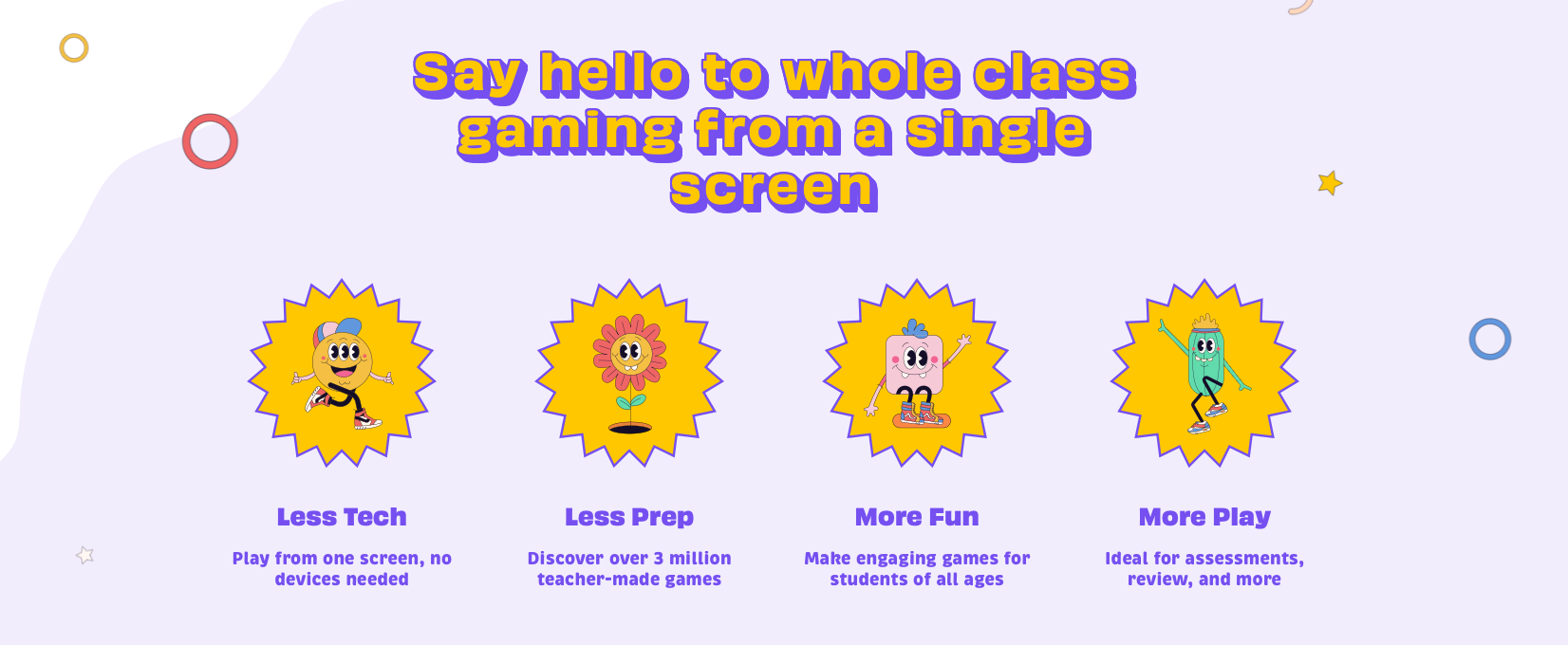
- Zero student devices needed – You control everything from your computer while projecting to the class. No logins, no 1:1 tech chaos. Perfect for K-2 where not every kid has an iPad yet.
- It’s ridiculously easy – Make teams, click tiles, read questions, click
OkayorOops. If you can use PowerPoint, you can run Baamboozle in 30 seconds. - The kids go nuts for it – The combo of competition, power-ups, and surprise elements turns review into recess. One JALT reviewer noted students “enjoy making teams and working together to answer questions based on the lesson”.
The platform markets itself as “The Most Fun Classroom Games!” and with 2+ million user-made games, it’s clear they’re onto something.
Also Read: Quizlet Review
How Does Baamboozle Work in a K-2 Classroom?
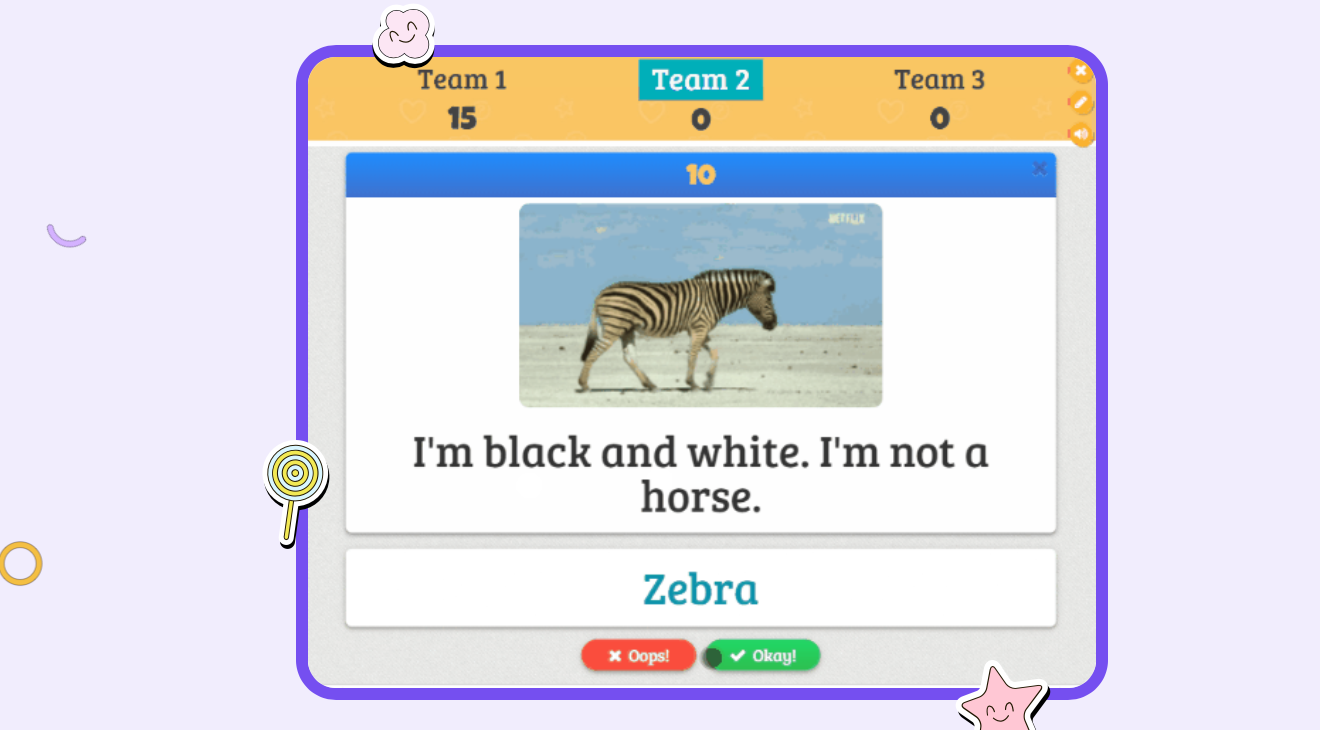
Let’s walk through a typical K-2 round, because the setup is where Baamboozle shines for little learners.
Step 1: Pick or make a game
You can search Baamboozle’s library for ready-made games like “Phase 2 phonics for kids” or “QUIZ TIME” with shapes and colors. Or you can create your own in minutes by typing questions + answers.
Step 2: Hit Play and set up
Click the play button, choose your game style, and set teams. You can have up to 8 teams or players, but for K-2, 2-4 teams keeps it manageable. You also pick grid size, which controls how many rounds you’ll play. Pro tip from teachers: 3 rounds is the sweet spot before attention spans tap out.
Step 3: Customize for little learners
Here’s the K-2 magic: You can change the numbers on the game board to colors or animals. So instead of “Team 1, pick 14,” it’s “Tigers, do you want the blue monkey or the red lion?” That’s huge for pre-readers.
You can also deselect any questions you don’t want in the quiz before starting. Found a phonics question too hard for your kinders? Uncheck it.
Check Out: Games Like Blooket
Step 4: Play!
The game board appears. Team 1 chooses a tile, you reveal the question, and the team answers out loud. You decide if they’re right and click Okay or Oops. No auto-grading means you control the pace, can give hints, and can count “close enough” answers for K-1.
What Game Modes Does Baamboozle Offer, and Which One Works Best for K-2?
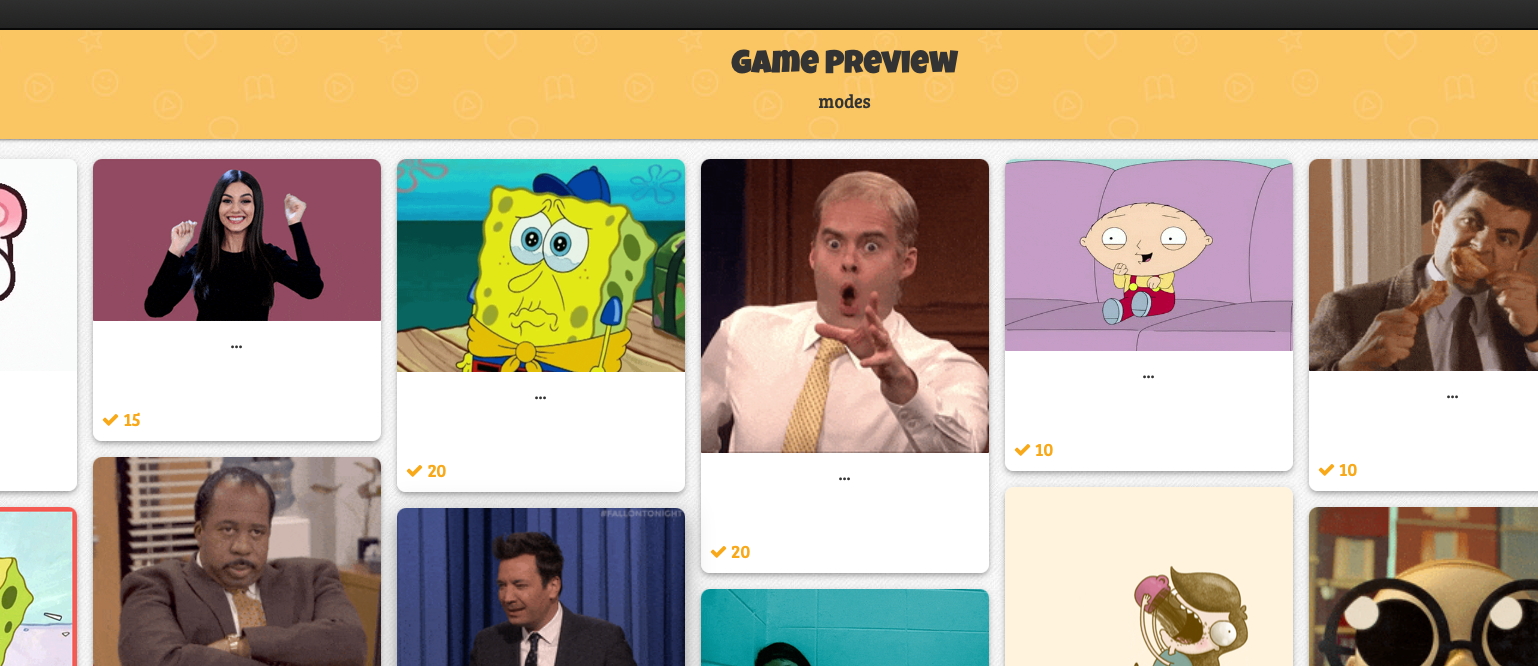
Baamboozle currently has 10 game styles, but free users only get access to the core “Baamboozle” mode. Within that, you’ll choose from 3 types:
|
Mode |
How It Works |
Best for K-2? |
|---|---|---|
|
Quiz Mode |
Straight question → answer. No frills. |
Yes, for assessment or calm review |
|
Classic Mode |
Adds “power-ups” – random tiles that give bonus points or let teams steal points |
2nd grade + with caveats |
|
Classic Jr Mode |
Same as Classic but “aimed at younger students” |
Winner for K-1 |
Classic Jr is the go-to for K-2 because it keeps the excitement of power-ups but tones down the complexity. The “steal points” feature in Classic can lead to tears in kindergarten. Classic Jr keeps it light and fun.
All modes are teacher-paced, which is critical. You’re not fighting a timer like Kahoot. You can pause to sound out /e/ in “elephant” or manage turn-taking.
Also Read: Gimkit Review
Is Baamboozle Really Free? What’s the Catch for K-2 Teachers?
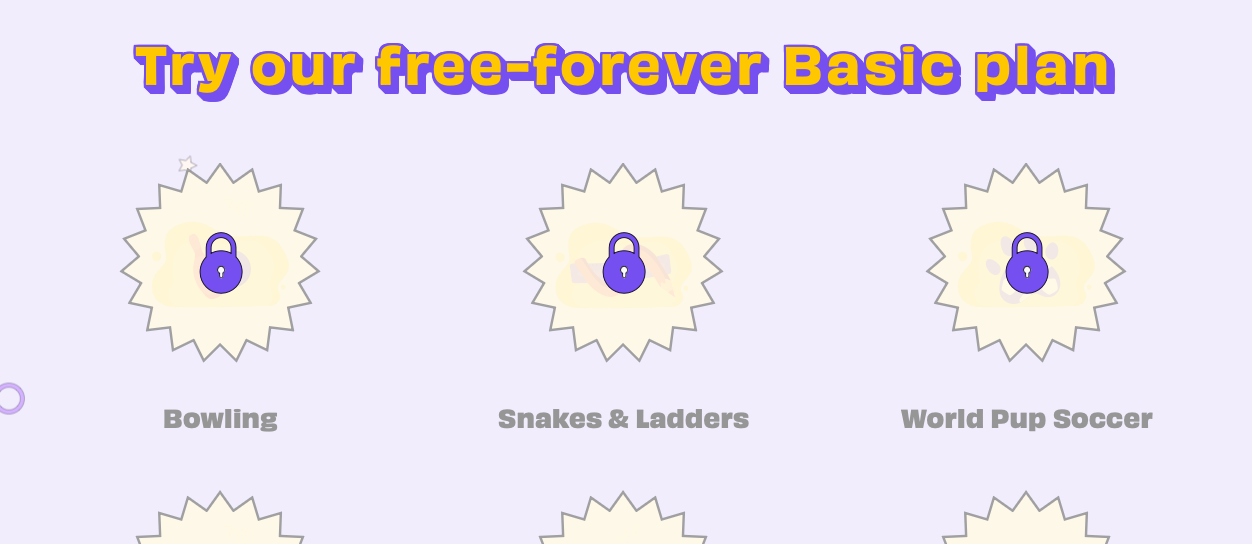
Short answer: Yes, you can absolutely run Baamboozle 100% free forever.
Long answer: The free plan is generous but has limits. From the site and game pages, free users can:
- Play unlimited public games
- Create your own games
- Use the core “Baamboozle” game mode with Quiz, Classic, and Classic Jr
- Have up to 8 teams
You’ll hit paywalls if you want:
- The other 9 premium game styles
- “Class PIN” to share games for students to play solo
- Features like choosing grid size and teams without signing in
For K-2 whole-class review? The free version is all you need. You’re projecting anyway, so you don’t need student PINs. The 10 game styles sound nice, but Classic Jr covers 95% of what K-2 needs.
Check premium pricing here.
Also Read: Online Interactive Tools To Keep Students Awake
What Kinds of K-2 Content Can You Teach With Baamboozle?
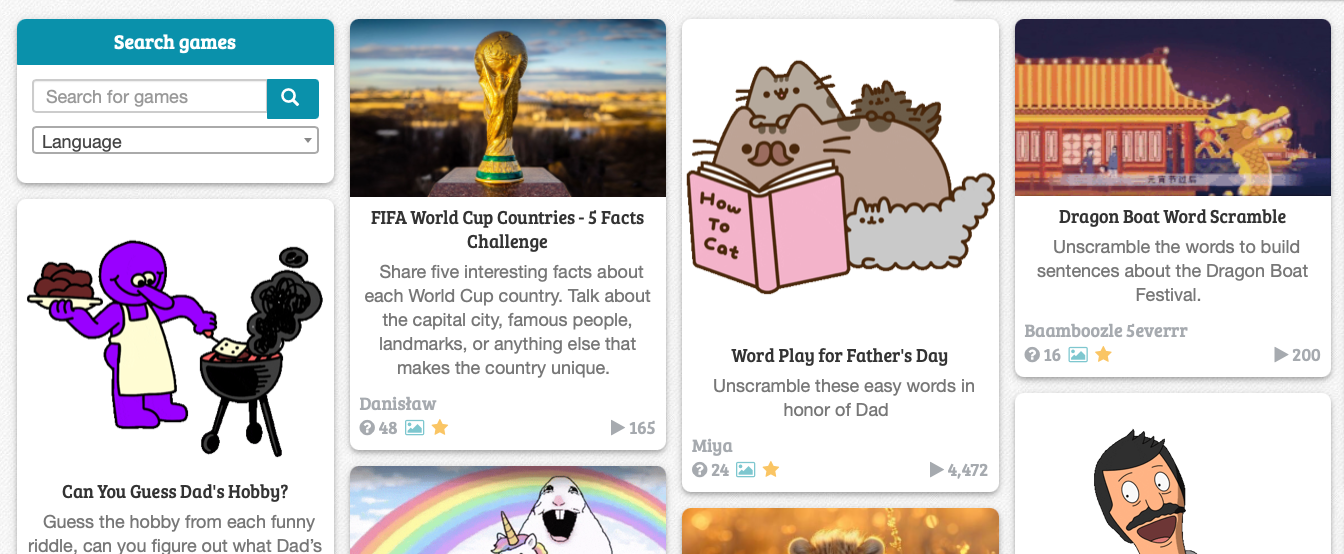
This is where Baamboozle gets fun. Because you make the questions, it works for literally any K-2 subject. Here’s what’s already in the library:
Phonics & ELA
- Phase 2 phonics:
/ck/, /e/, /h/, /r/, /m/, /d/with prompts like “What sound does this letter make?” and “Tell me a word that begins with this letter” - Letter recognition and beginning sounds
- Sight words and CVC words – easy to build yourself
Math
- Shape identification: “Find something in the shape of a TRIANGLE!”
- Counting: “How many HULA HOOPS can you see?”
- Colors and sorting: “Find a YELLOW TOY!”
Social Skills & Life Skills
- Classroom scenarios: “You see a coworker taking money… What would you do?”
- Safety: “What do you have to look for when you cross the street?”
- Community helpers: “Where do you go to send mail?”
Brain Breaks & Movement
- “Imitate a GORILLA and a ROOSTER!”
- “Clap your hands and stomp your feet at the same time 7 times!”
The question format isn’t just multiple choice. You can do open-ended prompts like “Draw three different shapes for your friends to guess!”.
For K-2, that flexibility is gold because you can assess speaking, listening, and movement, not just clicking.
Lessons So Far & What’s Next
Now that we know how Baamboozle works, the free vs. paid stuff, and all the K-2 content you can throw at it, let’s get into the real questions.
Does it actually help little learners, or is it just digital sugar? How does it stack up to Kahoot and Quizizz? And is it really the best free quiz game for K-2?
Let’s dig in.
Also Read: Best Kahoot Games To Play
Is Baamboozle Good for Learning in K-2, or Just Fun and Games?
Here’s the truth: Baamboozle isn’t a full curriculum. It won’t teach your kids to read. But as a review and engagement tool for K-2, it’s shockingly effective.
Why it works for little brains:
- Teacher-paced = teacher-controlled learning – Unlike Kahoot’s speed-based scoring, Baamboozle has no timer breathing down your neck. You can pause to sound out
/sh/, let a shy kinder whisper the answer, or re-read a question. That pacing is non-negotiable for K-1. - It targets oral language + listening – Students don’t click; they talk. For K-2, speaking and listening are half the battle. Baamboozle forces kids to verbalize answers, defend choices to teammates, and listen to peers.
- Low floor, high ceiling – You can change the tile numbers to colors or animals for pre-readers. But you can also toss in harder “power-up” questions for your advanced 2nd graders. Same game, differentiated on the fly.
- Repetition without mutiny – Reviewing
/ck/words 5 times on a worksheet = groans. Reviewing/ck/words 5 times because the “purple elephant” tile might have a bonus? Suddenly they’re begging for more. Teachers report students “tend to lose interest after” about 3 rounds, so it’s perfect for 10-15 minute bursts.
The catch: Baamboozle won’t give you data. There’s no student response tracking, no reports, no auto-grading.
If you need formative assessment data for admin, you’ll still need exit tickets. Think of Baamboozle as your “engagement + oral review” tool, not your “grades” tool.
What Are the Biggest Pros of Baamboozle for K-2 Teachers?
Let’s break down why K-2 teachers keep coming back:
|
Pro |
Why It Matters for K-2 |
|---|---|
|
No student devices needed |
You run it all. No login issues, no dropped iPads, no “Miss, I can’t see it!” You project, they play. |
|
Stupidly simple setup |
Click play → pick teams → go. You can literally prep a game during your bathroom break. |
|
Built for whole-class talk |
The game is “completely controlled by the teacher” so you can manage turn-taking, model answers, and handle wiggles. |
|
Classic Jr mode |
Power-ups and fun without the cutthroat point-stealing that makes kinders cry. |
|
Customizable for pre-readers |
Swap numbers for colors/animals so non-readers can still pick tiles. |
|
Works online or in-person |
Screen share for virtual, project for face-to-face. Same game. |
|
Actually free |
Unlimited games on the free plan. The core mode you need is free. |
|
Huge game library |
2M+ user-made games. Search “kindergarten phonics” and you’ll have 10 options ready to go. |
What Are the Cons or Limitations You Should Know About?
No tool is perfect. Here’s where Baamboozle shows its age for K-2:
- No individual accountability – Because it’s team-based and teacher-clicked, one loud kid can dominate. You have to manage turn-taking yourself. Not ideal if you need to see what every kid knows.
- Free users only get 1 game style – You’re stuck with “Baamboozle” mode. The other 9 game styles are paid. For K-2, Classic Jr is enough, but it’d be nice to have variety.
- No auto-read for questions – You’re reading every question out loud. Great for engagement, but if you lose your voice, there’s no text-to-speech.
- Power-ups can backfire in K – Even in Classic Jr, the random bonus points can cause meltdowns if Team Unicorns gets 500 points from nowhere. Quiz Mode is safer for kinders.
- Zero data/reports – Again, this is a review game, not an assessment platform. Don’t expect spreadsheets.
- Visuals are basic – It’s no ABCmouse. The graphics are simple tiles. K-2 kids don’t care, but don’t expect Disney-level animation.
Also Read: Best Kahoot Ideas & Tips For Teachers
Baamboozle vs. Kahoot vs. Quizizz: Which Wins for K-2?
Let’s be real. You’ve probably used Kahoot. So how does Baamboozle compare for the 5-7 crowd?
|
Feature |
Baamboozle |
Kahoot |
Quizizz |
|---|---|---|---|
|
Student devices needed |
No. Teacher only. |
Yes, 1:1 needed |
Yes, 1:1 needed |
|
Best for |
Whole-class oral review |
3rd grade+ speed races |
Independent practice |
|
Pacing |
Teacher-paced. Slow = fine. |
Student-paced. Speed = points. |
Student-paced |
|
Reading required |
No, you read aloud |
Yes, kids read questions |
Yes, kids read questions |
|
K-2 friendly |
Yes. Built for it. |
Stressful for slow readers |
Better than Kahoot, but still 1:1 |
|
Free plan |
Fully usable free |
Limited free features |
Good free tier but ads |
|
Data/reports |
None |
Yes |
Yes |
Verdict for K-2: Baamboozle wins for live, whole-class review because it removes the tech and reading barriers. Kahoot and Quizizz are better for 2nd grade+ when kids can read independently and you want data. If you only have a projector and 25 wiggly 6-year-olds, Baamboozle is your friend.
Also Read: Quizlet vs Kahoot
What Are Some Classroom Management Tips for Using Baamboozle With K-2?
After watching too many kindergarten games go off the rails, here’s the playbook:
- Cap it at 3 rounds – Students “tend to lose interest” after that. 10-15 min max. Leave them wanting more.
- Use “Quiet Hands” for tile picking – Only the team captain with quiet hands gets to choose. Ends the shouting.
- Pre-teach “Okay” vs “Oops” – Click
Okayfor correct,Oopsfor incorrect. Make it a class job to help you click. - Deselect nightmare questions – Before you start, uncheck any questions too hard for your group. Saves you mid-game panic.
- Use colors/animals for teams + tiles – “Red Team, pick a blue monkey!” is way easier than numbers for K-1.
- Stick to Quiz Mode for kindergarten – Skip power-ups until 1st/2nd grade. The point swings cause tears.
- Build in movement – Throw in questions like “Imitate a GORILLA” or “Clap 7 times”. Gets wiggles out mid-game.
So, How Good Is Baamboozle and Why? The Final Verdict for K-2
Is Baamboozle the best free quiz game for K-2? For whole-class, teacher-led review, yes. Absolutely.
Here’s why it earns that title.
It removes every barrier that makes tech hard in K-2. No logins, no 1:1 devices, no reading required, no timers. You can play it on Day 1 of kindergarten with zero tech training.
It weaponizes fun for learning. The tile-reveal, power-ups, and team format turn dry review into the highlight of the day. Teachers consistently say students “enjoy making teams and working together to answer questions”. When kids are begging to review digraphs, you’ve won.
The free plan is actually usable forever. You don’t hit a paywall after 3 games. For cash-strapped teachers, that matters. The one free game mode is the one you need.
It respects K-2 development. Classic Jr mode, color/animal tiles, and teacher control mean it’s designed for little learners, not retrofitted from a high school app.
All that said, if you need individual assessment data, student-paced homework, or kids with 1:1 devices, use Quizizz or Seesaw. Baamboozle is your “Friday afternoon, whole-class, let’s-get-them-talking” tool.
Bottom line: Baamboozle won’t replace your phonics program. But if you need 15 minutes of pure, joyful, standards-aligned review that makes your K-2 students forget they’re learning? This is the free tool you’ve been looking for. It’s simple, it’s chaotic in the best way, and it works.
Go make a game about /sh/ words. Your future-Friday-self will thank you.