Looking for a reliable way to save important phone conversations? To capture client details, keep a record of an interview, or just remember what your mom said about the grocery list, having the right recorder on your Android phone helps a lot.
This guide rounds up the best free call recording apps for Android. We tested features, audio quality, ease of use, and extra tools so you can pick quickly and record confidently.
A quick heads up before you hit record. Call recording laws vary by state and country. Some places require both people to know about the recording. Many apps now include call recorder with recording notifications or beeps to help you stay compliant. Always let the other person know you are recording.
1. Cube ACR
If you want one app that handles almost everything, start here.
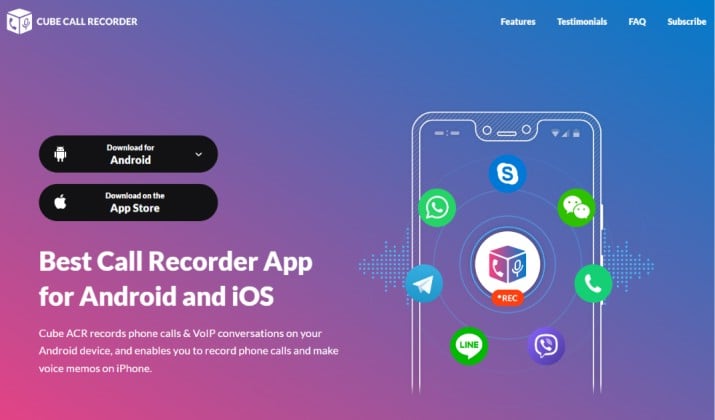
Cube ACR records regular phone calls and it also works as a call recorder for WhatsApp and VoIP calls like Telegram, Skype, and Viber.
You get crystal clear playback, which is why many consider it the call recorder with clear audio.
Set it to record incoming and outgoing calls automatically or swipe to record only what you need. The built-in contact filters lets you choose which contacts to always record and which to ignore. That is perfect if you want a call recorder for business calls but not for personal chats.
Key features for you:
- Automatic and manual call recording
- Records phone calls, WhatsApp, and other VoIP apps
- PIN or biometric protection for private listening
- Cloud backup to Google Drive
App Link: Play Store
Pricing: Free version with ads and basic recording.
2. ACR Phone by NLL
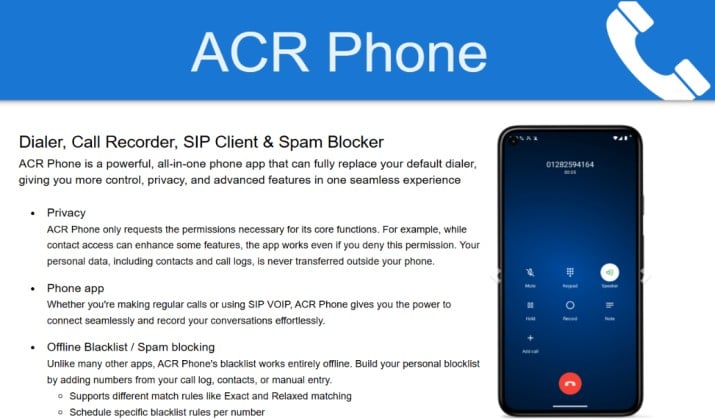
ACR Phone is more than a recorder. It replaces your dialer and gives you recording built right in. If you want a simple free recorder that does not feel clunky, you will like this one.
It lets you record incoming and outgoing calls on Android without extra steps. You also get searchable recordings so you can find a call by name, number, or note.
Audio quality stays sharp. You can save files as MP3 export or other formats, and turn on call recorder with Google Drive backup to keep everything safe.
Key features for you:
- Integrated dialer with caller ID and spam block
- Private storage option
- Playback controls to skip and adjust speed
- Works without root access
App Link: Play Store
Pricing: Free to use with essential features.
Also read: Best Call recorder Apps for iPhone
3. Boldbeast Call Recorder
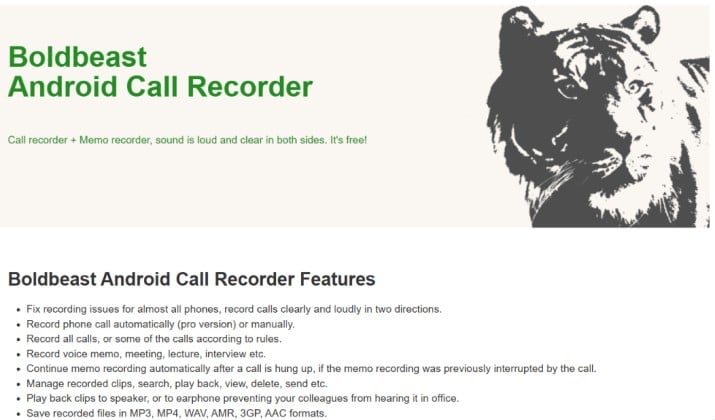
Do you have a Samsung or Pixel and other recorders failed you? Many users call this an amazing call recorder for Samsung Galaxy and Google Pixel because it solves audio issues other apps miss.
Boldbeast delivers loud, clear recordings on many devices that block call recording. You do not need to root your phone. This is a solid call recorder without root access that actually works.
You get full control. Choose to record incoming and outgoing calls automatically or manually. Use call recorder with WAV audio support if you need studio style quality.
Key features for you:
- Excellent fix for devices that normally block recording
- Dual SIM phones with SIM based settings
- Automatic deletion to manage old files
- Strong privacy with local only storage
App Link: Play Store
Pricing: Free trial with full features, then one time license for Pro.
4. Call Recorder by Skvalex
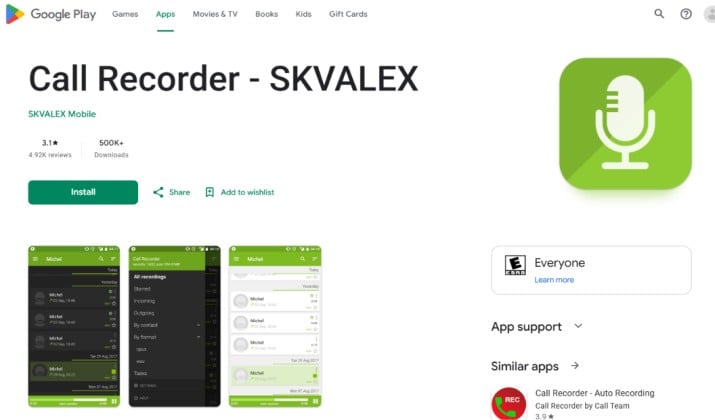
Power users love this one. Call Recorder by Skvalex offers more customization than almost any other free phone call recorder for Android.
You can pick recording source, tweak audio settings, and choose between MP3 export and call recorder with WAV audio support.
It also acts as an automatic call recorder with smart filters. Set it to record all calls, only unknown numbers, or only specific contacts using its contact filters.
If you care about organization, you will love its searchable recordings and detailed call history.
Key features for you:
- Highly customizable audio source and quality
- PIN or biometric protection
- Google Drive backup and Dropbox support
- Works well without root on many phones
App Link: Play Store
Pricing: Free version available. Premium unlocks all features.
5. Recorder App from Appliqato
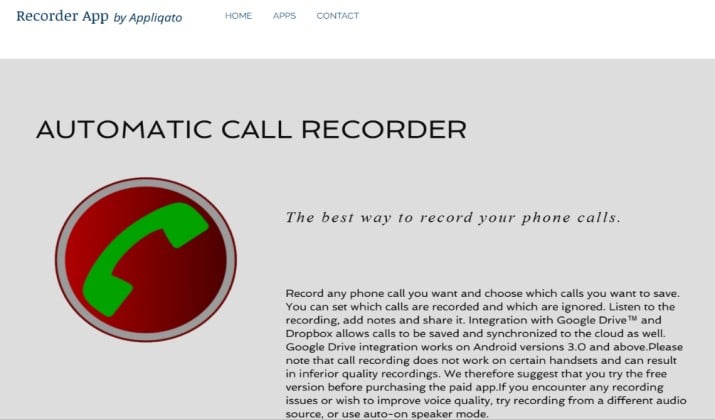
Sometimes you just want something that works without setup. This app from Appliqato does exactly that.
It comes with automatic recording that you turn on once and forget. It will record incoming and outgoing calls in the background. You get an inbox style list where you can play, save, or share recordings.
This is a great free call recorder if you want simplicity plus essential extras like cloud backup.
Key features for you:
- True set and forget record incoming and outgoing calls automatically
- Playback controls and volume boost
- Google Drive backup and Dropbox
- Dual SIM phones support
App Link: Play Store
Pricing: Free with ads.
Read this too: Best Free Call Recording Apps for iPhone
6. Truecaller
You probably already have Truecaller for caller ID. Its built in recording is super convenient.
Truecaller call recording lets you record calls directly from the dialer you already use. It adds a record button during any call. This is helpful if you want a manual call recording app that you control in the moment.
Recordings are stored with call recorder with private storage and you can manage them with playback controls. Truecaller also uses AI to filter spam, so your recording list stays cleaner.
Keep in mind you need Truecaller Premium for recording on most devices.
App Link: Play Store
Pricing: Free app, call recording requires Premium subscription.
7. Google Voice
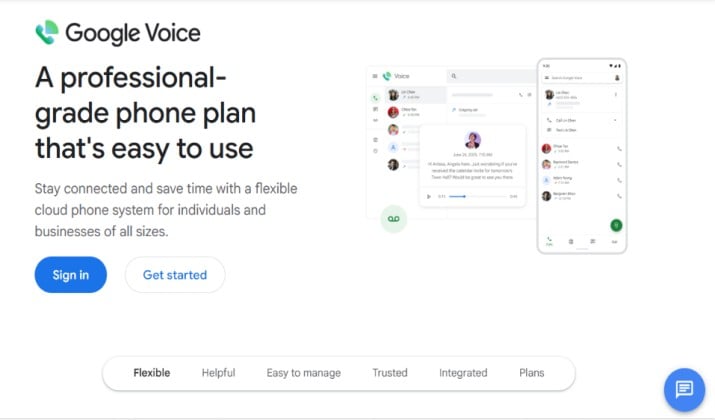
Need a free option from Google itself? Google Voice call recording is a simple, dependable choice if you use a Google Voice number for business.
It is not an automatic call recorder in the traditional sense. You press 4 during an incoming call to start recording. Google plays a notice so everyone knows the call is being recorded. This makes it compliant friendly and useful for business calls where transparency matters.
Your recordings land in your Google Voice inbox and you can download them easily.
App Link: Play Store
Pricing: Free for personal use. Business plans have per user pricing.
8. Easy Voice Recorder
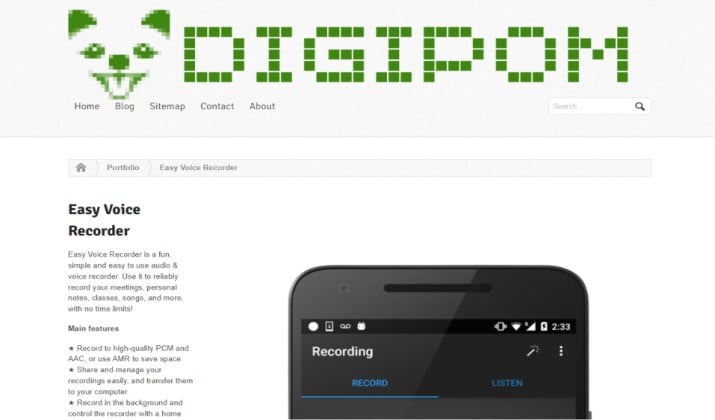
Technically this is not a direct line recorder, but it deserves a spot because of how many people use it.
If your phone blocks direct recording, Easy Voice Recorder for speakerphone calls gives you a workaround. You put the call on speaker and record with this app. You get amazing quality thanks to its clear audio engine, call recorder with WAV audio support, and MP3 export.
It also works as a full voice recorder with transcription powered add ons and searchable recordings.
App Link: Play Store
Pricing: Free version is very capable. Pro version unlocks Bluetooth and stereo support.
Another interesting read: Best Screen Recorder Apps for Android
9. Call Recorder Pro Android – by Lucky Mobile Apps
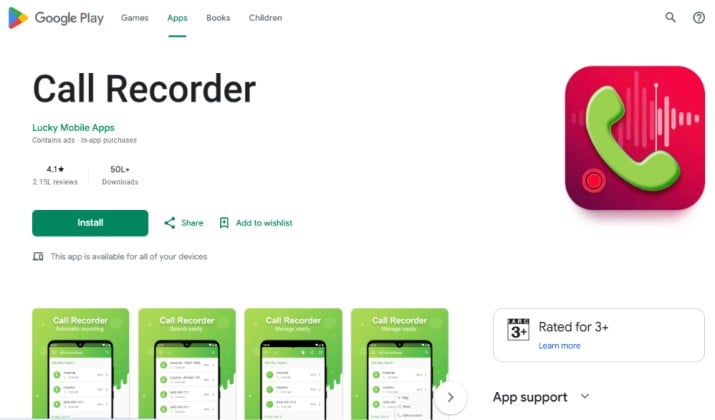
Short on storage? Try this lightweight option.
Call Recorder Pro Android by Lucky Mobile Apps focuses on small size and battery friendly operation. It is a clean Android app to record phone calls that still offers automatic recording and manual modes.
You get the essentials without bloat. It will record incoming and outgoing calls automatically in high quality, let you add favorites, and protect files with call recorder with PIN or biometric protection.
You can also set automatic deletion so old recordings clear after a set time, and change audio channel, bit rate, and save path to save space.
It is also a solid free call recorder if you want dark mode, easy sharing, and quick playback control in one place.
Key features for you:
- Automatic recorder with reliable two side recording
- Private storage via PIN lock
- Contact filters through caller identification
- Works without root access and supports latest Android versions
App Link: Play Store
Pricing: Free with ads. In-app purchase to unlock premium features.
10. Talker ACR
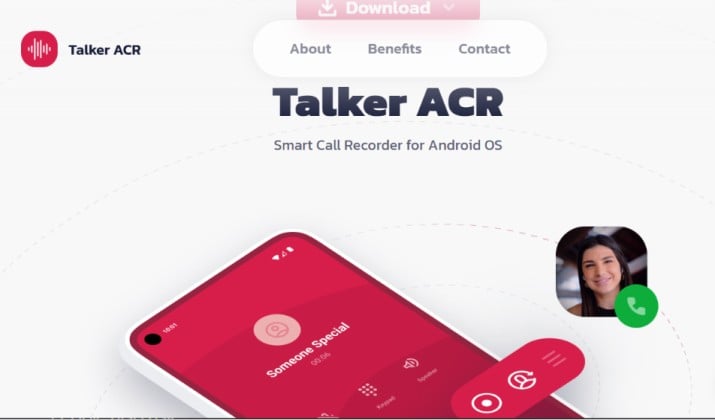
Want future ready features? This one is worth a look.
Talker ACR blends classic recording with newer AI tools. It is an AI call recorder for Android that offers transcription, so you can read your calls instead of replaying them. It also includes speaker identification, which helps when you review long meetings.
You still get the basics you expect. You can record incoming and outgoing calls, use contact filters, and store everything with private storage.
App Link: Play Store
Pricing: Free tier with limited transcription. Premium unlocks unlimited AI features and cloud sync.
Which Features Actually Matter When You Choose?
Not every app fits every person. Before you download, ask yourself what you need most.
- Do you need automatic recording or do you prefer to start recording yourself?
- Privacy first? Go for call recorder with PIN or biometric protection and private storage.
- Do you make lots of WhatsApp calls? Then pick a recorder for WhatsApp and VoIP calls like Cube ACR.
- Is your phone a Samsung or Pixel? Choose an app known that works well with Samsung Galaxy or Google Pixel to avoid silent recordings.
- Do you work with clients? Look for one with transcription, MP3 export, and Google Drive backup.
So, Which One Should You Pick?
After comparing all these options, Cube ACR stands out as the overall winner for most people.
It wins because it does what others promise but often miss. You get reliable phone call recording plus WhatsApp and VoIP recording, clear audio without root, contact filters, private lock, and cloud backup in one place.
It works as both an automatic and a manual call recording app, and it includes modern extras like searchable recordings and playback controls.
If you are on a Samsung or Pixel that blocks recording, Boldbeast is your best backup because it fixes audio where other apps fail. If you already live in Truecaller or Google Voice, their built in recorders are the easiest path.
Start with Cube ACR, test it on your device with a friend, and you will have a dependable free phone call recorder that keeps your important conversations safe and easy to find.