A lot of Mac developers started with Docker Desktop because it was the obvious choice. Today, it is no longer the only good choice. And honestly, not the fastest either.
Mac container tooling has changed a lot, especially on Apple Silicon. Today you have options that boot in under two seconds, use a fraction of RAM, give you rootless security by default, and still run every docker command you already know.
In this guide, I break down the best Docker Desktop alternatives for Mac that are actually worth switching to right now. These seven tools work great on both Intel and M1, M2, and M3 Macs, with real pricing, real pros, and who each one is best for.
If you want a Docker Desktop replacement for Mac that feels native, lightweight, and fast, you will find it below.
Why Look Beyond Docker Desktop for Mac?
Docker Desktop for Mac set the standard. It gives you a polished GUI, built in Kubernetes, and one click setup. For many, that is enough.
But here are the reasons a lot of developers switch:
- Licensing changes mean commercial use now needs a paid subscription
- High resource usage in the background
- Slower file sharing and networking on Mac
- You want a rootless container runtime for Mac or a daemonless container runtime for Mac for better security
- You need a truly lightweight Docker alternative for Mac that starts in seconds
Now onto the alternatives. These are the best container tools for Mac right now.
1. OrbStack for Mac
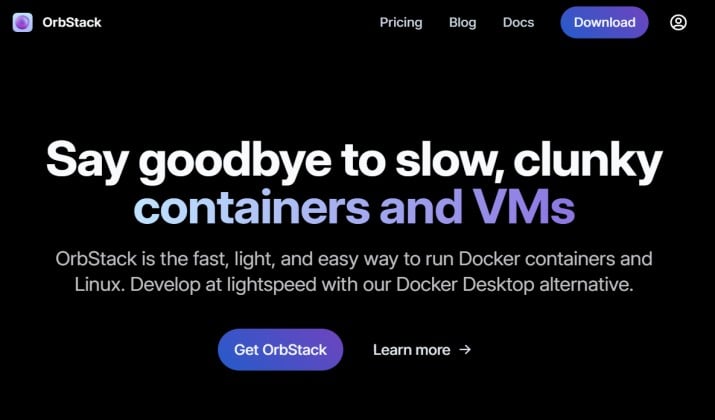
If you want speed, this is it. OrbStack is built specifically as a lightweight Docker alternative with native Apple Silicon support and crazy fast startup.
OrbStack is probably the most talked about best Docker Desktop alternatives for Mac. It feels like a native Mac app. Containers start in under a second. It uses almost no CPU when idle.
Why people love it:
- Low resource usage and Mac container tool with fast startup. It really is fast.
- File sharing optimization and Mac container tool with networking glue that actually works. Domain names like
*.orb.localresolve automatically. - Docker CLI compatibility. You keep using
dockercommands. - Kubernetes support built in, plus machine management.
- Runs as a Mac container runtime without Docker Desktop while staying fully compatible.
It also supports Mac container tool with multi-architecture support, Mac container tool with ARM64 images and Mac container tool with x86 emulation via Rosetta.
Pricing: Free for personal use. Pro starts at $8 per month for commercial use with extra features.
App link: Official Site
Also read: OpenShift vs Docker
2. Podman Desktop for Mac
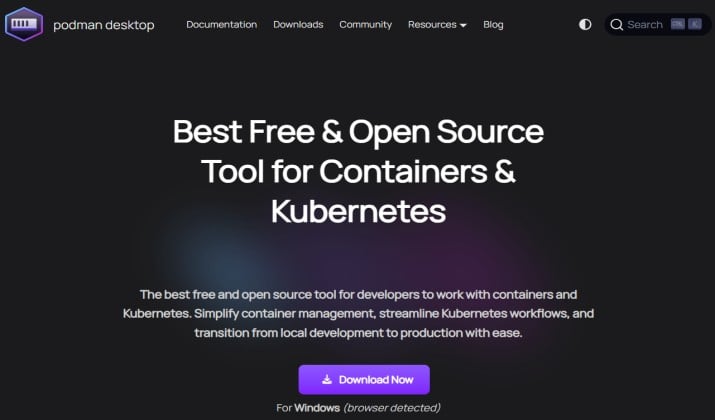
Podman Desktop is the open source answer. If you want an open-source Docker alternative with a familiar interface, start here.
This is a Mac container tool with GUI that sits on top of Podman Engine. Podman is daemonless and rootless by design, so you get a rootless container runtime for Mac and daemonless container runtime for Mac out of the box. That improves security and privacy.
What makes it stand out:
- Open-source license.
- Works with Mac container tool with containerd compatibility and pods.
- Supports Mac container tool with Kubernetes support and you can run Kind and Minikube from inside it.
- Full Mac container tool with Docker CLI compatibility via podman-docker alias.
- Native support as a Docker alternative for Apple Silicon and Intel.
It also handles Mac container tool with buildkit integration for multi platform builds and is considered one of the best Kubernetes tools for Mac because you can manage contexts visually.
Pricing: Completely free and open source.
App link: Official Site
3. Rancher Desktop for Mac
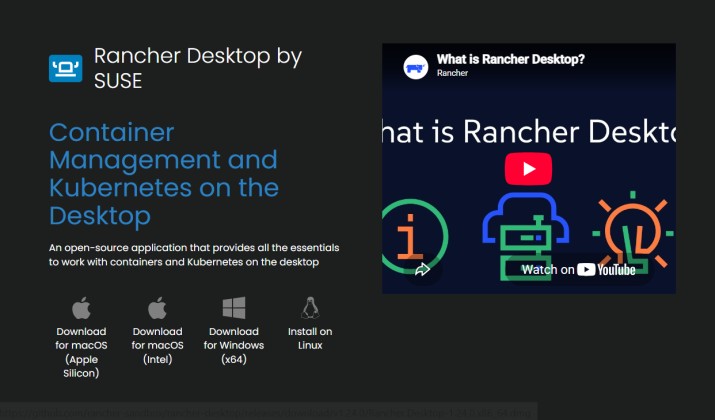
Rancher Desktop gives you Kubernetes and container management in one app. It is another strong open-source Docker alternative.
It lets you choose your runtime. Pick Mac container tool with containerd or dockerd (moby). Pick Kubernetes version too. Very flexible.
Highlights:
- GUI plus full CLI access
- Nerdctl support when you use containerd
- Virtualization framework support for native performance on macOS
- Kubernetes support with automatic K3s cluster
- Security features like image scanning and CIS hardening
- Fully Docker alternative for M1 M2 M3 Mac with both Mac container tool with native Apple Silicon support and Mac container tool with Intel Mac support
Rancher is great if you want best local container development tools for Mac that also serve as a mini Kubernetes lab.
Pricing: Free and open source under Apache 2.0. Backed by SUSE with paid enterprise support available.
App link: Official Site
Read this too: Docker vs Kubernetes
4. Colima for Mac
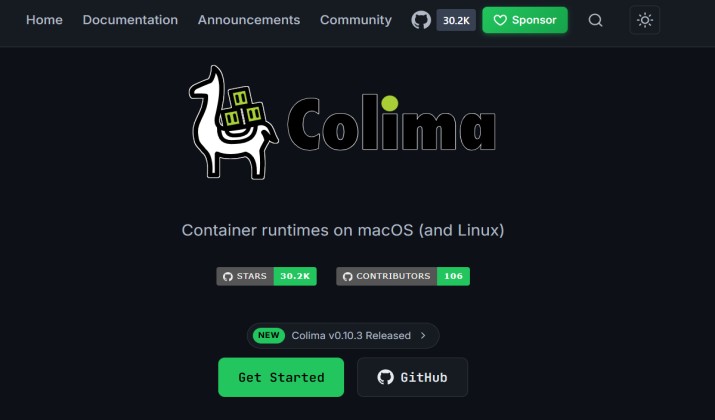
Colima is minimal and loved by developers. The name means Container on Lima. It uses Mac container tool with Lima VM under the hood but hides the complexity.
If you want a Mac container tool with CLI only that is super light, Colima is a winner. Many call it the best free Docker alternatives for Mac.
Why it works so well:
- Low resource usage. Only uses what you give it.
- Docker CLI compatibility and Compose works out of the box
- Kubernetes support via K3s with a single flag
- Lima VM plus Mac container tool with virtualization framework
- Rosetta support for Mac container tool with x86 emulation on Apple Silicon
- Docker-compatible runtime for macOS without any desktop app
Pricing: Free and open source.
App link: Official Site
5. Lima for Mac
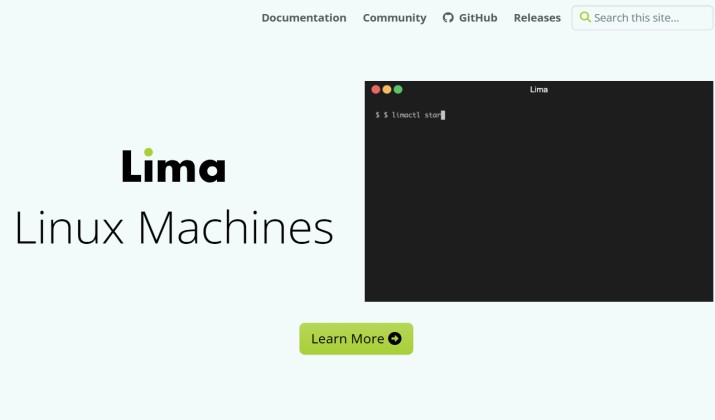
Lima is the engine behind Colima. It gives you Mac container tool with persistent Linux environments that feel like native VMs.
Lima stands for Linux Machines. It launches Linux VMs with automatic file sharing and port forwarding. It is not a direct Docker replacement, but it is the foundation for a Mac container runtime without Docker Desktop.
You get:
- Virtualization framework and QEMU backends
- Containerd and Docker options
- Host integration so your home directory is shared automatically
- Nerdctl as the Docker like CLI for containerd
- Excellent as a Docker alternative for Apple Silicon because it supports Mac container tool with ARM64 images and cross architecture builds
Lima is for tinkerers who want full control and a Mac container tool with open-source license and privacy features.
Pricing: Free and open source.
App link: Official Site
6. Finch for Mac
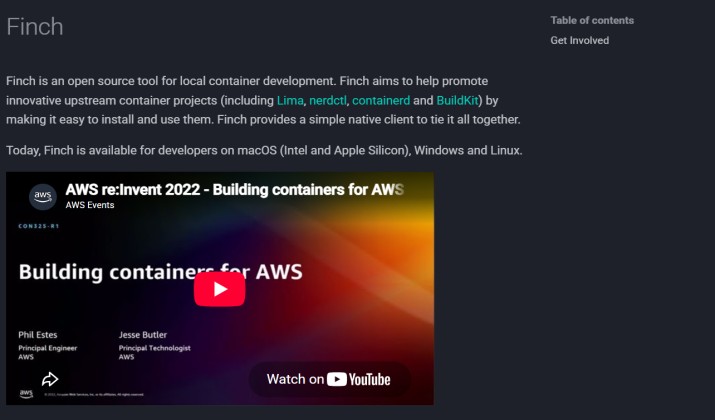
Finch is AWS’s open source project. It is built for simplicity and focuses on a Docker-compatible runtime for macOS.
Finch bundles containerd, BuildKit, nerdctl, and Lima. Think of it as a batteries included CLI.
Key points:
- CLI only experience, clean and simple
- Containerd and Mac container tool with nerdctl native
- Buildkit integration for fast builds
- Multi-architecture support including ARM64 images and x86 emulation
- Lima VM based virtualization, so it is efficient on Mac
- Commercial use allowed under open source license
Finch is relatively new but very stable. It is a solid Docker alternative for M1 M2 M3 Mac if you already use AWS tools.
Pricing: Free and open source.
App link: Official Site
7. Apple Container Machines
This is the newest entry and very exciting. In June last year, Apple announced its own containerization framework at WWDC. The project apple/container is a native Swift based runtime that uses the Mac container tool with virtualization framework directly.
It is not Docker Desktop. It is a true Mac container runtime without Docker Desktop built by Apple.
What it offers:
- Native Mac container tool with virtualization framework integration, no extra VM tools needed
- Docker alternative for Apple Silicon first approach with Mac container tool with native Apple Silicon support and Mac container tool with Intel Mac support
- Low resource usage because it leverages macOS native virtualization
- Security features and Mac container tool with privacy features built on Apple’s security model
- Early support for Mac container tool with Docker CLI compatibility and OCI images
- Potentially the future best Docker alternative for Mac enterprises that want first party support
Still early, but worth watching if you want a Docker-compatible runtime for macOS straight from Apple.
Pricing: Free and open source research project.
App link: GitHub
Quick Comparison of the Best Docker Desktop Alternatives for Mac?
Want a side by side view? Here is how these best Docker alternatives for macOS stack up.
- Speed and polish: OrbStack leads. Boot time under 2 seconds and super low idle RAM.
- Open source GUI: Podman Desktop and Rancher Desktop give you a full Mac container tool with GUI without license costs.
- Terminal lovers: Colima and Lima give you Mac container tool with CLI only with full control and tiny footprint.
- AWS and containerd fans: Finch brings Mac container tool with containerd and Mac container tool with nerdctl together cleanly.
- Future native: Apple Container Machines might become the default Mac container tool with native Apple Silicon support.
If you search for best Docker Desktop alternatives for Mac, you will see OrbStack, Podman, and Rancher at the top of every list. They balance performance and usability best.
Which One Should You Pick?
If you force me to pick one winner for most Mac users, it is OrbStack for Mac.
Here is why OrbStack wins. It gives you the smooth experience of Docker Desktop but fixes everything people complain about. It is faster, lighter, has better file sharing, better networking, and it actually feels like a Mac app.
It keeps full Docker CLI compatibility so your scripts still work. It also covers Kubernetes, which makes it one of the best Kubernetes tools for Mac too.
Podman Desktop comes close as the best free option. If you need completely free and open source with enterprise support potential, go Podman.
The bottom line: you do not need to stay locked to Docker Desktop. The Mac container ecosystem now offers faster, lighter, and often free choices that run perfectly on Apple Silicon and Intel.
Try OrbStack first. If you need fully open source, try Podman Desktop. You will likely never go back.