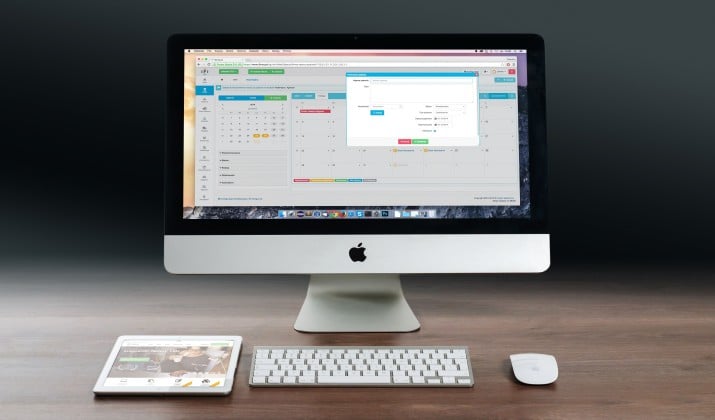
You bought a Mac for speed, design, and things that just work. Your presentation software should match. That is why so many Mac users now look for PowerPoint alternatives for Mac.
The options today are lighter, faster, and honestly better-looking. Some live in your browser and save every second. Some use AI to build your deck from a single prompt. And some, like Apple Keynote, are already on your Mac and completely free.
I tested 15 of the most popular ones on a MacBook Air and MacBook Pro. This guide shows you what each one does best, who it fits, and what it actually costs.
If you want slides that feel native on macOS, collaborate without chaos, and look great without hours of formatting, you are in the right place.
Why Look Beyond PowerPoint on Mac?
PowerPoint runs fine on Mac, but it was never built for Mac. It can feel heavy, the templates feel dated, and collaboration gets messy.
The best presentation software for Mac options today focus on speed, beautiful design, and real time teamwork. If you want something lighter or more creative, you will find a better fit below.
1. Apple Keynote
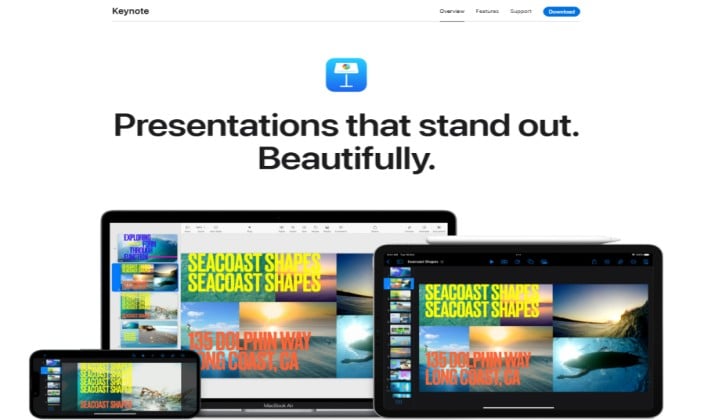
If you own a Mac, you already have the best PowerPoint replacement for Mac installed. Keynote is Apple’s own presentation app and it is built for macOS from the ground up.
It feels fast. Animations are buttery smooth, fonts render perfectly, and it handles 4K video without lag. You get cinematic transitions, smart image masking, and Apple Pencil support if you sketch on iPad.
Why Mac users love it:
- Completely free with no ads or watermarks
- Perfect sync across Mac, iPhone, iPad and iCloud
- Exports cleanly to PowerPoint, PDF and movie files
- Gorgeous built in templates that do not look corporate
Pricing: Free
Links: App Store
2. Google Slides
Google Slides is not an alternative to Keynote in the traditional sense. It lives in your browser, which makes it perfect for Mac users who work across devices and teams.
You never save manually. Everything autosaves to Drive, and multiple people can edit at once without version chaos. The comment system and version history make it ideal for remote teams.
Pricing: Google Slides is free for personal use and starts at $6.00 per user per month for businesses.
Link: App Store
Also read: Best Free Office Alternatives for Mac
3. Canva Presentation Builder
Canva started as a design tool, but its presentation builder has become one of the most popular presentation apps for Mac. You do not need design skills. You pick a template and drag elements around.
It shines for pitch decks, social content, and brand kits. You get millions of photos, icons and videos inside the editor. Plus you can present, record yourself, and add interactive elements like polls.
Pricing: Canva offers a free presentation builder with basic design tools, while individual Canva Pro upgrades cost $18/month to unlock premium assets and advanced AI features.
4. Gamma Presentation Software

Gamma is the AI first option that people switch to when they are tired of pushing boxes around. You type a prompt like “investor deck for a coffee brand” and Gamma builds an entire presentation with layout, copy and images.
It is web based, so it runs great on Mac in Safari or Chrome. You can also turn the same content into a document or a webpage with one click.
Pricing: Free plan with 400 AI credits. Plus starts at $9 per month.
Links: Web App
5. Prezi

Do you want your presentation to move, not just click? Prezi uses a zoomable canvas instead of linear slides. You zoom out to show the big picture, then zoom in to details. Audiences remember it.
It works great for storytelling, sales demos, and lessons where you need to show connections.
Pricing: Free Basic plan. Paid plans from $7 per month.
Links: Official Site | App Store
Read this too: Best Rufus Alternatives for Mac
6. LibreOffice Impress
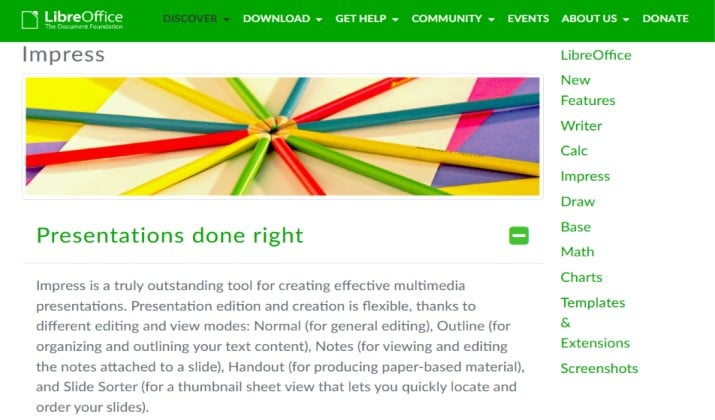
If you want free and offline, this is it. LibreOffice Impress is part of the free open source LibreOffice suite. It looks and feels a bit like older PowerPoint, which makes switching easy.
It opens PPTX files surprisingly well and exports to PDF, and you own your files completely. For students or anyone who wants programs like PowerPoint for Mac without a subscription, it is hard to beat.
Pricing: LibreOffice Impress is completely free to use, as it is part of the open-source LibreOffice productivity suite. Third-party app stores may charge a small, optional fee (such as around $4.59 on the Microsoft Store or $8.99 on the macOS App Store).
Links: Official Site | App Store
7. Beautiful.ai

Beautiful.ai fixes the one thing that eats hours: formatting. You add your content and its AI design engine automatically arranges everything into clean, consistent slides. No nudging text boxes.
It is excellent for teams that need every deck to look on brand. Smart Slide templates adapt as you add more data, charts or timelines.
Pricing: Beautiful.ai offers a 14-day free trial. Individual plans are priced at $14.50 per month when billed annually, while team plans cost $40 per month per user.
Link: Official Site
8. Pitch

Pitch was made for modern teams that build decks together. Think Notion meets PowerPoint. It is fast on Mac, has a native app, and keeps everything organized in workspaces.
You can assign slide owners, add live data embeds, get analytics on who viewed your deck, and manage brand templates centrally.
Pricing: Pitch offers a Free Plan with basic features and templates for individuals. Paid team plans start around $13 per seat/month, unlocking custom branding, advanced analytics, and recurring AI credits, while enterprise-level workspaces require custom pricing.
Links: Official Site | App Store
Another interesting read: Best Filezilla Alternatives for Mac
9. Figma Slides
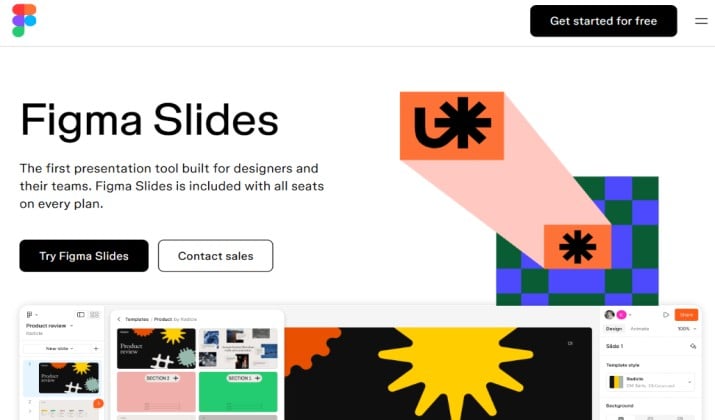
Yes, Figma now has Slides. If your team already designs in Figma, this is a natural extension. You get the power of Figma’s design system, components, and live collaboration inside a presentation format.
Designers love it because you can drop real app mockups, interactive prototypes and design tokens straight into slides without exporting images.
Pricing: Figma Slides is included for free on Starter plans and bundled into all paid Figma seats (Professional, Organization, and Enterprise). It cannot be purchased as a standalone product, with paid full seats starting at $16 per month.
Link: Official Site
10. Zoho Show
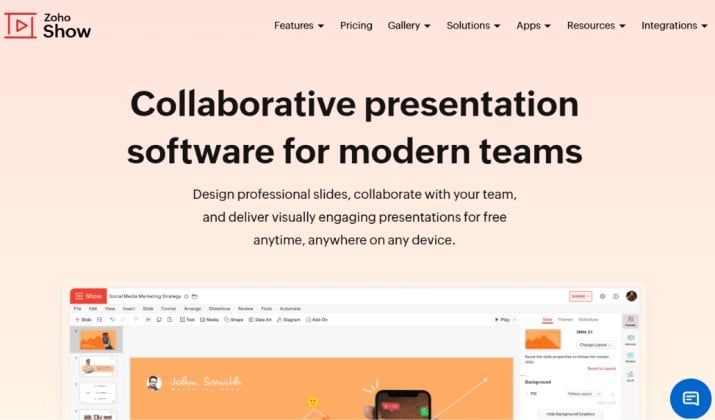
Zoho Show is the hidden gem among PowerPoint alternatives Mac users often miss. It is lightweight, fast in browser, and includes a Mac friendly interface with built in add-ons like diagrams and animations.
It also works offline with a Chrome extension and integrates nicely if you use Zoho Workplace.
Pricing: Free with Zoho account. Zoho Workplace from $2.50 per user per month.
Links: Official Site
11. WPS Presentation
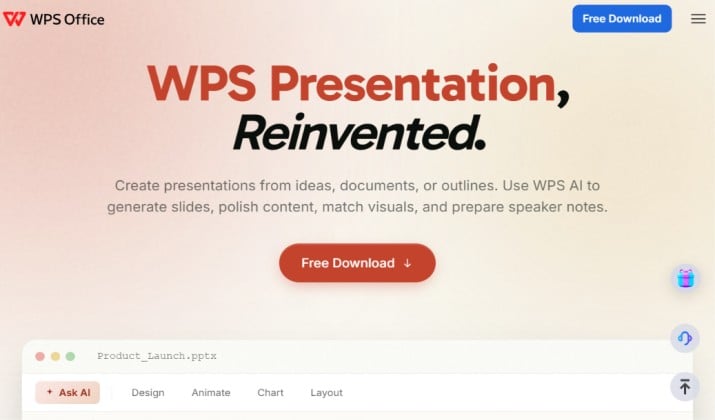
WPS Presentation looks almost identical to PowerPoint, so the learning curve is zero. It opens and saves PPTX files with high fidelity and runs as a native Mac app.
Great if you need to share files with PowerPoint users but do not want to pay for Microsoft 365.
Pricing: WPS Presentation is permanently free for basic slide editing and PowerPoint compatibility. Upgrading to a paid plan costs $5.83 per month to remove ads and unlock advanced templates.
Links: Official Site | App Store
12. Visme

Visme goes beyond slides. You can build presentations, infographics, reports and videos in one place. The Mac web app focuses on visual storytelling with data widgets, animated icons and interactive charts.
Ideal for marketing teams and agencies that need apps like PowerPoint for Mac but with more visual punch.
Pricing: Visme offers a free tier for basic watermarked projects, while its paid subscriptions like the Starter Plan costs $12.25/month, and the Pro Plan is $24.75/month to unlock advanced brand tools and analytics.
Link: Official Site
13. ProPresenter

ProPresenter is different. It is built for live events, churches, concerts and conferences. If you present to a live audience on stage, this is industry standard on Mac.
You can control slides on multiple screens, add lyrics, countdowns, and live video inputs with zero lag. Not a general replacement, but unbeatable for live production.
Pricing: ProPresenter pricing includes a free 14-day trial followed by paid subscriptions starting at $29 per month.
Link: Official Site
14. ONLYOFFICE Presentation Editor
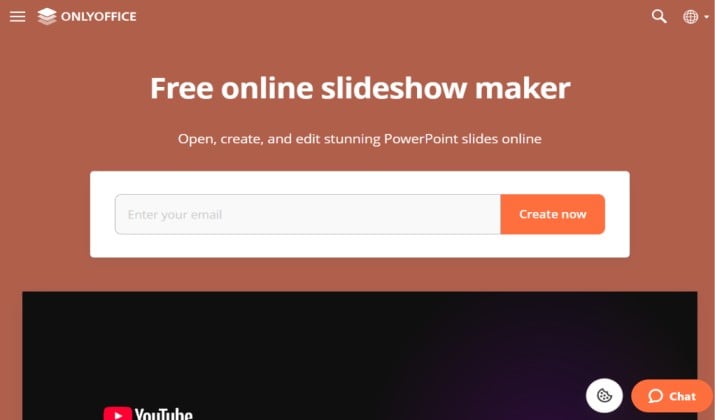
ONLYOFFICE is another strong open source option that feels closer to Microsoft Office than LibreOffice. The interface is clean and modern, and compatibility with PPTX is excellent.
It also offers self hosted collaboration, which appeals if you care about privacy.
Pricing: ONLYOFFICE Presentation Editor is included as part of the broader ONLYOFFICE Docs suite rather than sold as a standalone product, with pricing starting free for personal desktop use and scaling up for business deployment.
Link: App Store
15. Venngage

Venngage started with infographics and now does presentations really well. If your decks are data heavy, its chart and diagram tools save hours.
It has a large template library for business, education and nonprofits, all optimized to look good without manual design.
Pricing: Free plan. Premium from $10 per month.
Link: Official Site
Which PowerPoint Alternative Should You Pick for Mac?
Searching for PowerPoint alternatives for Mac can feel overwhelming because every app promises to be better. After testing these on MacBook Pro and MacBook Air, the answer is clear.
Apple Keynote is the best overall pick for most Mac users. It is free, blazing fast, built for Apple silicon, and it makes your slides look instantly more polished than PowerPoint. You lose nothing by starting there.
If you collaborate daily with non Mac users, pair Keynote with Google Slides. In case you want AI to build decks for you, Gamma and Beautiful.ai save the most time.
For design teams, Figma Slides and Canva win. For offline and completely free work, LibreOffice Impress and ONLYOFFICE are solid alternatives to PowerPoint for Mac that never ask for a card.
Start with Keynote. Add one collaborative tool like Google Slides or Pitch. That combo covers 95 percent of needs without paying for another subscription.