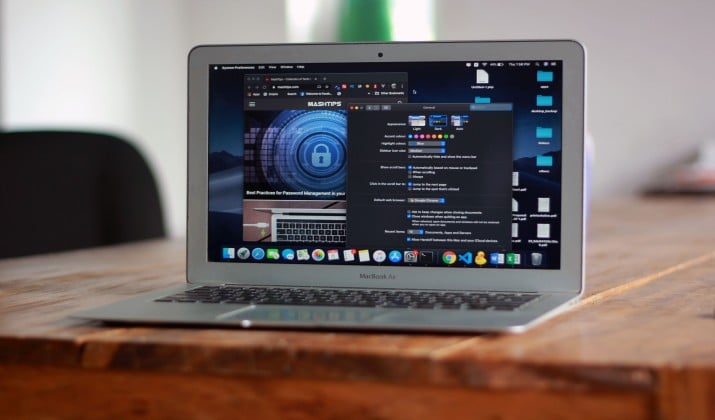
Your Mac’s Finder is fine until it isn’t. Imagine there are four Finder windows open. You try to drag a file from Downloads to a deeply nested client folder. The drop target disappears. You have to start over again. Finder works fine for quick browsing, but for real work it shows its limits pretty fast.
That’s where the best Finder alternatives for Mac come in. These file managers are built for actual workflows such as dual panes to see source and destination together, tabs like a browser, search that finds files by name, tag, or content, plus built-in FTP and cloud access, batch rename, folder sync, quick preview, and proper keyboard control.
This guide covers options that are actively maintained, and worth installing. From a dual-pane file manager to a Mac file manager with tabs and advanced search, there’s a solid match for almost every setup.
Why Look for an Alternative to macOS Finder?
Finder is clean and simple. But you hit limits fast when you:
- Drag files between deep folders all day
- Need a Mac file manager with dual pane view to compare folders
- Want a Mac file manager with tabs like a browser
- Work with FTP, SFTP, or cloud drives
- Rename hundreds of files at once
- Live in the keyboard, not the mouse
If any of that sounds like you, you will love a dedicated file manager. Here are 10 options worth exploring.
1. Path Finder for Mac

Best Finder replacement for macOS for power users
If you want Finder, but with everything Finder should have had, start here. Path Finder feels familiar, so you do not relearn everything. You just get more.
You get a dual-pane file manager for Mac, tabbed browsing, a hidden files toggle, batch rename, folder sync, file tagging, and a built in terminal.
It also gives you a Mac file manager with file preview, quick look, and advanced file comparison. For writers, developers, designers, and anyone who manages big projects, this is the best file manager for Mac power users.
Why you will like it:
- Dual pane and multi-pane file manager for Mac layout
- Mac file manager with advanced search, filtering, and metadata editing
- Mac file manager with archive support, drop stack, and folder sync
- Mac file manager with customizable interface and dark mode
App Link: Official Site
Pricing: Path Finder for Mac is available via subscription or fixed-term license keys. Pricing options include a $29.95 annual auto-renewing subscription, or fixed license keys priced at $32.95 for 1 year, and $55.95 for 2 years.
Also read: Best Encrypted File Sharing Sites
2. ForkLift for Mac
Best Mac file manager with remote server access
ForkLift is fast, beautiful, and built for Mac. If you connect to servers or cloud storage daily, this is your pick. It blends a native Mac file manager with tabs, split view, and full FTP SFTP support.
You get a Mac file manager with remote server access, FTP SFTP support, cloud storage integration, and Amazon S3 support.
Plus, you also get Mac file manager with batch operations, file renaming tools, and keyboard shortcuts that actually make sense. It is one of the best Finder alternatives for Mac for professionals who work across local and remote files.
Why you will like it:
- True Mac file manager with dual pane and drag and drop
- Connect to FTP, SFTP, WebDAV, S3, Google Drive, Dropbox
- Synclets for folder sync, compare, and app deleter
- Built for Apple Silicon and fast even with huge folders
App Links: Official Store | App Store
Pricing: ForkLift 4 for Mac is available via a lifetime license model starting at $19.95 for a single user, with family and small business tiers scaling up to $119.95 depending on the update duration included.
3. Commander One for Mac
Best paid Finder alternative for Mac with cloud sync
Commander One gives you two panels side by side and packs in more protocols than most paid Finder alternatives for Mac. It is a strong pick if you want one window for everything local and online.
You get a dual-pane file manager with tabs, queue, archive support including ZIP, RAR, 7z, and encryption support. The Pro version adds cloud storage integration for Dropbox, Google Drive, OneDrive, and more.
Why you will like it:
- Free Finder alternatives for Mac tier available, Pro unlocks cloud and FTP
- Mac file manager with file preview and built in viewer
- Mac file manager with file renaming tools and clipboard manager
- Works as FTP client so you can skip a separate app
App Links: Official Site | App Store
Pricing: Commander One for Mac offers a free base version alongside tiered paid upgrades, featuring a Personal License starting at a one-time fee of $29.99, and a Team License for 5 Macs at $99.99.
4. QSpace Pro for Mac
Best file manager for Mac with advanced search
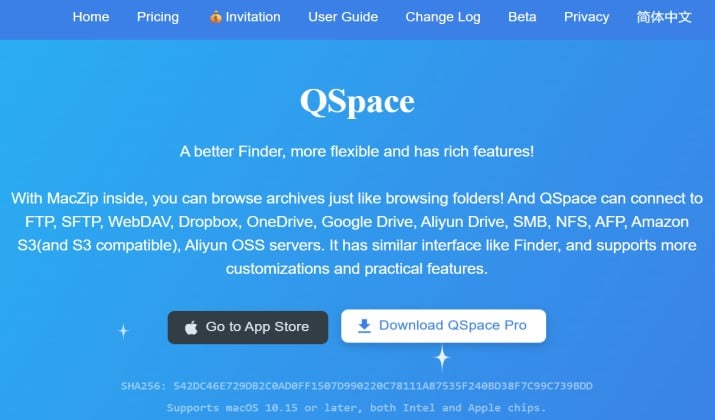
Looking for tabs, spaces, and crazy customization? QSpace Pro is a newer favorite. It is a multi-pane file manager for Mac that lets you open multiple folder spaces in one window, like browser tabs on steroids.
This is the best file manager for Mac with tabs and advanced search in one package.
You also get Mac file manager with file tagging, metadata editing, and a customizable interface. If you are a photographer or designer who jumps between projects, you will love this layout.
Why you will like it:
- Multi tab, multi pane, multi space layout
- Powerful search, filters, and file tagging
- File activity timeline and smart folders
- Lightweight and fast
App Link: Official Site | App Store
Pricing: QSpace Pro for Mac uses a lifetime purchase model with a price of $13.99 directly from the developer, alongside optional in-app feature extensions priced between $0.99 and $9.99.
Read this too: Best Excel Alternatives for Mac
5. Marta File Manager for Mac
Best keyboard-driven file manager for Mac
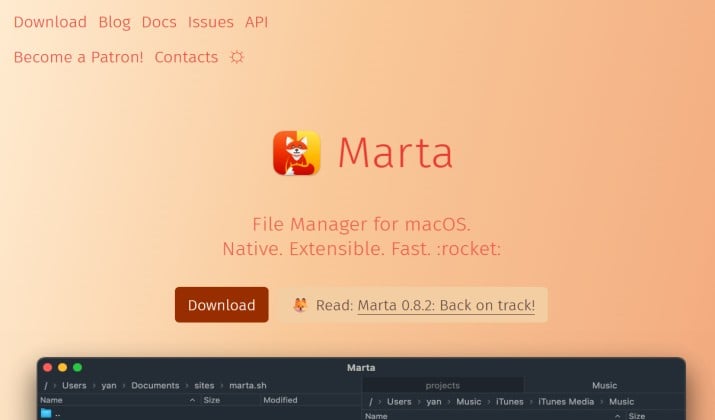
Marta feels like it was built for people who love the keyboard. It is free, native, insanely fast, and extensible with plugins and themes. If you miss Total Commander or Far Manager on Mac, Marta clicks instantly.
You get a keyboard-driven file manager for Mac with dual pane and custom commands, terminal integration, and automation support via Lua. It also includes file preview and archive support.
Why you will like it:
- Built for speed and keyboard shortcuts
- Dual pane with command palette and actions panel
- Extensible with plugins, themes, and custom keybindings
- Great for developers and writers who want focus
App Link: Official Site Marta Official Site
Pricing: Free while in beta. Donations supported.
6. Nimble Commander for Mac
Best file manager for Mac developers
Nimble Commander is a free Finder alternative for Mac that is also open source. It is a dual-pane file manager for Mac focused on keyboard control, external tools, and terminal integration.
If you are searching for the best file manager for Mac developers, this one deserves a spot. You get Mac file manager with version control visibility, terminal integration, custom commands, and a true keyboard driven workflow. It is also a great best file manager for Mac students because it costs nothing and teaches you efficient habits.
Why you will like it:
- Dual pane with extensive hotkeys
- Built in terminal and viewer
- Connect to FTP, SFTP, Dropbox, and more
- Free and GPLv3
App Link: Official Site | App Store
Pricing: Free
7. muCommander for Mac
Best free Finder alternative for Mac that works everywhere
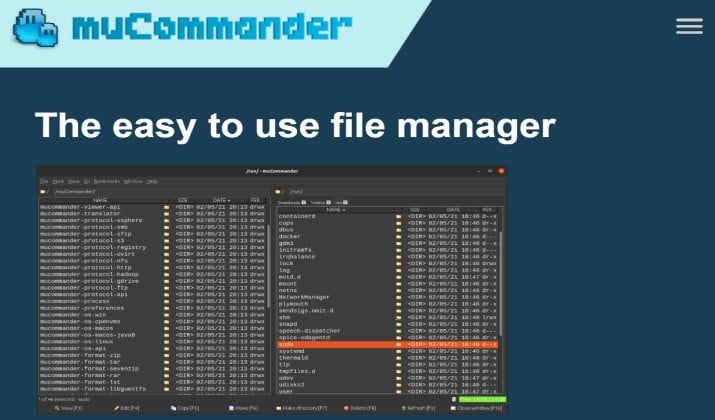
muCommander is a lightweight, cross platform file manager. You run it on Mac, Windows, and Linux and your workflow stays the same. It is written in Java, so it is not the most native looking, but it is super capable for free.
You get a dual-pane file manager for Mac with archive support, FTP SFTP support, and batch operations like batch rename and file splitting. If you want free Finder alternatives for Mac without compromise on features, start here.
Why you will like it:
- Free and open source, no ads
- Dual pane with tabs and bookmarks
- Handles ZIP, TAR, GZ, BZ2, and more without external tools
- Remote connections and cloud storage
App Link: Official Site
Pricing: Free
Another interesting read: Best Quicken Alternatives for Mac
8. Transmit for Mac
Best file manager for Mac with FTP SFTP support
Technically Transmit is an FTP client, but many pros use it as their best Finder replacement for macOS when their work lives on servers. Panic made it blazing fast and very Mac like.
If you need a Mac file manager with remote server access, cloud sync, and cloud storage integration for S3, Backblaze, Google Drive, Dropbox, and Azure, Transmit is top tier. It also gives you file preview, sync, and great keyboard shortcuts.
Why you will like it:
- Fastest file transfers on Mac with Panic Sync
- Mount remote servers in Finder
- Batch operations, file renaming tools, and folder sync
- Gorgeous interface with dark mode
App Link: Official Site | App Store
Pricing: Transmit for Mac costs $45 as a one-time purchase from the developer or $24.99 per year as a subscription through the Mac App Store.
9. Double Commander for Mac
Best free dual-pane file manager for Mac
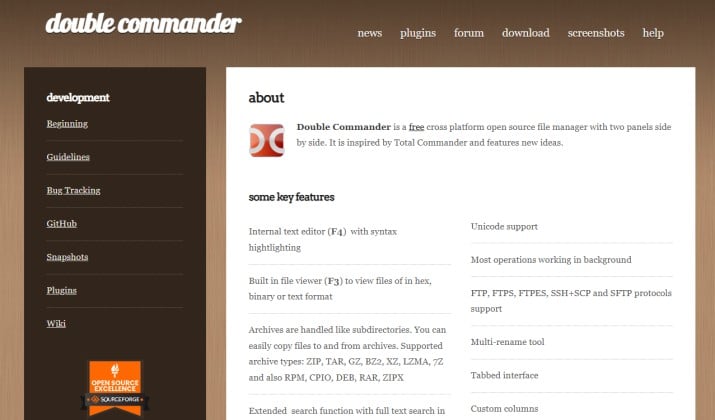
Double Commander is inspired by Total Commander and it shows. You get two panels, tabs, file viewers, and a ton of power features for free. It is one of the most popular free Finder alternatives for Mac among power users.
This is a solid multi-pane file manager for Mac with batch operations, archive support, file tagging, and custom commands. It also includes advanced search, folder sync, and keyboard driven control.
Why you will like it:
- Completely free and open source
- Dual pane with tabs and customizable columns
- Built in viewer, editor, and file comparison
- Portable, you can run it from USB
App Link: Official Site
Pricing: Free.
10. TotalFinder for Mac
Best file manager for Mac with tabs for Finder purists
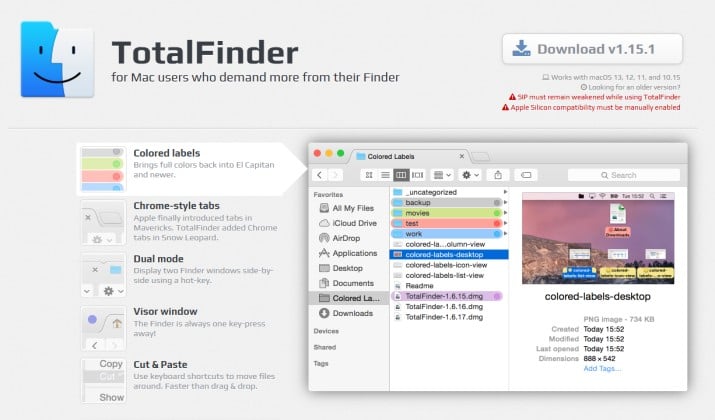
TotalFinder does not replace Finder. It upgrades it. It injects tabs, dual pane, and tweaks directly into Finder, so you keep the familiar look but get the features you miss. If you want minimal change with big impact, this is your pick.
You get a Mac file manager with tabs, dual pane, split view, and customizable interface. It is especially nice as the best file manager for Mac writers and Mac professionals who want Finder, but better.
Why you will like it:
- Adds Chrome like tabs to Finder
- Dual pane mode and visor window
- Shows hidden files and folders instantly
- Keeps native Finder feel
App Link: Official Site
Pricing: TotalFinder historically priced its full perpetual license at $18 USD after starting at $15 USD.
How Do You Pick the Right One for You?
Use this quick guide based on how you work:
- For power users and pros: You need customization, automation, and advanced search. Go Path Finder or ForkLift. Path Finder gives you the most modules and metadata control. ForkLift wins on remote server and cloud polish.
- For developers: You want keyboard-driven file manager for Mac, terminal integration, and version control visibility. Marta and Nimble Commander feel built for you. Both offer Mac file manager with terminal integration, AppleScript support, and Shortcuts integration.
- For designers and photographers: You need file preview, quick look, file tagging, and batch rename. QSpace Pro and Path Finder handle large media libraries fast. You also get file tagging and metadata editing.
- For students and budget conscious users: You want free Finder alternatives for Mac that still offer dual pane and tabs. muCommander, Double Commander, Marta, and Nimble Commander cover you without a subscription.
- For server heavy workflows: You need Mac file manager with remote server access and FTP SFTP support. ForkLift, Commander One, and Transmit are your top three.
The best Finder alternatives for Mac share a few core traits: split view, drag and drop, file preview, keyboard shortcuts, and automation support. When you get those, you stop wasting clicks.
Which One Is the Best Overall?
I tested all of these for daily work and if you want one app that balances power, polish, and price, ForkLift stands out as the best Finder alternative for Mac overall.
Here is why. ForkLift gives you the dual-pane file manager experience you want, plus tabs, batch rename, folder sync, file preview, and full remote server access with FTP, SFTP, Amazon S3, and cloud storage integration.
It feels native on macOS, it is fast on Apple Silicon, and the lifetime license with a year of updates keeps it affordable compared to subscriptions.
Path Finder is more customizable, but its learning curve is steeper and renewal adds up. Commander One is great but gates many cloud features behind Pro. QSpace Pro is brilliant for tabs and spaces but lighter on remote features. Transmit is unbeatable for transfers but not a full local file manager.
Pick one from this list, try it for a week, and you will wonder how you ever worked without a Mac file manager with dual pane, tabs, and advanced search.