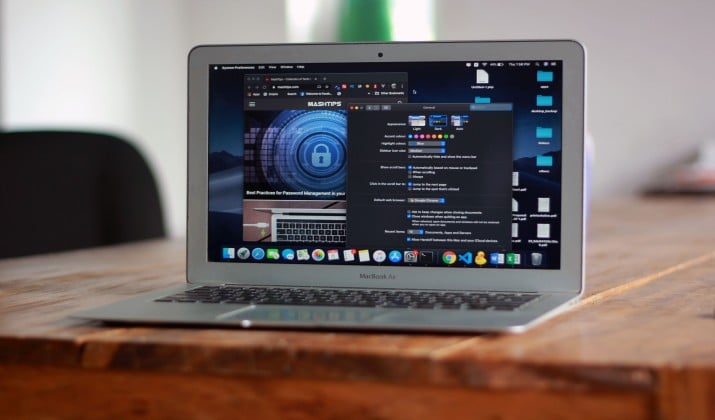
You open FileZilla on your Mac, and you feel it right away. It works, but it does not feel like a Mac app. The icons feel old. The layout feels crowded. You drag a file, and you hope it lands in the right place.
You deserve better.
Your Mac already gives you fast search, smooth drag-and-drop, dark mode, and native design. Your FTP client should match that. That is why I put together this list of the best FileZilla alternatives for Mac.
These are real Mac FTP and SFTP client apps built for macOS, not ported from elsewhere.
You get dual-pane views, cloud integration, secure file transfer, remote server access, and automation that saves you time. You might be a developer pushing code, a designer moving assets, or a student uploading your first site.
Whatever, you will find the right FileZilla replacement for macOS here that feels like home. Take a look.
1. Transmit 5 for Mac – Best Overall
If you want one app that does everything well, start here.
You get a super fast, native interface with a Mac FTP client with dual pane layout, tabs, batch operations, and rock solid secure file transfer. It supports FTP, SFTP, WebDAV, and S3, plus cloud integration with Backblaze, Google Drive, Dropbox and more.
Why you will love it:
- Local and remote files side by side, so transfers feel obvious
- The best FTP client for Mac with tabs, sync, and advanced search that actually works
- Panic Sync to keep your servers safe and synced across Macs
It is also the ideal FTP client for Mac developers and designers because it handles huge projects without slowing down, previews files, and integrates with your workflow.
App Links: Official Site | App Store
Pricing: $45 one time from Panic website, or $24.99 per year via Mac App Store subscription.
Also read: Best Docker Desktop Alternatives for Mac
2. Cyberduck for Mac – Best Free Option
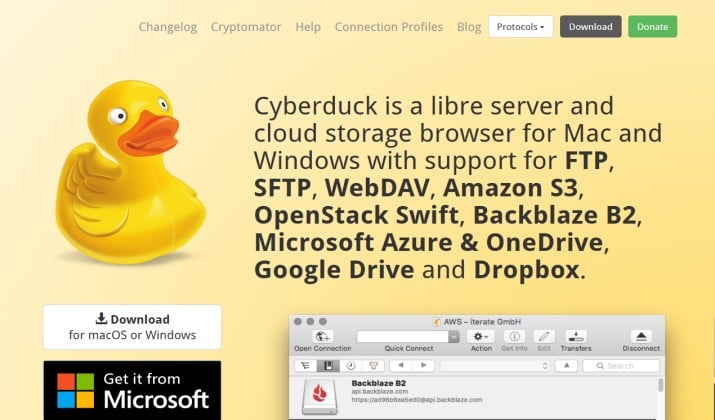
If you want free and open source without feeling cheap, Cyberduck is your pick. It is widely considered the best free alternative to FileZilla for Mac.
You get a clean single window browser that connects to almost anything. FTP, SFTP, WebDAV, Amazon S3, Google Cloud Storage, Azure, and more. It also gives you a Mac SFTP client with cloud integration and encryption support.
Why it stands out:
- Edit files in your favorite editor and it uploads changes automatically
- Cryptomator integration for client side encryption
- Generous bookmark manager with Spotlight search
It is perfect as an FTP client for Mac students and Mac writers who need secure file transfer without paying.
App Link: Official Site | App Store
Pricing: Free, donation supported. You choose what you pay.
3. ForkLift 4 for Mac – Best for Power Users
ForkLift 4 is not just an FTP client. It is a full Finder replacement. If you love keyboard shortcuts, customization, and power features, this is the perfect FileZilla alternative for you.
You get dual pane file management, split view, drag and drop, and customizable interface all in one.
What you can do with it:
- Connect to FTP, SFTP, Amazon S3, Google Drive, Dropbox, and SMB all in the same window
- Use advanced search, batch rename, and folder sync
- Use keyboard shortcuts to move without touching the mouse
It is also the ideal FTP client for Mac professionals who manage lots of remote server access every day.
App Link: Official Site
Pricing: Around $19.95 for a personal lifetime license with one year of updates.
Read this too: Best Finder Alternatives for Mac
4. Commander One for Mac – Best for Split View and Remote Servers
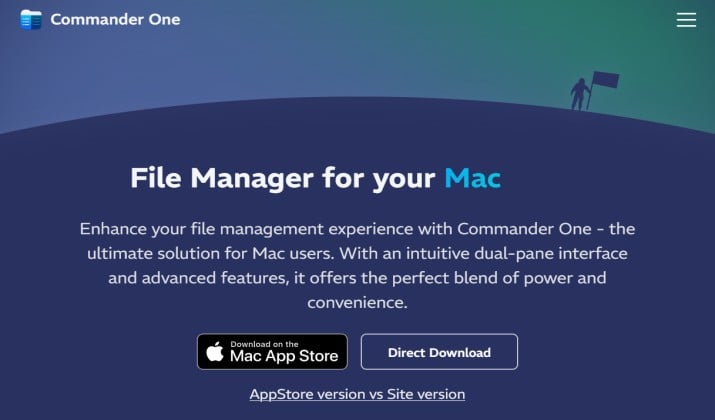
Commander One gives you that classic dual pane commander look but built for modern macOS. If you loved Total Commander on Windows, you will feel at home.
This is a true Mac FTP client with dual pane, split view, and remote server access. You can mount your FTP servers as local drives and browse like any folder.
Highlights for you:
- Work with two panels side by side, with tabs, history, and hotkeys
- Connect to FTP, SFTP, FTPS, Amazon S3, Dropbox, Google Drive and more
- Get built in viewer for files, archives, and processes
It is excellent as an FTP client for Mac photographers who need to move large batches quickly.
App Link: Official Site | App Store
Pricing: Commander One for Mac is available as a free basic version alongside a one-time Pro Pack upgrade starting at $29.99 for a single Mac, with tiered team licensing options also offered.
5. CloudMounter for Mac – Best for Cloud Integration
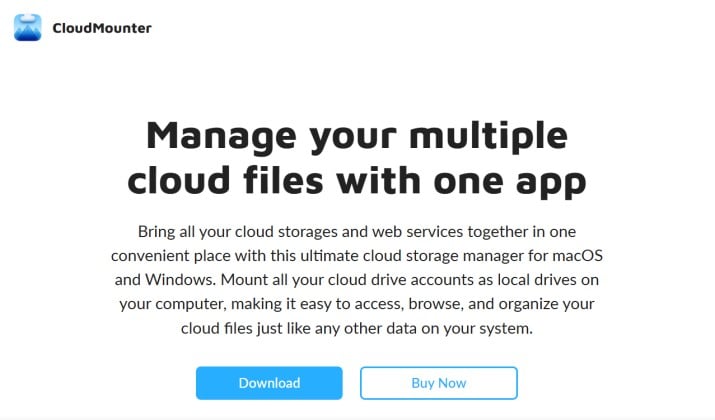
CloudMounter takes a different approach. Instead of opening another FTP window, it mounts your remote servers and clouds right in Finder.
If your work lives across clouds, this is the best Mac SFTP client with cloud integration and secure file transfer. You get FTP, SFTP, FTPS, Amazon S3, Google Drive, Dropbox, OneDrive, all as local disks.
Why it fits your Mac workflow:
- Manage everything in Finder, with best FTP client for Mac with drag and drop
- Encrypt files on the fly before they go to the cloud
- Aoid syncing large folders locally, which saves disk space
It is ideal if you want an FTP client for Mac with encryption support without learning a new interface.
App Link: Official Site | App Store
Pricing: CloudMounter for Mac is priced starting at $29.99 per year for an annual personal subscription, with a free tier available for basic usage and various perpetual license options.
6. Viper FTP for Mac – Best for Beginners
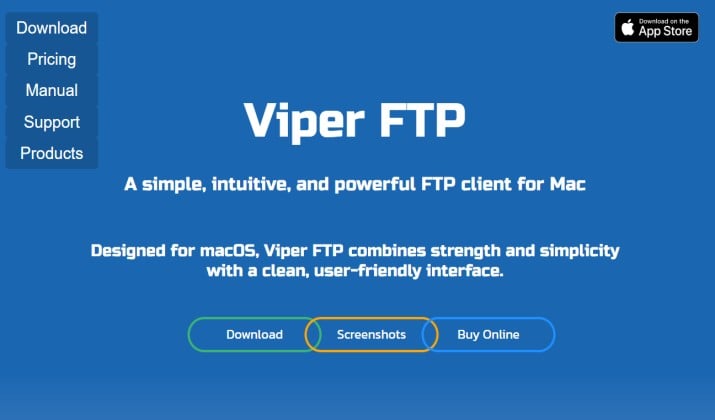
Viper FTP keeps things simple. You open it and understand it.
It gives you FTP, SFTP, FTPS, WebDAV, Amazon S3, and YouTube download support in a native Mac window. It is a solid alternative to FileZilla for Mac if you want an FTP client for Mac with dark mode, clipboard manager, and fast search.
What makes it beginner friendly:
- Local and remote history, bookmarks, and auto reconnect
- Built-in file viewer and quick edit for remote files
- Support for last minute file conversion and archive browsing
Great for Mac writers and Mac students who just want files moved safely.
App Link: Official Site | App Store
Pricing: Viper FTP for Mac costs $29 for a standard one-user personal license, with subscriptions starting at $5 per month or $15 per year.
Another interesting read: Best Quicken Alternatives for Mac
7. CrossFTP for Mac – Best for Batch Operations and Advanced Search
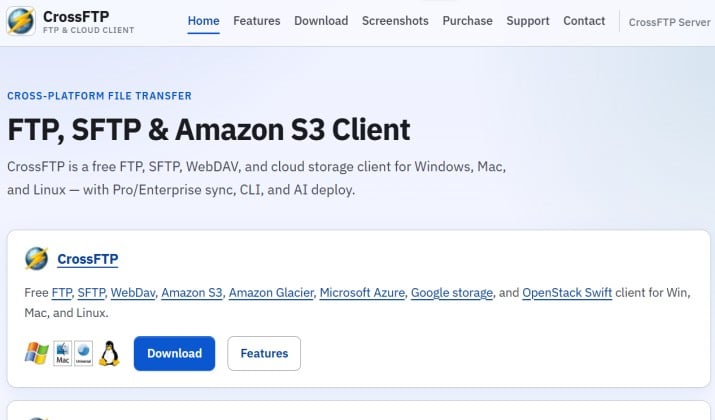
CrossFTP focuses on speed and control. It is written in Java, so it runs everywhere, but it feels tuned for power users who deal with thousands of files.
You get an FTP client for Mac with batch operations, advanced search, version control support, and encryption support.
How it helps you:
- Schedule transfers and queue hundreds of files without hiccups
- Sync folders, compare directories, and verify checksums
- Encrypt transfers with strong TLS and SFTP standards
It is a strong pick as an FTP client for Mac with remote server access when you manage many servers.
App Link: Official Site
Pricing: Free version available, PRO version around $29.99.
8. Yummy FTP for Mac – Best for Automation and AppleScript
If you automate your work, Yummy FTP will make you smile. It is built for automation support and AppleScript support.
You get blazing fast transfers, FTPS, SFTP, and a watch folder that auto uploads when files change. Plus full AppleScript dictionary, so you can script everything.
Key perks:
- Create automations with AppleScript and get Shortcuts integration via scripting
- Use with terminal integration and speed tweaks for large sites
- Get rock solid reliability for unattended uploads
Developers who live in scripts often call this the perfect FTP client for automation.
App Link: GitHub
Pricing: Yummy FTP for Mac historically costs around $1.99 for the Lite version and roughly $10 to $25 for full/pro legacy licenses.
9. Flow for Mac – Best for Native macOS Design
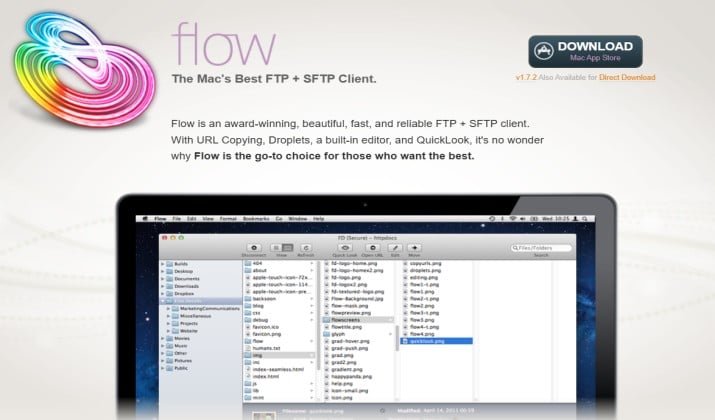
Flow is made only for Mac, and you can feel it. It looks like Apple made it. If you care about dark mode, customizable interface, and native feel, this is it.
Flow supports FTP, SFTP, and S3, with tabs, previews, and quick file editing. It is lightweight but powerful enough for daily professional use.
Why you will like it:
- A beautiful native interface that matches macOS
- Tabs and split view
- Fast search and smooth drag and drop that just works
It is a top choice with native macOS design for Mac designers who want tools that look good and work well.
App Link: Official Site
Pricing: Flow FTP for Mac is priced at around $4.99 to $6.00.
10. BBEdit with FTP for Mac – Best for Writers and Developers Who Love Text
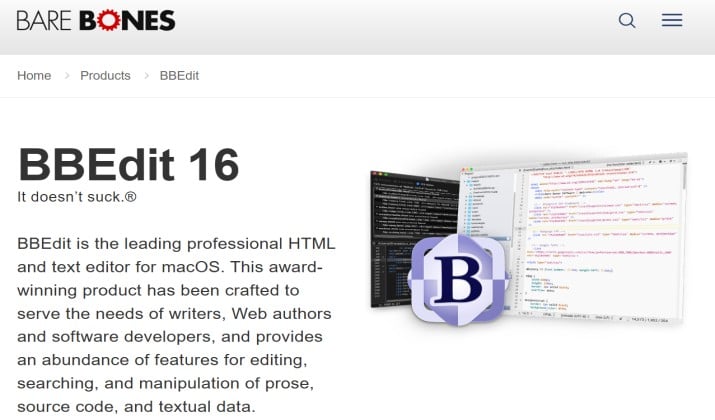
BBEdit is the legendary Mac text editor, and its FTP/SFTP support is rock solid. You open a remote file directly in BBEdit, you edit, and you save straight back to the server.
It gives you version control, terminal integration, secure file transfer, and zero distractions.
App Link: Official Site | App Store
Pricing: Free with powerful features. Paid versions starting from $29.99 helps unlock full version.
Which FileZilla Alternative Should You Pick?
If you want the balance of speed, design, power, and reliability, Transmit 5 wins. It nails native macOS design, gives you Mac FTP client with dual pane and drag and drop, supports cloud integration, remote server access, secure file transfer, and keeps getting updates from Panic.
On a budget? Cyberduck gives you 90 percent of what you need for free.
And if automation is your world, Yummy FTP saves you hours.
All ten options above give you a better experience than FileZilla on Mac. Pick the one that matches how you work, install it, and you will wonder why you waited so long to switch.