
If your inbox feels slow or a little exposed, you are not imagining it. Email still carries bank alerts, password resets, and work files. The tool you open it in shapes how fast it loads and how safe those messages stay.
This guide covers the best email browsers for speed and security, so you can pick one that fits how you live and work.
People often say email browser when they mean two things. One is a web browser you use to open webmail, like Brave or Firefox. The other is a secure email service with its own app, like Proton Mail or Tuta.
You need both layers to work well. A private browser blocks trackers. A secure mail service keeps message content private.
How to Choose the Best Email Browsers For Speed & Security
Start with one question. What do you want email to do most days?
If you want fast everyday mail with strong spam filtering, Gmail or Outlook in a fast browser may be enough.
But, if you want mail that stays private even from the provider, you need a service built around encryption.
This roundup of the best email browsers for speed and security will help you weigh that trade off. If you run a small business, you need custom domains, calendars, and controls that scale.
Speed comes from a light browser with built in blocking, fast servers, and a clean app with good search. Security comes from two factor authentication, strong encryption, and no ad scanning of your inbox.
- Pick one secure mail service as your main inbox if privacy matters to you.
- Pair it with one fast private browser for daily webmail.
- Turn on two factor authentication and use a password manager on day one.
- Use aliases for signups and shopping to cut spam.
Best Email Browsers For Speed & Security\
1. Proton Mail
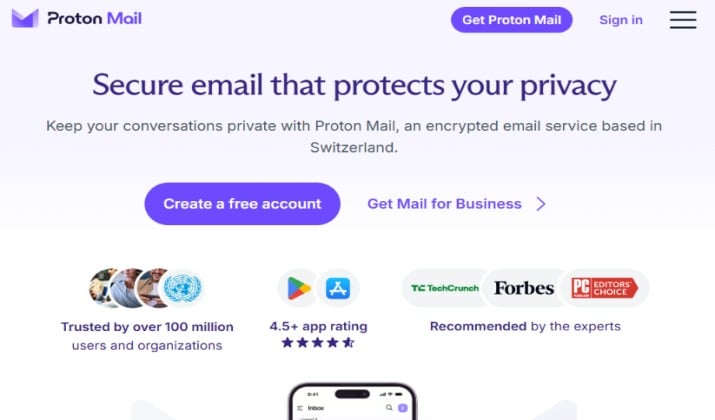
Proton Mail is often the first name people mention when you ask for an email browser for speed and security, and for good reason. It pairs end to end encryption with a polished app that feels normal to use.
You get a clean inbox, calendar, drive, and password manager in one account if you choose the bundle. Messages between Proton users stay encrypted by default. Messages to outside addresses can use password protected links.
Proton Mail also helps you move over without stress. You can import mail from Gmail or Outlook and keep your old address for a while. Its Hide My Email aliases let you give shops a throwaway address, so a leak does not expose your real inbox.
Proton mail pricing: Free with 1 GB. Mail Plus from $2.49 per month billed yearly, or $4.99 billed monthly. Proton Unlimited from $6.49 per month billed yearly.
Get it here: Play Store | App Store
Also read: Proton mail Free vs Premium
2. Tuta
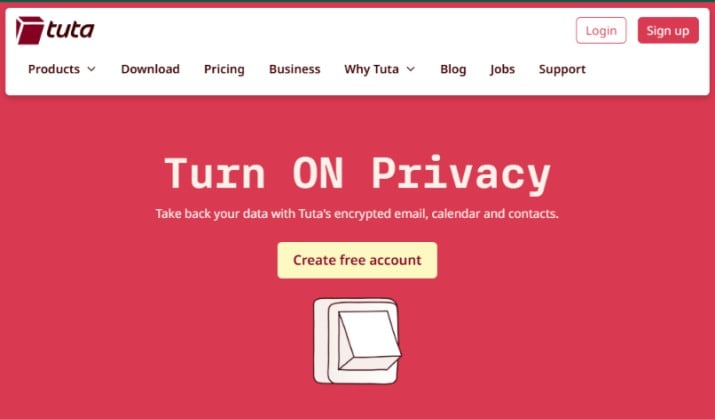
Tuta, formerly Tutanota, keeps things simple and affordable.
It encrypts your whole mailbox, calendar, and contacts. You do not need a phone number to sign up. The interface stays clean, which helps it load fast on older phones and slower connections.
If you want a private email browser experience without a high monthly bill, Tuta deserves a close look.
Tuta also shines for families and small teams that want simple privacy. You can add users, share encrypted calendars, and set up custom domains without complex settings.
Because the whole mailbox stays encrypted, even a lost phone reveals less, as long as you keep two factor authentication on.
Tuta pricing: Free with 1 GB. Revolutionary plan costs 3 euros per month when billed yearly. Legend plan is priced at 8 euros per month if billed annually.
Get it here: Play Store | App Store
3. Fastmail
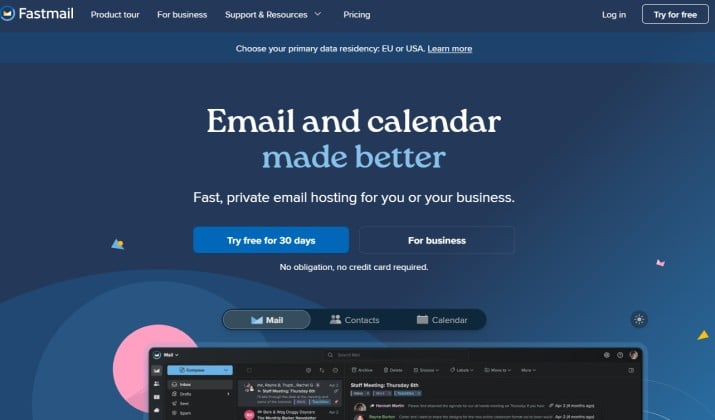
Fastmail is the pick for people who love a fast, tidy inbox and do not need heavy encryption. It loads quickly, searches instantly, and handles custom domains with ease. You pay for the service, so it does not need to show ads or scan mail for targeting.
It also earns its speed from smart details. Snooze, scheduled send, and fast filters help you clear mail in minutes. For custom domain owners, setup takes minutes, with clear DNS steps and support that actually replies.
Fastmail pricing: No free plan. Individual plan starts from $5 per month. The Duo plan is priced at $8 per month. The family plan costs $11 per month.
Get it here: Play Store | App Store
Read this too: Proton Mail vs Fastmail
4. Zoho Mail
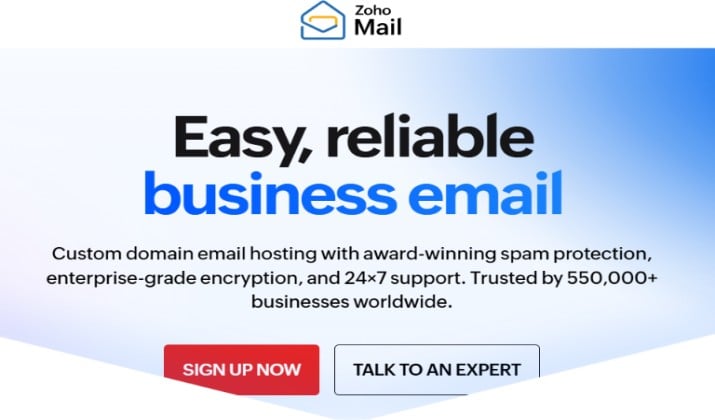
Zoho Mail gives small businesses a lot for very little money.
You get business email on your own domain, calendar, tasks, and notes. The free plan supports up to five users. Paid plans add more storage and admin controls.
Zoho Mail also helps teams stay organised without extra apps. Shared inboxes let support staff reply from one address, while internal notes stay off client threads.
Admins can set retention and control mobile access on higher plans.
Zoho Mail pricing: Mail Lite plan costs $1 per user per month and is billed yearly. Mail Premium is priced at $4 per user per month and billed yearly.
Get it here: Play Store | App Store
5. StartMail
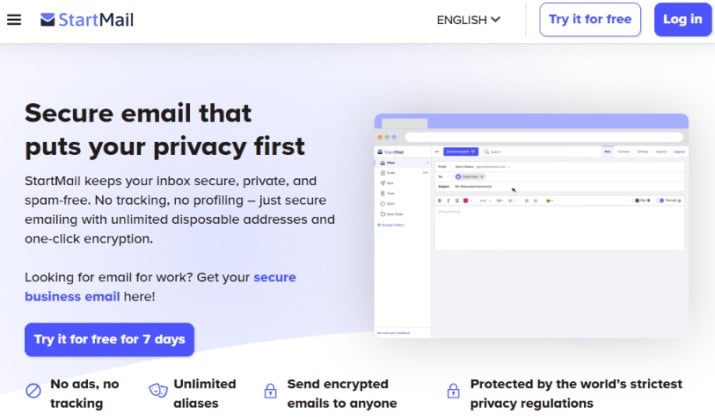
StartMail comes from the team behind Startpage, so privacy sits at the center. It supports PGP encryption, unlimited aliases, and custom domains.
You can create a fresh alias for every signup, which cuts spam and makes it easy to spot who shared your address.
StartMail also gives you practical control over spam. You can block a single alias the moment it starts getting junk, without touching your main address.
Combined with IMAP, you can keep your favourite desktop app and still get PGP encryption when the other side supports it.
Startmail pricing: Personal plan starts from $4.99 per month billed yearly, or $6.99 billed monthly, with 20 GB. Business plan costs $6.99 per user per month billed yearly or $8.99 billed monthly.
Get it here: Play Store | App Store
Explore: Protonmail vs Startmail
6. Mailfence
Mailfence is a secure email browser option for people who want mail, calendar, contacts, documents, and groups in one encrypted suite.
It is based in Belgium and it follows strict European privacy rules. You can use OpenPGP and sign messages to prove they came from you.
Mailfence also stands out for document work. You can store files, share them with a password and expiry date, and co edit basic documents without leaving the suite.
For client work, you can send a signed message that proves it came from you, which builds trust on invoices and contracts.
Mailfence pricing: Free plan comes with 500 MB mail storage. Base plan costs $2.50 per month. Entry plan is priced at $3.50 per month.
Get it here: Play Store | App Store
7. Posteo
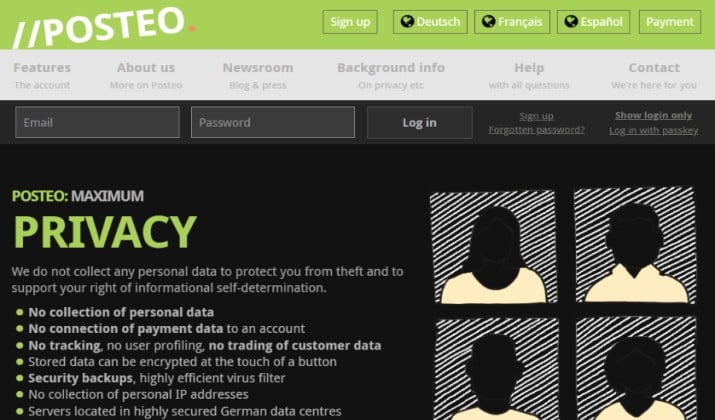
Posteo is small, independent, and clear about what it does.
It charges 1 euro per month, with no free plan and no ads. You get 2 GB to start, with paid add ons for more storage and aliases.
It supports IMAP and CalDAV, so you can use it with the mail and calendar apps you already like. Posteo also lets you pay anonymously, which appeals to readers who want less tracking.
Posteo keeps your data footprint small. It strips IP addresses from mail headers by default, so recipients see less about where you sent mail from.
It is a quiet, steady choice if you want privacy without a big bundle of apps.
Posteo pricing: From 1 euro per month, plus optional add ons.
8. Hushmail
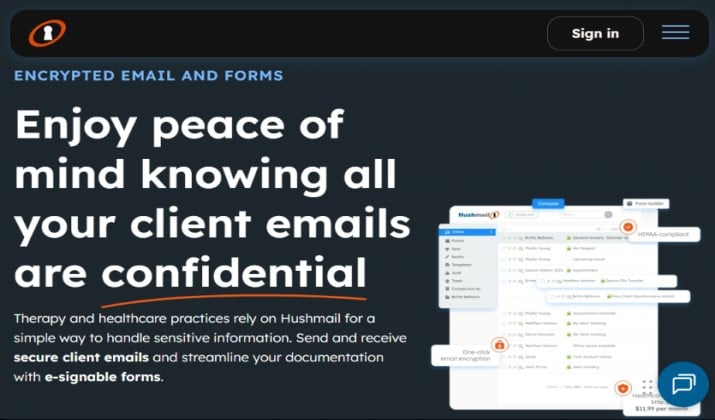
Hushmail also helps regulated teams with everyday tasks.
Its secure forms let clients send intake details without plain email, and its e signature tools let you close forms faster.
If your work involves health or legal records, those built in tools save you from stitching together separate services.
Hushmail pricing: Pricing of plans vary by industry. For personal use, you may choose the Personal Basic proced at $5 per month or Personal + NordVPN plan that costs $7.92 per month.
9. Gmail in Brave
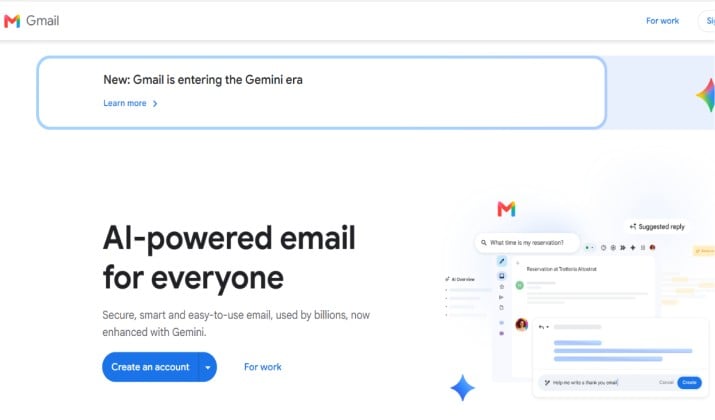
Gmail remains a strong everyday choice because it loads fast, searches brilliantly, and filters spam well.
The trick is to open it in Brave, not in a browser that tracks heavily. Brave blocks trackers and ads by default, which speeds up page loads and cuts noise. You get Gmail speed with less tracking on the browser layer.
Gmail scans for spam and malware, and it offers strong protection with passkeys and two factor authentication.
It does not offer end to end encryption for normal consumer mail. If you accept that trade off, Gmail in Brave gives you speed and reliability.
Gmail in Brave also gets faster when you tidy it up. Turn on keyboard shortcuts, set up filters for receipts, and archive mail instead of leaving it in the inbox.
Brave Shields blocks many trackers on the webmail page itself, so pages load with less clutter.
Pricing: Gmail free with 15 GB shared Google storage. Paid storage via Google One varies by plan.
10. Outlook in Firefox
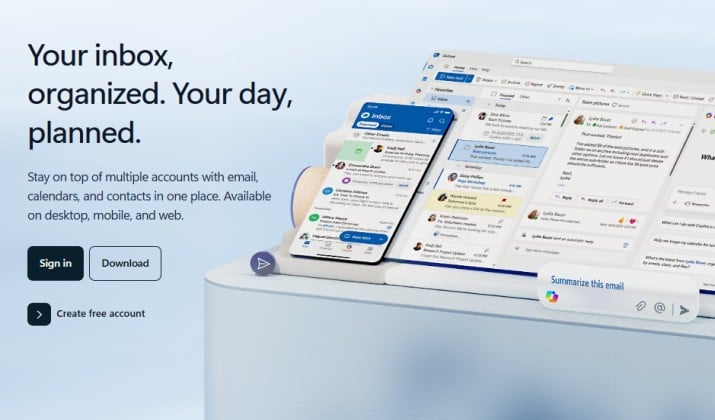
Outlook works best for work and school, where Microsoft 365 already runs calendars, Teams, and files.
Firefox pairs well with it because it blocks many trackers and supports containers that keep work and personal tabs apart.
Outlook offers focused inbox, strong search, rules, and calendar sharing. Security features include two factor authentication and admin controls for business accounts.
Like Gmail, it is not built as a zero access encrypted service for consumer mail.
Outlook in Firefox also works better with a little setup. Pin your Focused Inbox, create rules for project mail, and use Sweep to clear old newsletters in one click.
Firefox containers keep work cookies apart from personal browsing, so a stray tracker does not follow you into work mail.
Pricing: Outlook comes free with 15 GB mail storage. Microsoft 365 paid plans vary.
Which is the Best Email Browser For Speed & Security?
If privacy is your top goal, pair a secure mail service with a private browser.
Use Proton Mail or Tuta for sensitive mail, and open it in Brave or Firefox. Turn on strict tracking protection and use a separate profile for banking and mail.
Proton Mail paired with Brave gives you the best mix of encryption, ease of use, apps, and a free plan to try.
Brave gives you fast page loads and strong tracker blocking without fiddling with settings. Together, they cover both layers of the best email browsers for speed and security.
Proton Mail plus Brave balances speed, security, privacy, and everyday ease better than any other pair here.
Start today. Install Brave, turn on two factor authentication, and move your most sensitive mail first, like bank alerts and password resets. Then move the rest over the next week.