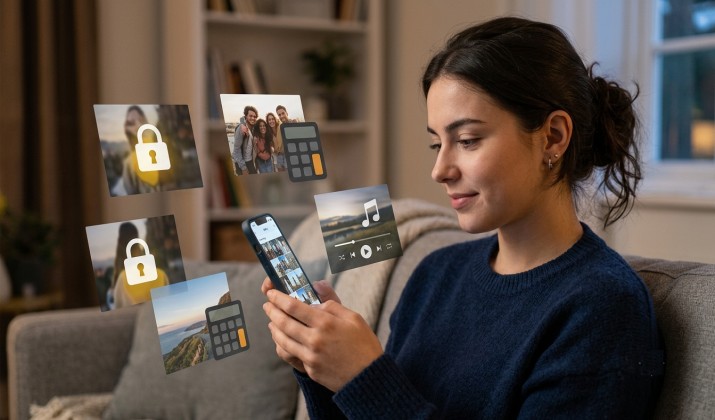
You hand your phone to a friend to show one photo, and suddenly they’re swiping. We’ve all been there. Whether it’s personal docs, surprise gifts, or just pics you don’t want in your main gallery, you need a better way to keep things private. That’s where secret apps to hide photos come in.
These apps do more than dump pictures in a folder. The good ones lock behind PIN, fingerprint, or Face ID lock, use real encryption, and pull your photos out of your main gallery so no one stumbles across them. Some even look like calculators. Others snap an intruder selfie if someone tries to snoop.
I tested dozens of options for iPhone and Android to find the best secret apps to hide photos. You’ll get what each app does best does best, who it’s for, how much it costs, and direct links to the App Store and Google Play.
Let’s get your gallery cleaned up.
What Makes a Good Photo Vault App?
Before we jump into the list, here’s what you should look for. A solid photo vault app with PIN, fingerprint, or Face ID lock is the baseline. But the apps worth keeping on your phone also offer:
- True hiding: A hidden gallery app that removes photos from main gallery after import. If it just copies them, it’s useless.
- Strong encryption: Look for app to hide photos and videos with AES‑256 or military‑grade encryption. That means even if someone gets the file, they can’t open it.
- Break-in protection: Photo vault with break‑in alerts, intruder selfie, and fake vault features stop snoopers and give you peace of mind.
- No traces: The best free apps to hide photos privately without showing in recent apps won’t leave a preview in your app switcher.
- Cloud backup: Photo vault apps that support cloud backup and sync across devices save you if you lose your phone.
Now, here are the best photo vault apps for Android and iPhone that actually deliver.
1. Keepsafe Photo Vault
Best for: All-around privacy + cloud sync
Keepsafe has been around for years because it just works. You set a PIN, Face ID, or fingerprint lock, then move photos and videos into private albums. It uses AES‑256 encryption and the app pulls media out of your camera roll completely.
Standout features:
- Private cloud backup so you never lose photos if you switch phones
- Break-in alerts with intruder selfie + time stamp
- Fake PIN opens a decoy vault
- Doesn’t appear in “recently used apps” on Android when locked
Keepsafe Photo Vault Pricing: Free plan with basic features. Premium is $9.99/month or $23.99/year for cloud backup, album locks, and more.
Get it here: App Store| Play Store
2. Calculator# – Photo Vault
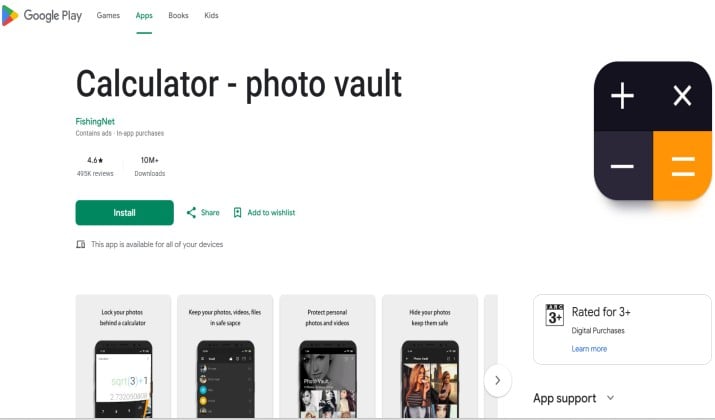
Best for: Disguise on iPhone and Android
If you want a secret calculator app that hides photos behind fake calculator icon, this is the one most people use. It opens as a working calculator. Type your PIN + “=” and boom, your vault opens. Type the wrong code and it stays a calculator.
Standout features:
- Fully functional calculator disguise
- AES‑256 encryption for photos and videos
- Intruder selfie after failed attempts
- Hidden gallery app that removes photos from main gallery after import
Calculator Pricing: Free with ads. Pro is $9.99 one-time to remove ads + unlock private browser.
Get it here: Play Store | App Store
3. Vaulty
Best for: Free Android option with strong security
Vaulty is open source, ad-supported, and skips the fluff. It locks with PIN and hides photos/videos from your gallery. It also creates “mugshots” of anyone who types the wrong password.
Standout features:
- 100% free on Android, no subscription
- Creates multiple vaults with different passwords
- Secure photo hider apps with fingerprint lock and encryption — uses AES
- Auto-backup to Google Drive if you enable it
Pricing: Free. Voluntary donation to remove ads.
Get it here: App Store | Play Store
4. Private Photo Vault – Pic Safe
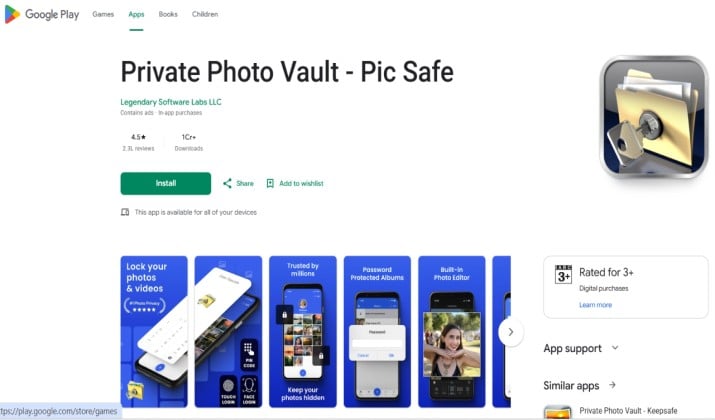
Best for: iPhone users who want break-in alerts
This is one of the most popular secret photo vault app for iPhone options. You get PIN + Face ID lock, decoy passwords, and a break-in report that emails you the GPS location and photo of the intruder.
Standout features:
- Fake password mode opens a separate vault
- Wireless transfer from computer to vault
- Private web browser inside the app
- Deletes photos from camera roll after import
Pricing: Free basic version. Pro is $4.99/month or $19.99/year.
Get it here: App Store | Play Store
5. Hide Something
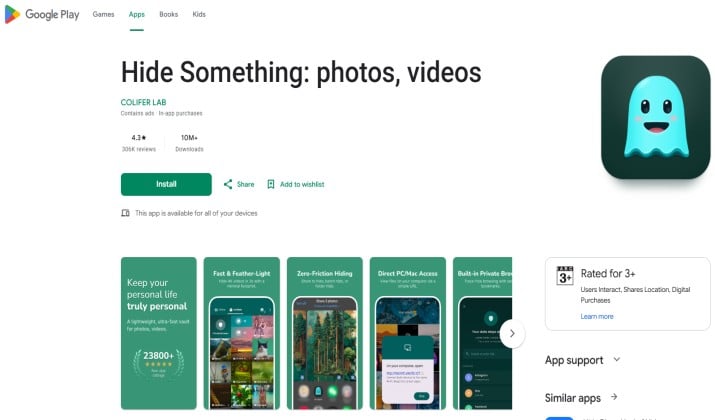
Best for: Fast, simple Android hiding
Hide Something focuses on speed. You share photos to the app from your gallery, it moves them into the vault, and deletes the original. It supports PIN, pattern, or fingerprint lock and doesn’t show up in your recents list.
Standout features:
- One-tap hiding from your gallery share menu
- Fake login screen to throw people off
- Google Drive backup for Premium
- Tiny app size, runs well on older phones
Pricing: Free. Premium is $2.99/month or $11.99/year.
Get it here: Play Store
6. Secret Calculator Vault
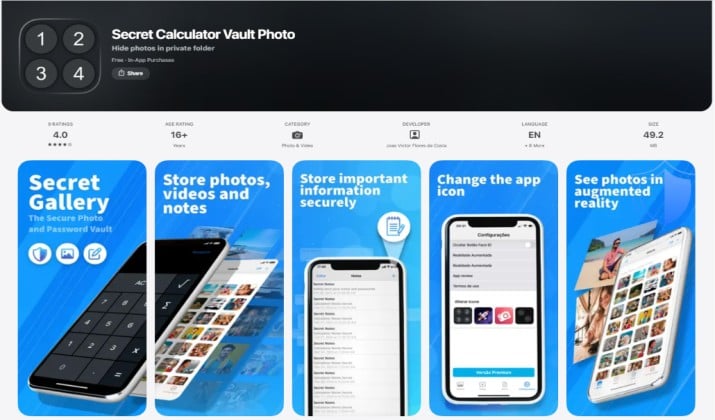
Best for: Calculator vault apps for hiding photos on iPhone and Android with browser
This is an app hider that hides photos, apps, and has secret browser / incognito mode. The icon and interface look like a basic calculator. Inside, you get encrypted photo storage, a private browser that doesn’t save history, and app lock.
Standout features:
- Full calculator disguise + private browser
- AES encryption + intruder selfie
- Supports hiding videos, docs, passwords too
- Panic gesture: shake phone to close vault fast
Pricing: Free with limited storage. Unlimited is $29.99/year.
Get it here: App Store
7. Gallery Lock (Hide Pictures)
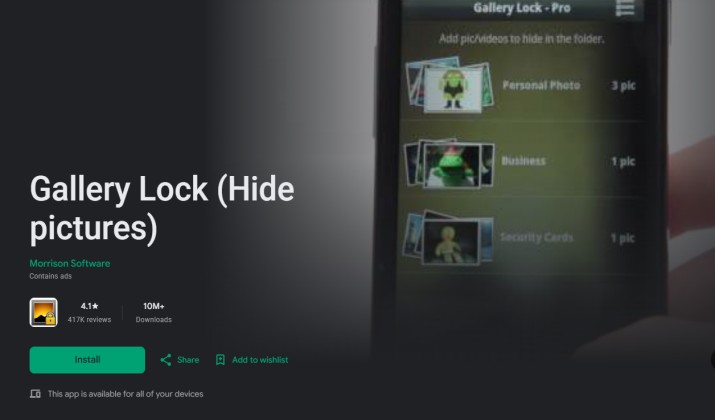
Best for: Samsung & Android users who want stealth
Gallery Lock lives up to its name. It’s a hidden photo vault app parents should know about because the icon can be disguised as “Music Player” or “Settings.” It uses military-grade encryption and stealth mode keeps it out of your app drawer.
Standout features:
- Stealth mode: hide app icon, open by dialing a code
- Watchlist: get notified if someone tries to uninstall it
- Cloud sync across Android devices
- SD card support
Pricing: Free. Premium is $3.99/month or $11.99/year.
Get it here: Play Store
8. KYMS – Keep Your Media Safe

Best for: Paranoid-level security
KYMS is built different. Beyond a calculator disguise, it uses AES‑256 encryption with your own custom encryption key. If you forget the key, even KYMS can’t recover your files. That’s why it’s one of the safest photo vault apps with encryption, fingerprint lock, and break‑in alerts.
Standout features:
- Custom AES encryption key you control
- Decoy vaults + panic passwords
- Built-in document scanner and media player
- No cloud, so nothing leaves your device
Pricing: $4.99 one-time purchase. No subscriptions.
Get it here: App Store
9. LockMyPix Photo Vault
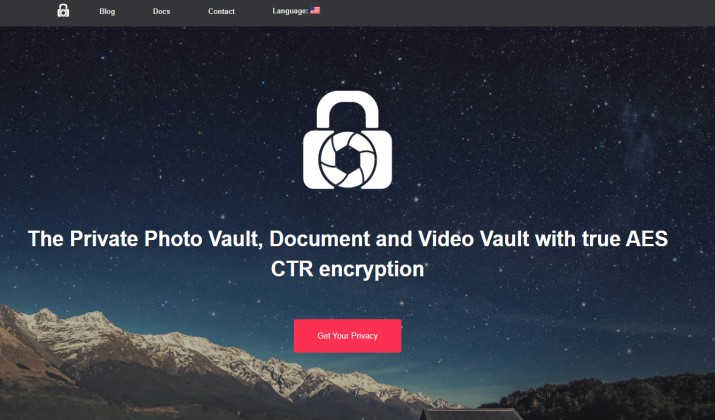
Best for: Offline security on Android
LockMyPix is big in Europe for one reason: it never connects to the internet. If you want apps to hide private photos from gallery with zero cloud risk, this is it. Uses AES‑CTR encryption and fake login.
Standout features:
- True offline mode — no cloud, no tracking
- SD card encryption
- Fake vault + panic fingerprint
- Can lock individual photos with different PINs
Pricing: Free basic. Pro is $7.99 one-time.
Get it here: App Store | Play Store
10. Secret Vault
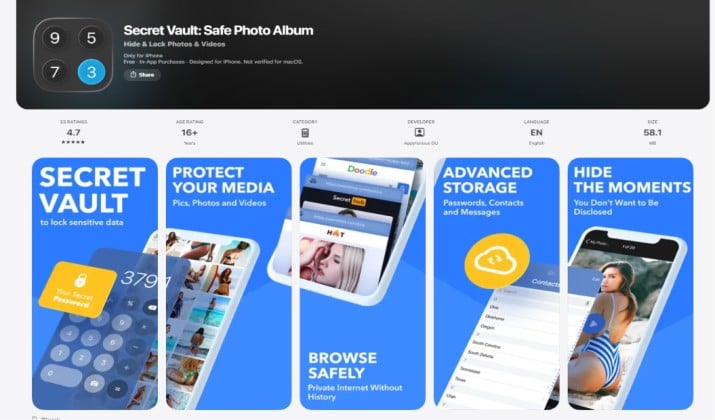
Best for: iPhone users who want iCloud sync
This app nails the iOS experience. It looks native, uses Face ID, and syncs via your personal iCloud so you can access photos across iPhone, iPad, and Mac. It’s a clean photo vault app with PIN, fingerprint, or Face ID lock that feels like Apple made it.
Standout features:
- iCloud sync across Apple devices
- Decoy mode + break-in alerts
- 4K video support
- Auto-import deletes from camera roll
Pricing: Free. Premium is $39.99/year for iCloud + 4K
Get it here: App Store
How To Use a Photo Vault App To Hide Pictures From Your Main Gallery?
Most people mess this up. They “copy” photos to the vault but forget to delete the original. Here’s how you do it right:
- Install and set your lock — Use Face ID or fingerprint if you can. It’s faster and you won’t forget it.
- Import from camera roll — Use the app’s import or “share to” function.
- Enable “delete after import” — The best secret apps to hide photos have this toggle. Turn it on.
- Check your camera roll — Make sure the original is gone. Then check “Recently Deleted” and clear it too.
- Back it up — If the app supports encrypted cloud backup, turn it on. Phones get lost.
If your app doesn’t delete from camera roll safely, do it manually right after import. Otherwise you’ve just made two copies.
How To Move Photos to a Hidden Vault and Delete Them From Camera Roll Safely?
This trips up iPhone users because of iCloud. When you delete a photo from your camera roll, iCloud deletes it everywhere. Here’s the safe way:
- If your vault app has iCloud sync like Secret Album Vault, you’re fine — it uses a separate container.
- If it doesn’t, turn off iCloud Photos before you delete from camera roll. Import to vault first, confirm, then delete.
- Always empty “Recently Deleted.” That folder keeps pics for 30 days and they still show in search.
On Android, it’s simpler. Once you move a photo to a hidden gallery app that removes photos from main gallery after import, just clear it from “Trash” in Google Photos.
Quick Comparison: Which App Wins?
If you want one recommendation, here it is: Keepsafe wins for most people. Why? It works on iPhone and Android, uses real AES‑256 encryption, has break-in alerts, fake vault, and cloud backup so you don’t lose everything if your phone dies.
The calculator apps are great for disguise, but Keepsafe balances security, features, and reliability better than anything else. If you refuse to use cloud, go with LockMyPix on Android or KYMS on iPhone. If you only need free, Vaulty on Android is unbeatable.
Don’t pick based on features you won’t use. If you never open your vault on a second device, skip cloud sync and save money. If you just want to hide a few pics from friends, a secret calculator app that hides photos behind fake calculator icon like Calculator# is enough.