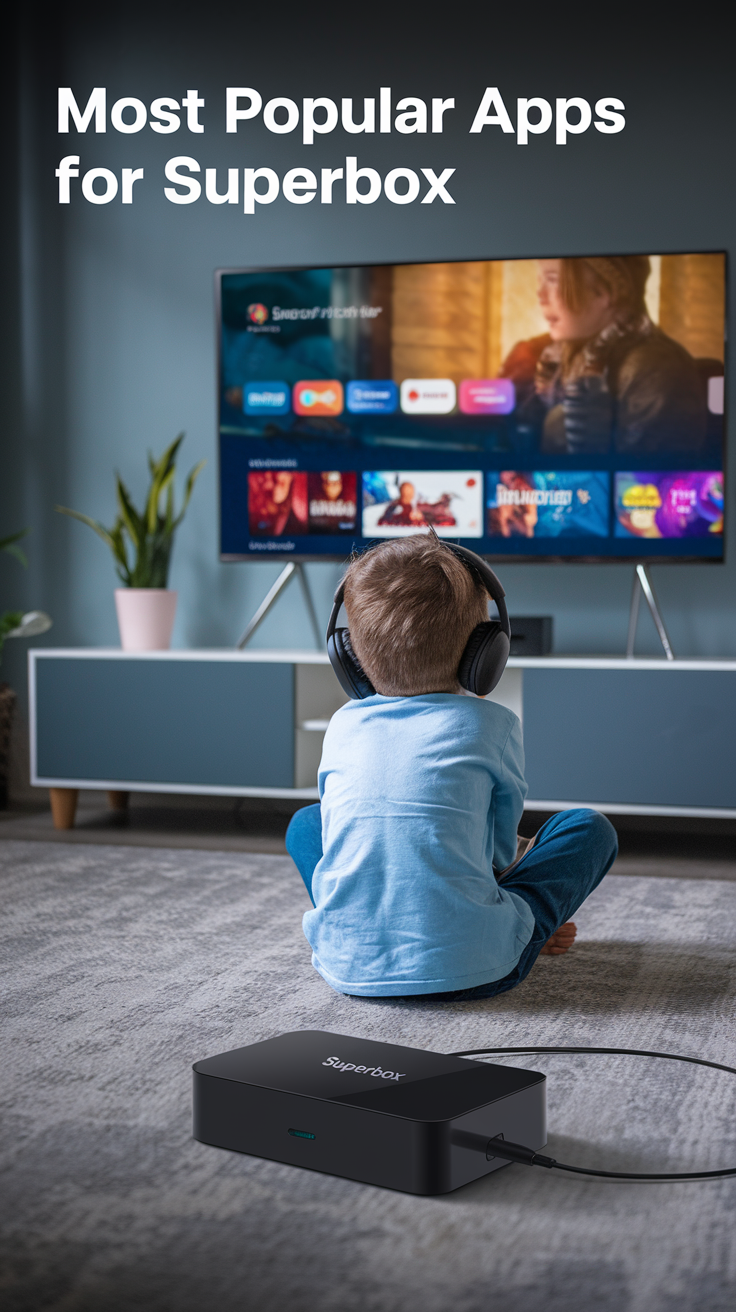
SuperBox is a popular device for streaming movies, TV shows, and other content from around the world. You also get to access Live TV channels and sports content along with various streaming options for just about everyone.
SuperBox allows users to download and install Android apps that add to the streaming experience.
Some of the most popular apps for SuperBox include YouTube, Netflix, Google Chrome, and Kodi, among many others.
Read on to find out more about these apps.
Most Popular Apps for SuperBox
1. YouTube
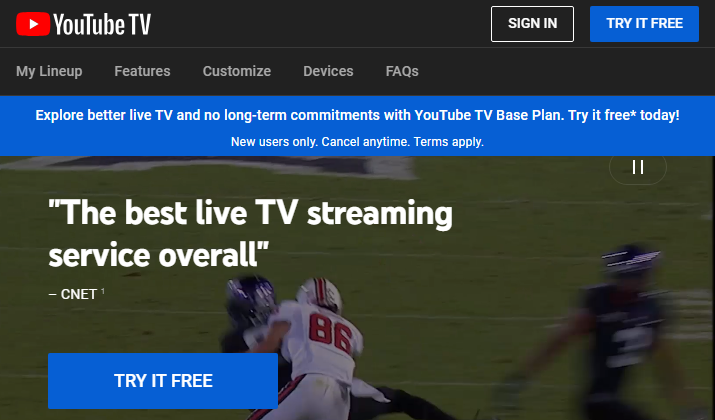
If you are looking for an app that can provide entertainment and information, YouTube should be among your top considerations. YouTube is probably the most popular video-sharing platform and lets users worldwide create, upload, and share videos.
YouTube has content for every taste, including comedy, documentaries, vlogs, podcasts, news, and even music. Another thing that makes YouTube a must-have app is that it has a lot of educational material. This can help young ones to improve their academic prowess.
If you have a creative idea or talent you would like to showcase, you can create a video and then share it on the platform.
Once your content reaches a certain threshold, YouTube can monetize your channel so that you start making money from your content. The app is available to download and install free of charge.
You can also enjoy using it without having to worry about paying a single dime. However, the free version comes with pop-up ads.
If you want to enjoy uninterrupted entertainment, you can subscribe to a premium plan that effectively gets rid of all ads.
You can find and download the YouTube app from Google Play.
Check Out: Free Alternatives To YouTube
2. Netflix

Another popular app that provides plenty of entertainment is Netflix. It has a huge database of TV shows and blockbuster movies that will keep you entertained whenever you like.
The good news is that Netflix has a variety of genres for you to pick from. That means you can find comedies, thrillers, documentaries, dramas, horrors, talk shows, and even game shows.
If you have kids in the house, they can also enjoy a lot of child-friendly options including cartoons and educational shows. Netflix boasts a simple yet intuitive interface allowing you to scroll through different sections easily.
Posters of the latest TV shows and movies are often displayed on the homepage so you’ll always be aware of what is trending. Another cool feature of this app is that it allows you to watch shows or movie previews to help you decide if it is the best thing for you to watch.
There is also a short movie description so you can have an idea of what the movie is about.
Netflix offers different subscription plans so you can choose something cheaper with limited shows and features or go for the ultimate plan that gives access to everything available in the database.
Regardless of the plan you pick you can rest assured of finding some of the best movies and shows available today.
Download the Netflix app here.
3. Kodi
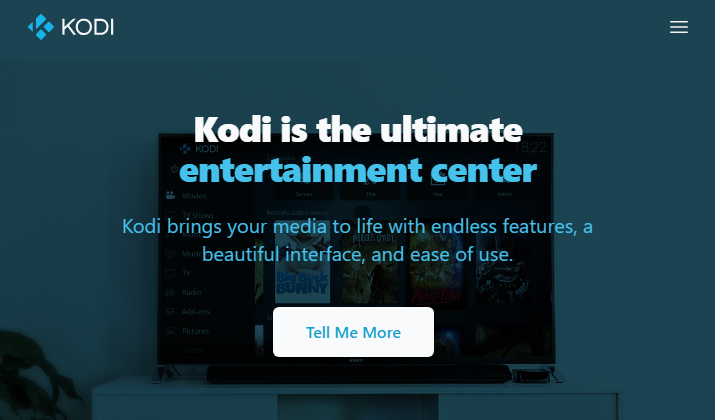
Kodi is a free open-source media player that is sure to improve your entertainment experience. It features a minimalist interface so you won’t get overwhelmed even as a new user.
Kodi makes it easier for you to access content from a variety of platforms throughout the internet.
All you have to do to start enjoying different content is install third-party add-ons and then let the media player handle the rest. The good news is that Kodi has a resource section you can visit to find all the add-ons you need.
The player allows you to play music tracks regardless of their file formats. For instance, you can enjoy MP4, MP3, 3GP, and WAV files.
It allows you to create playlists or organize your music collection by genre or file type. Kodi also crawls through the internet to find some of the latest movies and TV shows.
The media player organizes all the movies and TV shows so you can filter them by genre, year of release, and even country. You’ll be pleased to know that it also pulls relevant posters to match the movies and TV shows in your collection.
Another impressive thing about this app is that it allows you to play standalone games that are compatible with your SuperBox. You can also download and install simulators that make it possible for you to play games that would otherwise not work with your system.
You can download and install Kodi from Google Play.
Also Read: Kodi vs Plex
4. ESPN
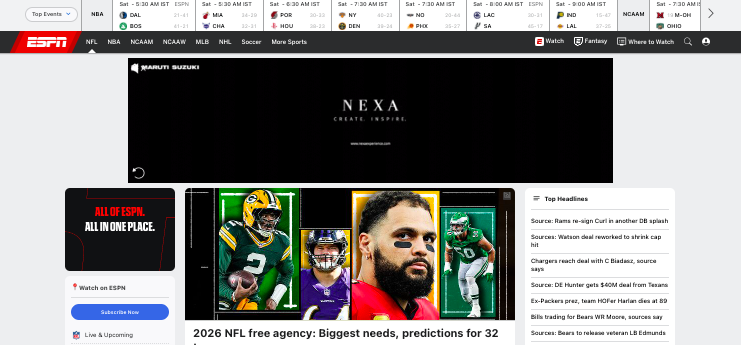
ESPN is one of the most widely used sports apps for streaming live games, highlights, and expert analysis from leagues around the world.
The app provides access to major sporting events including football, basketball, baseball, MMA, and college sports, along with breaking news and in-depth commentary.
ESPN offers SuperBox users a reliable way to watch live sports and replays directly on a big screen without switching devices.
The interface is optimized for TV viewing, making it easy to browse scores, watch highlights, or follow favorite teams.
For sports fans, having ESPN on a TV setup turns the living room into a mini sports bar, delivering high-quality streams and real-time updates.
Download the app here.
5. Google Chrome
While in the past people could only access the internet through their computer or mobile device, today it is possible to do so through your TV. Google Chrome is one of the most widely used web browsers out there which is why you should consider installing it on your SuperBox.
For starters, it does not take up a lot of storage space. What’s more, it only utilizes a fraction of the system’s resources meaning it will remain responsive even when you have a couple of apps running in the background.
With Chrome, you can do just about everything you normally do on your mobile device. For instance, you can log in to your email account and read through the latest messages. You can also access different websites for entertainment or information.
Google Chrome has a user-friendly interface making it a good option for accessing the internet. You also get to customize it to suit your preferences. For instance, you can choose to change its background image to something you like.
You can also turn it from Light to Dark mode depending on prevailing lighting conditions. It comes with built-in security features that help ensure you enjoy some level of privacy while surfing the web.
Additionally, it has built-in measures that help lower the chances of your device getting damaged by malware or viruses. You can find and download Google Chrome from Google Play.
Also Read: Best Browsers For Google TV
6. Brave
Brave is another excellent browser you should consider installing on your SuperBox. While it functions in a similar manner to Google Chrome, it has some additional features that may come in handy.
For instance, it includes a built-in VPN that helps protect your privacy regardless of the website you access or the network you are connected to. This can be a good browser option if your SuperBox is connected to a network that serves a lot of people.
Another unique feature about it is that it blocks cookie consent notifications by default. That saves you from having to click through almost every website you open.
Brave allows you to activate its voice search feature which makes it possible for you to find whatever you are looking for without having to type every time. The browser incorporates a Playlist section where you can add all your favorite tracks and play them online or offline.
It has a built-in ad blocker and pop-up blocker so you won’t have to worry about getting bombarded by annoying advertisements.
Another thing to note is that it has a digital wallet so you can enjoy transacting with your cryptocurrencies without having to access an additional app.
The privacy-focused side has made Brave extremely popular among users around the world.
You can install the Brave browser directly from Google Play.
7. Facebook
Facebook is one of the most popular social media platforms and a great way to stay connected with friends and family. It takes up little space on your device and runs on minimal system resources.
With this app, you can easily access your account and scroll through the newsfeed to find out what your connections are up to. You also get to enjoy live videos hosted on the platform.
As if that was not enough, you can create and share posts directly from the app. You also get to comment on people’s posts and send private messages at will.
Of course, it may be more convenient for you to pair your SuperBox device with a keyboard for improved functionality. Another reason you should have this app on your TV is that many news outlets use it to share breaking stories.
That can be a good way for you to stay up to date with the latest happenings in your area and around the world.
The Facebook app is available for free download on Google Play.
8. Instagram

Instagram is another popular social media platform that encourages users to share videos and photos.
With the app installed on your TV, you can log into your account and scroll through the newsfeed to view everything that your contacts have shared. You can then comment on their posts and even send them private messages.
You can also upload videos and photos from your local storage and share them on the platform. Instagram allows you to start group chats so you can converse with your friends easily.
The platform also incorporates templates, music, and videos you can use to personalize your stories and make them even more interesting.
Another advantage of installing Instagram on your SuperBox is that it makes it possible for you to have a look at products on the big screen.
This means you do not have to shop for products by yourself. Instead, let everyone in the home have a look at the products on sale and give their opinions on what they think.
You can download Instagram directly from Google Play.
9. Spotify
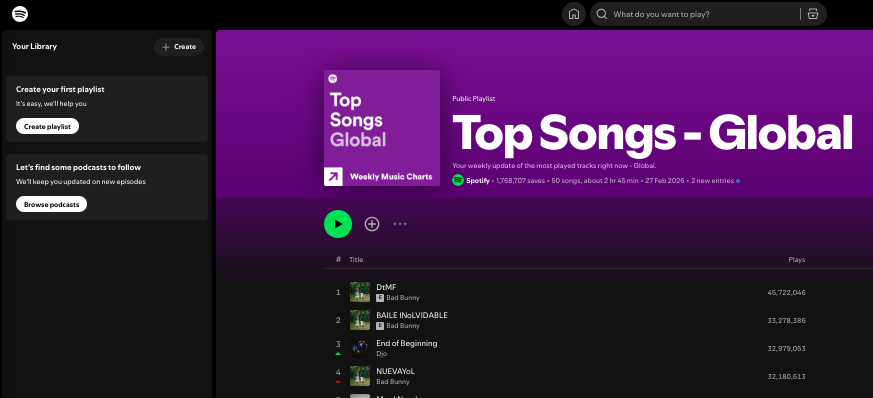
Spotify is one of the most popular music streaming platforms in the world, offering millions of songs, curated playlists, podcasts, and personalized recommendations.
SuperBox users often install Spotify because it transforms a TV into a powerful home music hub.
Instead of listening through a phone speaker, users can stream music through their TV’s sound system or connected speakers, creating a richer listening experience.
The app’s clean TV interface allows easy browsing of playlists, albums, and podcasts using a remote control.
It is also great for parties, background music, or relaxing evenings. Having Spotify on your TV adds entertainment variety beyond video, turning the SuperBox into a full multimedia center for both music and podcasts.
Download Spotify here.
10. NordVPN
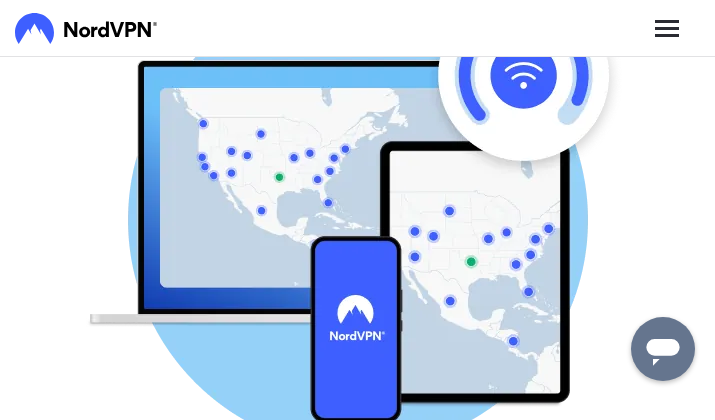
Finally we have NordVPN. The app offers military-grade encryption for all your data which ultimately ensures you remain safe on the internet.
The app also masks your identity when connected to LAN networks. It has over 5,200 VPN servers across 60 countries. This means you can access more services than you would normally enjoy in your region.
All you have to do is switch your server from one country to another whenever you want to access services that are not available in your country. While you are free to choose a server manually, you can also set the app to pick the best server automatically.
One account subscription makes it possible for you to download and use the app on six devices simultaneously.
You can install it from Google Play.
Wrapping Up
The best part about Superbox is that once you purchase it, you do not need to pay any subscription fee to keep it functional. All it requires is a one-time payment for accessing high-quality content.
While none of the aforementioned apps are new, they certainly are the most popular and useful apps that we use today.
If you own a SuperBox already or are planning to buy one, do download these apps for non-stop fun and entertainment.
Enjoyed the post?