You like texting. But Google Messages? Maybe you don’t love the layout, the tracking, or how it handles RCS sometimes. Thankfully, you’ve got options.
Android gives you the freedom to swap out default apps. And when it comes to texting, switching away from Google Messages can mean better themes, stronger privacy, faster group chats, or real multi-device sync.
So if you’re ready to replace Google Messages on Android, let’s look at the best Google Messages alternatives worth installing today. You’ll find RCS-compatible messaging apps for Android, SMS apps with built-in backup, and text messaging apps with spam protection all in one place.
Why Look for Google Messages Alternatives?
Google Messages does a lot right. It supports RCS, has smart replies, and works with most carriers. But you might want:
- More customization – change bubbles, fonts, or full app themes
- Less Google tracking – keep your texts away from one big ecosystem
- Better multi-device support – text from your tablet or PC without workarounds
- Extra features – scheduled messages, private boxes, auto-backup
If any of that sounds like you, these text messaging apps for Android deliver.
Remember that the pricing of these apps is subject to change. Check with the official page for updated pricing.
1. Textra SMS
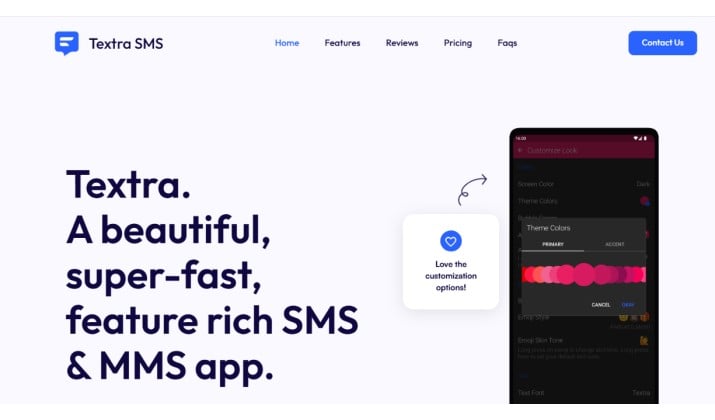
Textra is the customization king. You want SMS and MMS apps with advanced customization? This is it.
What you’ll love:
- 180+ material design themes, plus dark, light, and AMOLED black modes
- Bubble colors, app icon colors, emoji styles: you control everything
- Scheduled messages, delayed sending, quick reply popup
- GIF support, voice memos, and solid MMS compression settings
RCS? Not yet. Textra sticks to SMS/MMS but does it better than anyone. If you care more about speed and looks than chat features, Textra wins.
Textra comes free with ads. For a one-time fee of $9.99, you can upgrade to Pro and remove ads. The app is available on Google Play Store.
2. Pulse SMS
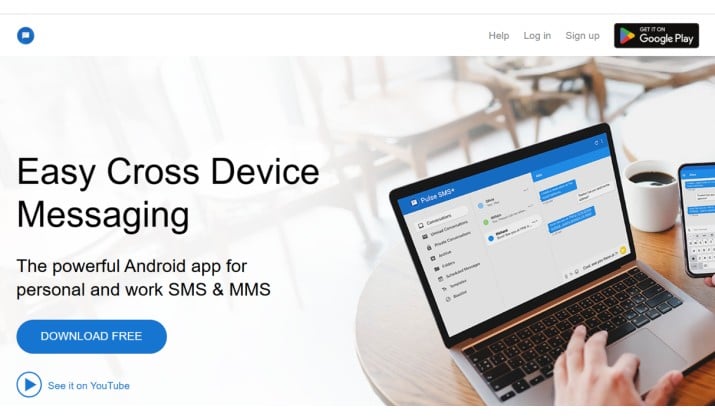
Pulse nails one thing Google Messages alternatives often miss: messaging apps with multi-device sync.
Install Pulse on your Android, then open it on your tablet, laptop, or any browser. Messages stay in sync, even if your phone is off. You get real SMS apps with built-in backup, export, and restore features too.
Its key features include:
- Text from phone, tablet, web, or desktop app
- Automatic encrypted backups to Pulse’s cloud
- Scheduled messages, blacklist, message pinning
- Dual-SIM support and per-contact customizations
RCS support is limited and depends on your carrier. But for multi-device sync. Pulse beats Google Messages for most people.
Pulse comes with a free 7-day trial. Then, you can upgrade to any of the paid plans with rates starting from $0.99/month. The app is available on Google Play Store.
Also read: Best Secure Messaging Apps for Android
3. Samsung Messages
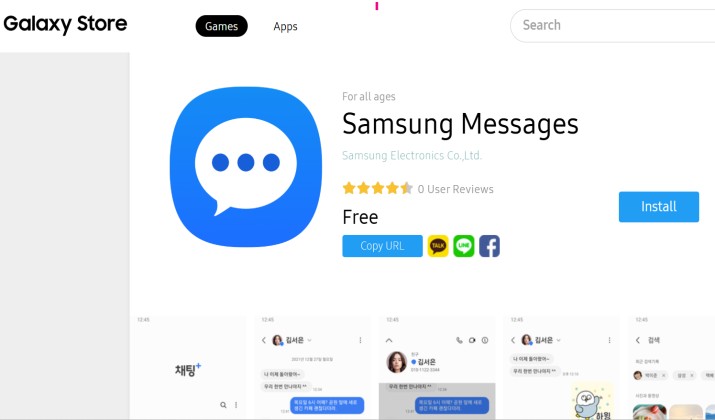
Got a Samsung? You already have one of the best SMS apps for Android pre-installed. Samsung Messages supports RCS through your carrier, so you get typing indicators and Wi-Fi messaging without Google.
Its best features are:
- Deep One UI integration, perfect for Galaxy phones
- Categories for transactions, promos, and personal texts
- Recycle bin for deleted messages, scheduled texts
- Chat bubble color options and custom chat backgrounds
It’s not on the Play Store for everyone, but if you have a Galaxy, this Google Messages alternative feels native and fast. For apps better than Google Messages for group chats and media sharing on Samsung, this is it.
It is free to use and comes pre-installed on Samsung devices. However, note that the Samsung Messages app is being officially discontinued in July 2026, and Samsung now defaults to Google Messages.
4. Chomp SMS
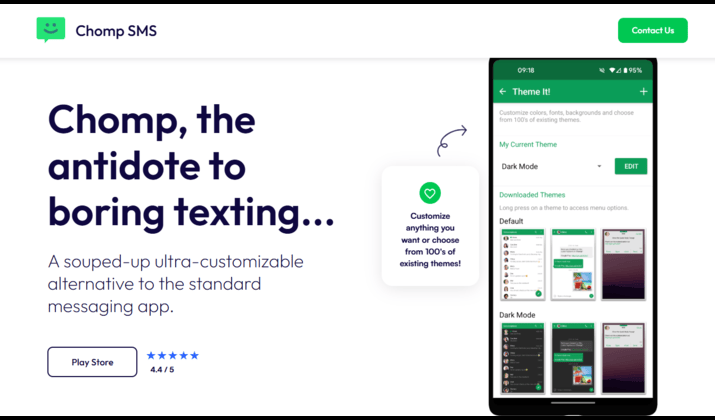
Chomp comes from the same team as Textra, but leans even harder into control. If you want text messaging apps with spam protection, smart categorization, and scheduled messages, Chomp packs it all in.
Its main features include:
- 800+ themes, custom LED colors, vibration patterns
- App lock with passcode, private message box
- Scheduled SMS, auto-responder, signature per contact
- SMS backup to cloud services like Dropbox and Google Drive
No RCS yet. But for SMS and MMS apps with advanced customization, Chomp gives you more toggles than you’ll ever use. The app comes free with ads. One-time upgrade to the paid versions gives you the ad-free experience. You can download Chomp from Google Play Store.
5. Signal
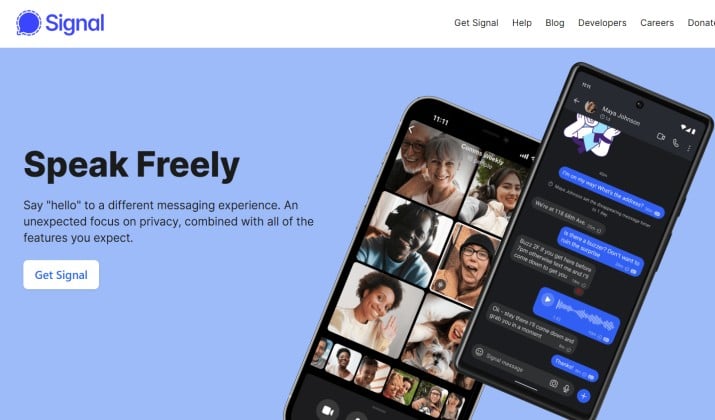
Want to de-Google your Android phone? Signal is your move. It’s a privacy-focused messenger first, but it can also handle SMS/MMS on Android.
It has some exciting features such as:
- End-to-end encryption for Signal-to-Signal chats
- No ads, no trackers, open source
- Disappearing messages, screen security, note-to-self
- Voice and video calls built in
Signal dropped SMS support in 2023 to simplify the app. Some forks re-enable it, but official Signal now focuses on its own protocol. So use it if you want Google Messages alternative without Google tracking and don’t mind separating SMS from secure chats.
Signal app is 100% free and available on Google Play Store and the official page.
Read this too: Best Samsung Messages Alternatives
6. Microsoft SMS Organizer
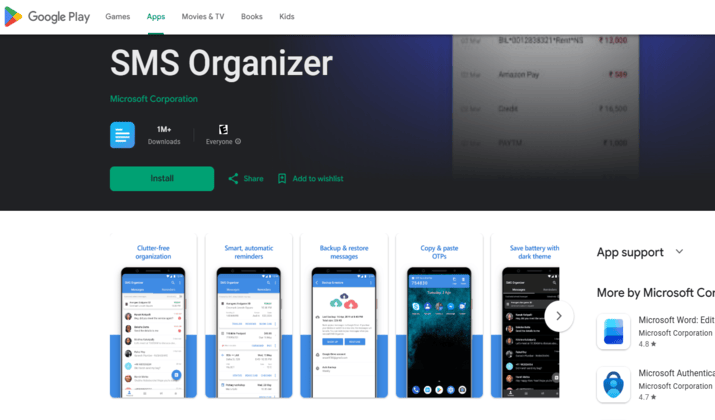
Built by Microsoft, SMS Organizer uses AI to sort your inbox automatically. It’s one of the few AI-powered text messaging apps with smart replies and message summaries that actually helps.
It has interesting features such as:
- Auto-sorts SMS into Personal, Transactions, Promotions, Spam
- Reminders for bills, travel, and appointments pulled from texts
- Offline backup and restore
- Burner messages and swipe-to-delete gestures
No RCS or multi-device sync. But if your inbox is chaos, this best texting app for Android clears it up fast.
Microsoft SMS Organizer is free to use and available on Google Play Store.
7. QKSMS
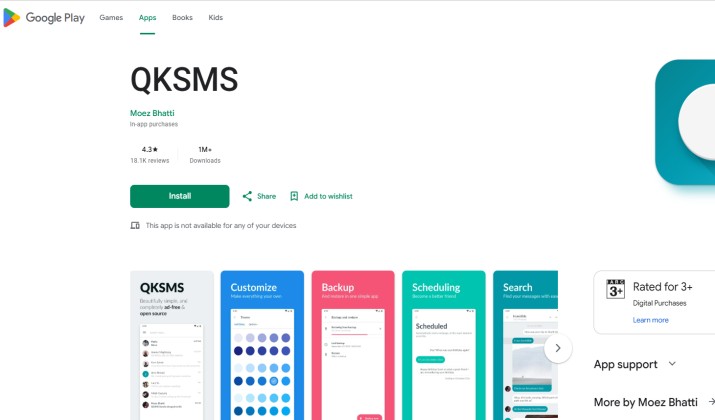
QKSMS is clean, fast, and open source. If you care about a Google Messages alternative without Google tracking, this lightweight app skips the bloat.
What you’ll love:
- Material You theming, per-contact themes
- Night mode, delayed sending, quick reply
- Wear OS support for smartwatches
- No ads, no data collection
It’s SMS/MMS only, no RCS. But for privacy and simplicity, QKSMS is a top pick among best Google Messages alternatives. QKSMS is completely free to download and use, with no advertisements. You can download it from Google Play Store.
8. Handcent Next SMS
Handcent has been around forever and keeps adding features. You want apps better than Google Messages for group chats and media sharing? Handcent’s MyCloud lets you send huge files, eCards, and more.
It has amazing features such as:
- Handcent Cloud for cross-device sync on phone, tablet, PC
- Private box, cloud backup, spam filter
- Huge emoji and sticker store
- Group chat enhancements and large MMS support
The UI feels dated next to Textra, but the feature set is massive. RCS support is limited.
Handcent Next SMS is a free-to-download Android messaging app. While the core texting features are free, the app offers in-app purchases and an optional VIP subscription to unlock premium features, remove ads, and access unlimited customization.
You can download Handcent Next SMS from Google Play Store.
Another interesting read: Best Text Messaging Apps for Samsung
9. Mood Messenger
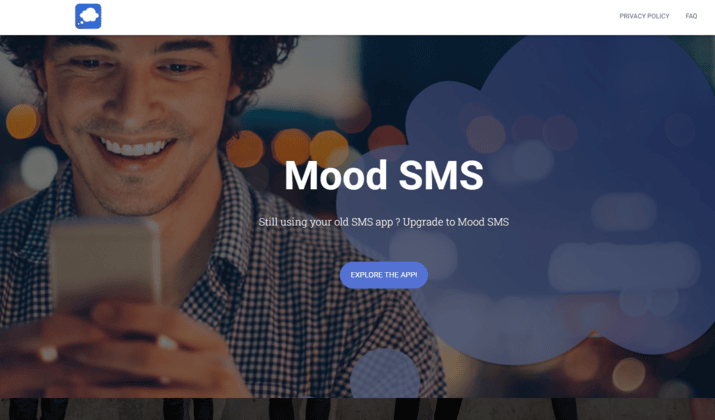
Mood blends SMS with its own chat service. You get text messaging apps with spam protection plus fun features like video backgrounds and emoji dictation.
It comes with features such as:
- Built-in spam detection and blocklist
- Dual-SIM support, location sharing
- Custom themes, animated backgrounds
- Encrypted Mood-to-Mood chats
RCS isn’t supported, but Mood’s own chat gives you typing indicators and read receipts with other Mood users.
While the core messaging app is free to download and use, there are premium themes and ad-free upgrades often sold as in-app purchases. You can get Mood SMS on Google Play Store.
10. Simple SMS Messenger
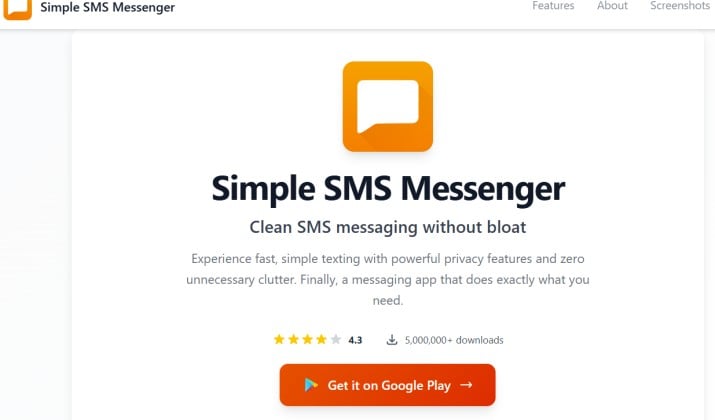
Simple SMS Messenger keeps things basic in the best possible way.
The app avoids clutter, ads, and unnecessary extras. You get a lightweight messaging experience that feels fast even on older Android devices.
It’s a solid pick if you only want reliable SMS and MMS messaging without distractions. Its key features include:
- Minimal interface
- Lightweight performance
- No unnecessary features
- Fast message handling
- Simple navigation
Simple SMS Messenger is free to download and use. It is available on Google Play Store.
Apps Better Than Google Messages for Group Chats and Media Sharing?
Google Messages handles basic group chats well, especially with RCS enabled. Still, some alternatives perform better for heavy media sharing and advanced chat organization.
Mood SMS stands out because it handles MMS content smoothly while offering visual customization. Pulse SMS also works well for users who frequently switch between desktop and mobile conversations.
If group messaging matters to you, these apps feel more flexible than Google Messages.
Which Google Messages Alternative Should You Choose?
Why? You get the closest match to Google’s feature set: scheduled messages, clean design, and spam protection.
Plus something Google doesn’t do well: true messaging apps with multi-device sync across phone, tablet, and PC. Add automatic SMS apps with built-in backup, export, and restore features and Pulse covers the bases most people care about.
If you only text from one phone and want maximum style, pick Textra. If you’re on a Galaxy and want RCS without Google, stick with Samsung Messages. And if you want to de-Google your Android phone, Signal or QKSMS are your privacy plays.
The rest of these Google Messages alternatives fill specific niches. Chomp for tinkerers. SMS Organizer if your inbox is a mess. Handcent if you share lots of media.
Ready to Switch?
You don’t have to settle for the default. Android lets you pick the tools you want. Test two or three of these best Google Messages alternatives and see which one feels right. Most are free, so you can switch in minutes.
Change your default SMS app in Settings > Apps > Default apps > SMS app. Then start texting your way.