If you save videos, songs, documents, or large files to your phone, you need more than the default browser’s download. You need speed, control, and the ability to pick up where you left off when your connection drops.
This guide covers the best Android downloader apps so you can download videos, music, and files directly to Android without stress. You will find both free and paid options here.
This is a mix of the best free and paid Android download managers, including secure, lightweight downloaders; ad-free apps with no intrusive ads; background video downloader apps for Android; and a proper 4K YouTube video downloader for Android when you want the best quality.
Here are 10 apps you can trust.
1. Advanced Download Manager for Android
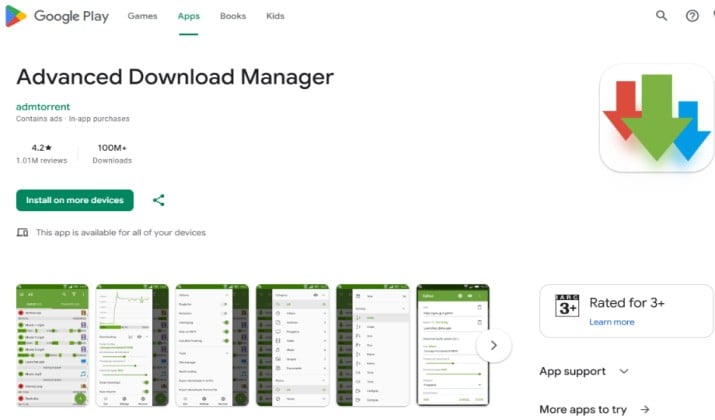
Best for everyday file downloads with full control
If you want one app that handles everything, start here. ADM Android Download Manager has been around for years and still leads the pack of Android download manager apps.
You get true multi threading. The app splits files into several parts and downloads them at the same time, so you see a real speed boost.
It also gives you an Android file downloader app with resume support that actually works. If your WiFi cuts out, you can pause and resume downloads on Android later without starting over.
What you will like:
- Intercept links from browsers and clipboard automatically
- Multi-threaded download manager for Android with up to 9 threads
- Background downloading and notification controls with full progress, speed, and ETA
- Download scheduling on Android and auto resume after failure
- Built in browser for hard to grab files
App Link: Play Store
Pricing: Advanced Download Manager for Android is free to download and use with ads, and it offers a single in-app purchase of $1.99 USD to permanently remove ads.
2. 1DM+
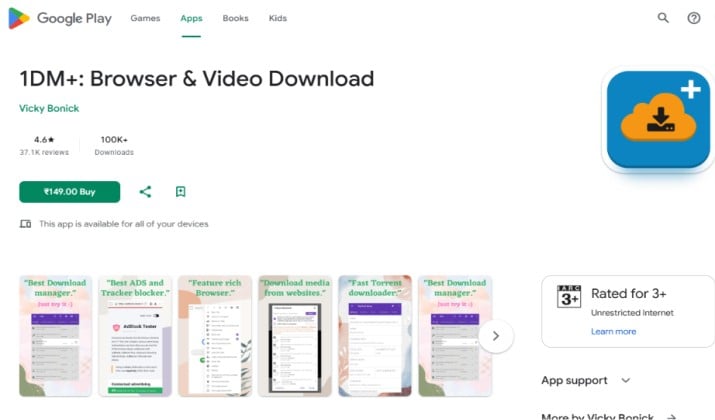
Best for power users who want browser plus manager
1DM is one of the most complete free Android downloader apps you can install today. The regular 1DM is free, and 1DM+ is the paid ad free version. Both include a built in browser, video grabber, and torrent client.
You can grab streaming videos, music, and large archives. It supports batch downloading on Android so you can queue 10 files and let it work while you do something else. It also lets you pause and resume downloads on Android with smart error handling.
Why it stands out:
- Supports up to 16 parts per download for faster speeds
- Downloads m3u8 and streaming links other managers miss
- Auto download from social feeds
- Torrent support without a separate app
- Import and export links from text files
App Link: 1DM on Google Play | 1DM+ Ad Free on Google Play
Pricing: 1DM is free with ads. 1DM+ is a one time paid app around $2.99.
Also read: Best TikTok Video Downloader Apps
3. FDM Android Download Manager
Best open style manager with no limits
FDM Android download manager, also known as Free Download Manager, brings the desktop experience to your phone. It boosts speeds, organizes files by type, and handles broken links well.
If you often download programs, zips, documents, and videos from different sites, this one keeps things tidy. It offers excellent background downloading and notification controls and lets you resume expired links, which most managers fail at.
What makes it useful for you:
- Clean interface that sorts downloads by music, video, documents
- Resumes broken and expired downloads
- Supports simultaneous downloads
- Handles large files without crashing
- Light on battery because it does not run when idle
App Links: Official Site | Play Store
Pricing: Completely free, no premium tier.
4. Videoder
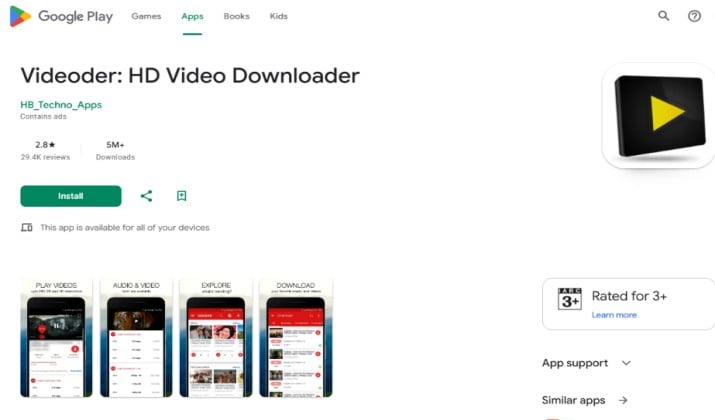
Best for 4K and batch video downloads
When people look for the best video downloader apps for Android, Videoder always shows up, and for good reason. It focuses on video first, but you can download almost anything.
You get 4K video download support on Android from 1000 plus sites, including YouTube, Facebook, Instagram, and more. You choose resolution, you choose format, and you can grab a whole playlist in one tap. That batch downloading on Android saves you hours.
Highlights:
- Download videos up to 4K quality and extract MP3
- Built in browser and ad blocker
- Batch mode for playlists and channels
- Fast download engine with multiple connections
App Link: Play Store
Pricing: Free, ad supported. No paid version.
Read this too: Best Instagram Video Downloader Apps
5. SnapTube
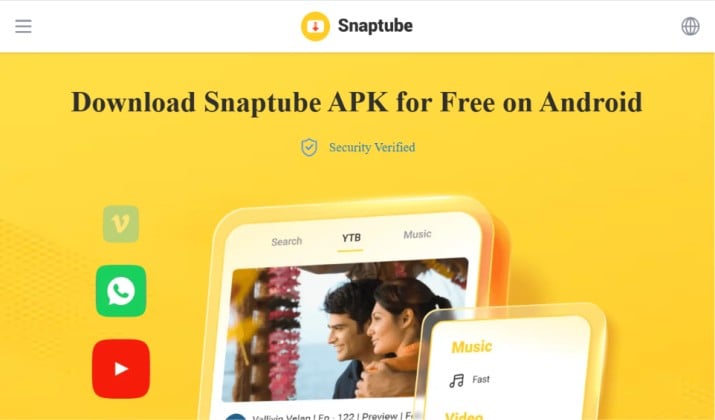
Best for social media videos and music
SnapTube video downloader for Android is a favorite if you pull content from social platforms a lot. It works as a video search hub. You can look up a video, pick resolution from 144p to 4K, and download as MP4 or MP3.
It also gives you a clean file manager and vault. If you want to download videos, music, and files directly to Android from Instagram, Facebook, Twitter, TikTok, and YouTube style sites, this covers you.
What you get:
- Supports 4K HD and MP3, M4A audio
- Floating player and background play
- Private vault for hidden files
- Smart categorization for your downloads
App Link: Official Site
Pricing: Free. Distributed outside Play Store.
6. NewPipe
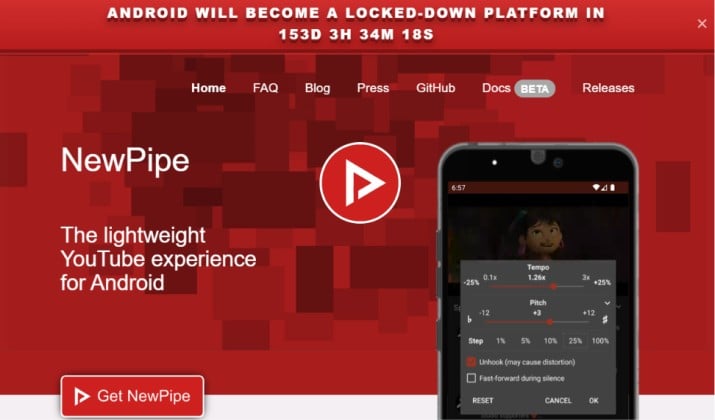
Best privacy first option with no Google services
NewPipe privacy-friendly Android video downloader is different. It is open source, lightweight, and does not use the official YouTube API. That means you watch and download without signing in, without ads, and without tracking.
You can stream, download video, or download audio only. It supports 4K video download support on Android when the source provides it, and it lets you pick exactly where files go.
Many users who want secure and lightweight Android downloaders keep NewPipe as their main YouTube video downloader for Android.
Highlights:
- No ads, no account needed, completely private
- Ad-free Android download manager experience by design
- Background player and popup player included
- Download audio and video separately
- Supports YouTube, SoundCloud, PeerTube, Bandcamp
App Links: Official site | Play Store
Pricing: Free and open source forever.
Another interesting read: Best JDownloader Alternatives
7. YMusic
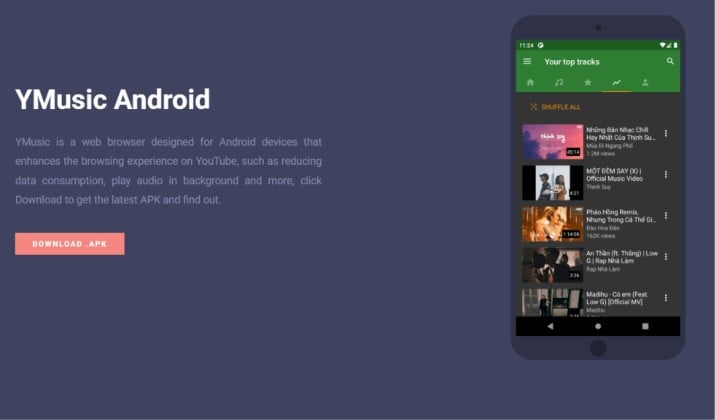
Best for music lovers who want MP3 only
If audio matters more than video to you, YMusic Android downloader for music and MP3 is a must have. It lets you play YouTube as music in the background and download songs as MP3 or M4A.
You can search inside the app, build playlists, and download entire playlists with one tap. It works as a proper background video downloader app for Android because it keeps playing and downloading even when you switch apps.
Key perks:
- Download YouTube music as MP3 up to 320kbps
- Play in background with full notification controls
- Built in equalizer and lyrics support
- Very small APK, fast install
App Link: Official Site
Pricing: Free
8. 4K Video Downloader
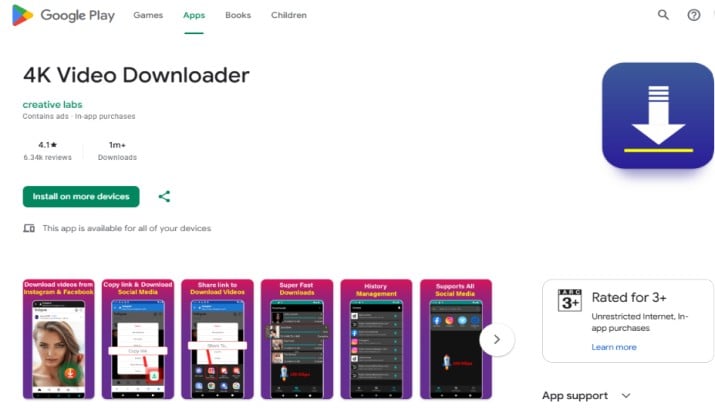
Best for creators who need true 4K
Do not confuse this with the desktop app of the same name. The Android version often listed as 4K Video Downloader by Jihosoft and similar publishers focuses purely on high quality.
If you need a 4K YouTube video downloader for Android that preserves original quality, this is the one you install next to your main manager.
You paste a link, pick 4K, 2K, 1080p, or audio, and you are done. It supports download scheduling on Android in some builds and gives you clear background downloading and notification controls.
What’s good:
- Keeps original quality up to 4K 60fps
- Downloads subtitles and covers
- Simple one paste download flow
- Works for YouTube, Vimeo, Dailymotion, and more
App Link: Play Store
Pricing: Free with ads, pro unlock via in app purchase in most variants.
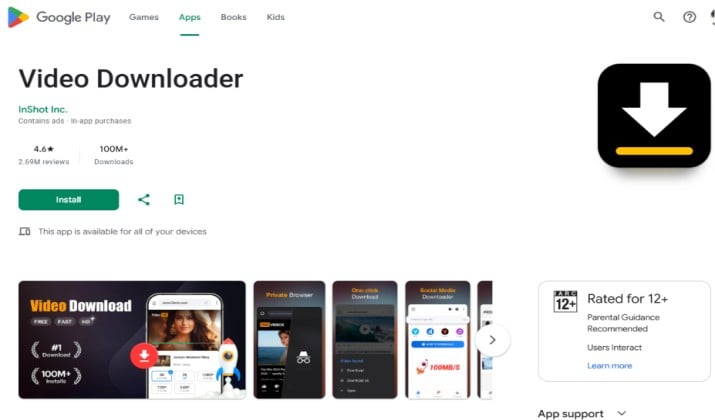
9. Video Downloader
Best simple grabber for quick social saves
Sometimes you do not need a full download manager. You need a fast Video Downloader app for Android that detects video on any webpage and saves it.
Apps like Video Downloader by InShot and All Video Downloader do exactly that. You browse inside, the app detects the video file, and you tap download. You get MP4 and MP3 options, and you can keep downloads running in the background.
Key Features:
- Auto detects videos on web pages
- One tap save to gallery
- Supports HD downloads
- Built in player and file manager
App Link: Play Store
Pricing: Free with ads, optional pro to remove ads.
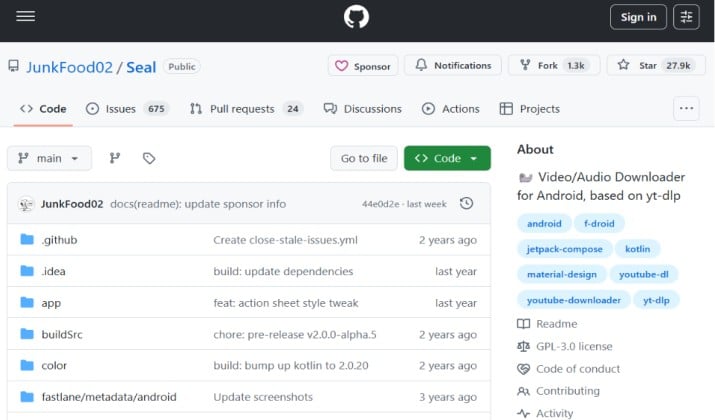
10. Seal
Best modern open source alternative to NewPipe
Seal is a newer open source YouTube video downloader for Android that uses yt-dlp under the hood. It looks modern, follows Material You design, and gives you tons of format control. If NewPipe feels too basic, you will like Seal.
You can download video, audio, thumbnails, subtitles, even entire playlists with custom filename templates. It gives you full control over format, quality, and codec, which is rare in free Android downloader apps.
Why it deserves a spot:
- Uses yt-dlp, so it supports many sites and stays updated
- Download in any quality including 4K and 8K when available
- Audio only with best quality selection
- No ads, no trackers, fully private
App Link: GitHub
Pricing: Free and open source.
How Do You Pick the Right One for You?
With so many Android download manager apps available, the best choice depends on what you download most.
If you want one app for everything, Advanced Download Manager and 1DM+ give you speed, resume, scheduling, and browser integration. They are the most complete best downloader apps for Android you can get right now.
If video is your main goal, Videoder and SnapTube make it easy to grab high quality clips from social apps, while NewPipe and Seal give you privacy and an ad free feel.
For music only, YMusic wins because it treats YouTube like Spotify with offline saves.
Try this quick setup. Use ADM or FDM as your core Android file downloader app with resume support for documents and large files, and keep one dedicated video app like NewPipe or Videoder for media.
That combo covers pause and resume downloads on Android, multi-threaded download manager for Android performance, and batch downloading on Android when you need it.
So, Which Downloader Stands Out Overall?
If I have to recommend one clear winner among the best downloader apps for Android, I will pick 1DM+.
It balances everything. You get a fast browser, up to 16 thread acceleration, torrent support, m3u8 support, download scheduling on Android, background downloading and notification controls, and a truly ad-free Android download manager experience for a tiny one time fee.
ADM is close and slightly better for pure file management, but 1DM+ handles more file types and streaming formats without extra apps. For most people, it removes the need to install three different tools.
Install 1DM+ as your main driver, add NewPipe if you value privacy, and you will not need anything else.
A quick note before you download. Always get APKs from official sites or F-Droid or Play Store. Avoid random modded APK sites. And respect copyright. Download your own content, public domain videos, or files you have permission to save.
Ready to speed up your phone downloads? Pick one from the list, install it, and queue your first file. You will notice the difference right away.