Picking a text messaging app for Android feels simple until you open the Play Store. Hundreds of options pop up, and they all promise to be faster, smarter, and cleaner.
So which one deserves a spot on your home screen?
This guide breaks down the best SMS apps for Android, and it organizes them the way Android actually works.
However, not all messaging is the same. Let’s clear that up first so you can choose with confidence.
The 3 Types of Android Messaging You Should Know
Android phones juggle three different systems behind the scenes.
1. SMS/MMS apps: The Carrier Messaging Backbone
This is traditional texting. Your message goes through your carrier network. SMS handles plain text. MMS messaging handles pictures, long texts, and group chat.
It works on every phone, even without data, and it powers OTP messages and one-time passwords from your bank. Standard SMS/MMS is not end-to-end encrypted.
2. RCS Messaging: The Upgrade
Rich Communication Services is the modern replacement carriers and Google rolled out.
When both sides use an RCS-enabled app, you get high-resolution photos, video messaging, audio messages, typing indicators, read receipts, emoji reactions, and group messaging that actually works.
Google Messages is the default Android SMS app on most phones today and it supports RCS features such as high-resolution media, typing indicators, read receipts, and end-to-end encryption when both users use RCS-enabled Google Messages.
3. Internet-Based Encrypted Messengers: The Private Layer
Apps like Signal, WhatsApp, and Telegram do not use your carrier at all.
They use the internet, offer encrypted messaging with end-to-end encryption, disappearing messages, private conversations, and file sharing. They are perfect for friends and family who also use the app.
Knowing which bucket you need helps you avoid frustration. Now here are the Android text messaging apps that nail each job.
Best Text Messaging Apps for Android
1. Google Messages
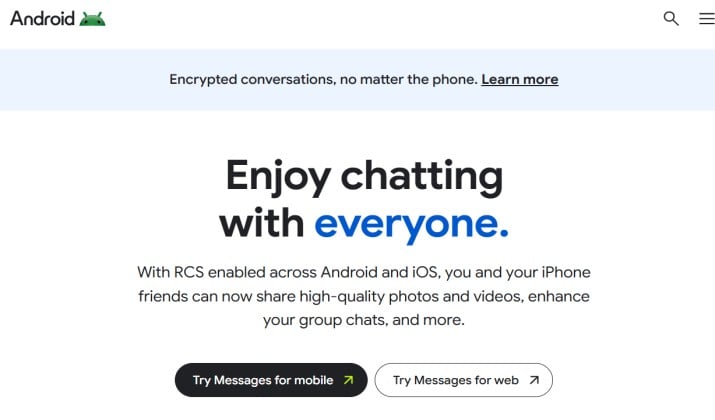
This is the one Google wants you to use, and for good reason. On most new Android phones, it already acts as your default messaging app and default SMS app.
You get a clean, fast interface with smart replies, message scheduling, message templates for quick replies, and excellent spam filtering with spam protection for blocked numbers.
It also handles dual SIM and eSIM setups without any extra setup, and it shines for web messaging, tablet messaging, and desktop messaging through messages.google.com.
For RCS messaging, this is the gold standard. You get high-resolution photos, video messaging, emoji reactions, stickers, GIFs, and read receipts when chatting with other RCS users.
Best for: Anyone who wants reliable carrier messaging with modern features and no fuss.
Pricing: Completely free. No ads.
Link: Play Store
2. Chomp SMS
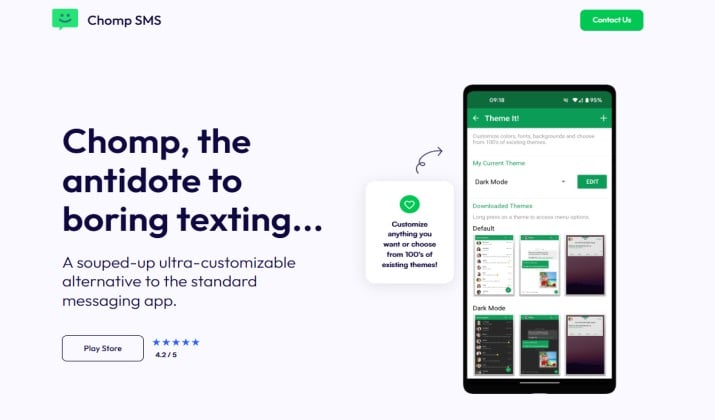
If you liked Samsung Messages for its customization and extra utilities, Chomp SMS is the closest active replacement.
It is built by the same team as Textra, so you get the same rock-solid SMS/MMS handling, but with way more power features such as:
- App lock with fingerprint lock
- Private conversations and group messaging
- Message scheduling, delayed sending and Auto-reply
- Message templates
- Quick replies and smart replies
- Blocked numbers and spam protection
- Dual SIM and eSIM support
- Stopwatch for scheduled texts
It also handles media sharing with control over MMS compression for high-resolution photos, video messaging, audio messages, GIFs, stickers, and emoji reactions.
You can back up with local backup and cloud sync, plus message restore and SMS export if you switch phones.
Unlike Samsung Messages, it is actively maintained and works great on Samsung, Pixel, and OnePlus devices.
Best for: Former Samsung Messages users who want customization + privacy features without losing familiar tools.
Chomp SMS pricing: Free with ads. Premium is $4.99 one-time to remove ads and unlock all features.
Link: Play Store
Also read: Best Secure Messaging Apps for Android
3. Textra SMS
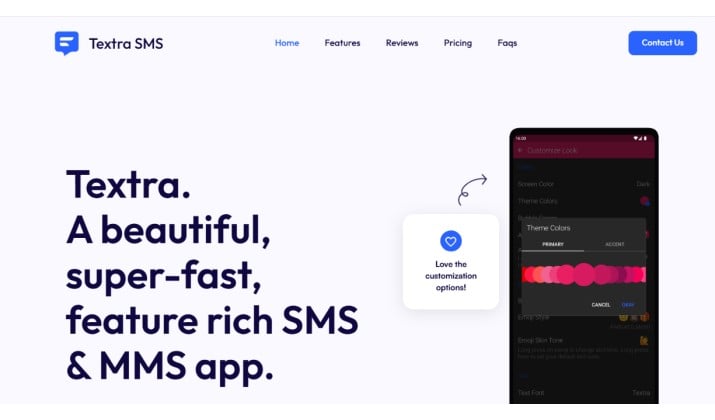
Textra has been a favorite among Android SMS messaging apps for years, and it still feels fresh.
This text messaging app focuses on customization and speed. You can change bubble colors, themes, signatures, and even per-contact notification settings.
It supports delayed sending, message scheduling, auto-reply when you are driving, and quick replies. The app handles MMS messaging better than most, with quick compression controls for media sharing.
It does not support RCS messaging, so it sticks to pure SMS/MMS, but it does it extremely well.
Best for: People who want total control over how their SMS app looks and behaves.
Textra SMS pricing: Free to try for 14 days, then one-time $9.99 to unlock all features forever.\
Link: Play Store
4. Pulse SMS
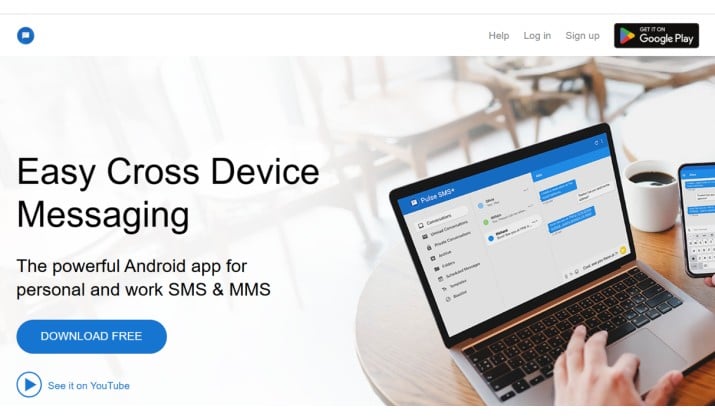
Pulse made its name with multi-device messaging done right.
Imagine you start a conversation on your phone and continue it on your PC, Mac, or tablet without any weird workarounds. Pulse offers cross-device sync, tablet messaging, web messaging, and desktop messaging that actually stays in sync.
You also get cloud sync, message backup, local backup, SMS export, message restore, password-protected private conversations, app lock, and fingerprint lock.
It supports dual SIM, auto-reply, message scheduling, delayed sending, and spam protection with blocked numbers.
If you live on multiple devices, this is one of the best text messaging apps for Android for productivity.
Best for: Anyone who texts from a laptop or tablet all day.
Pulse SMS pricing: Free for 7 days. Subscription is $0.99/month, $5.99/year, or $10.99 lifetime for multi-device features. Basic SMS use on phone remains free.
Link: Play Store
Read this too: Best Secret Messaging Apps for Android
5. QKSMS
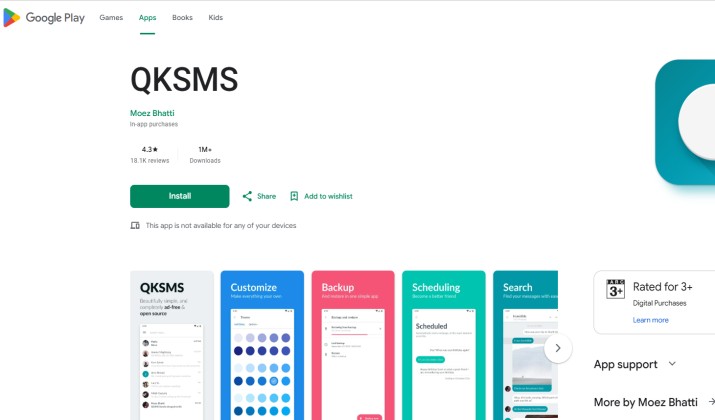
QKSMS is open source, beautiful, and privacy focused. If you care about what an SMS app can access, you will like this one.
It includes material design, automatic message backup, smart replies, group messaging, delayed sending, blocked numbers, and night mode. You can search conversations instantly, block spam, and set custom themes per contact.
Since it is open source, there is no tracking and no ads.
Best for: Users who want a free text messaging app for Android that is clean and private.
Pricing: Free. Completely open source.
Link: Play Store
6. SMS Organizer
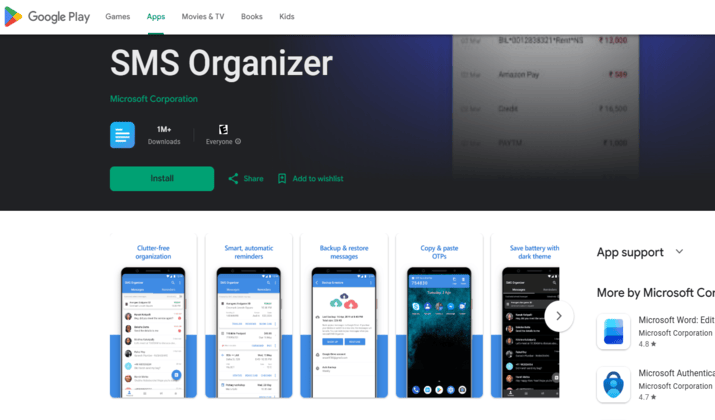
Made by Microsoft, SMS Organizer is not just an SMS app. It is an inbox assistant.
It automatically sorts your messages into Personal, Transactions, and Promotions. OTP messages and one-time passwords get copied automatically and deleted after use, which is great.
It also offers message backup to Google Drive, local backup, message restore, and smart reminders for flights or bills pulled from texts.
You get solid spam filtering, blocked numbers, and no ads.
Best for: Anyone drowning in transactional texts and spam.
Pricing: Free.
Link: Play Store
Explore: Best Text Messaging Apps for Samsung
7. Handcent Next SMS
Handcent has been around since the early Android days and it still packs more features than almost any other Android SMS messaging app.
You get exciting features such as:
- App lock with fingerprint lock
- Private conversations in a private box
- Message scheduling, quick replies, and auto-reply
- Message templates
- Cloud sync
- eCards, stickers, GIFs, and emoji reactions
- Extensive dual SIM support
Media sharing supports high-resolution photos, and group chat management is strong.
The interface can feel busy at first, but power users love the depth.
Best for: Feature hunters who want everything in one place.
Pricing: Free with ads.
Link: Play Store
8. Signal
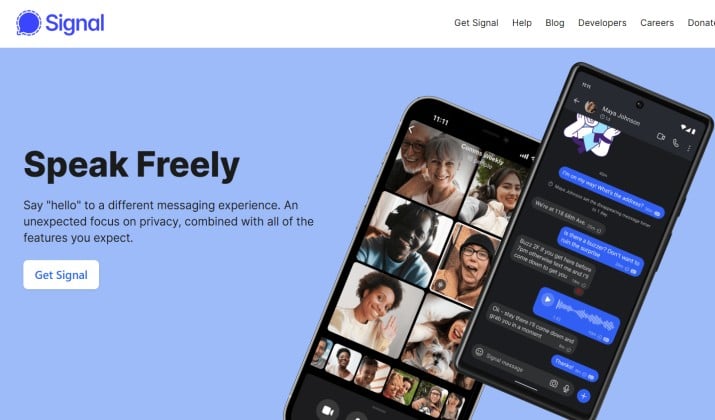
Now we move to internet-based messaging. If privacy is your top concern, start here.
Signal is widely recognized for its encrypted messaging.
Every message, call, high-resolution photo, video messaging, audio messages, and file sharing exchange is protected by end-to-end encryption.
It also offers disappearing messages, private conversations, app lock, fingerprint lock, read receipts, typing indicators, and emoji reactions.
It can also act as your default SMS app on some Android versions, but its core strength is secure internet chat.
Signal is run by a nonprofit, so there are no ads and no trackers.
Best for: Secure chats with friends and family who value privacy.
Pricing: Free. Donation supported.
Link: Play Store
Check this out: Free Messaging Apps that Don’t Need a Phone Number
9. WhatsApp
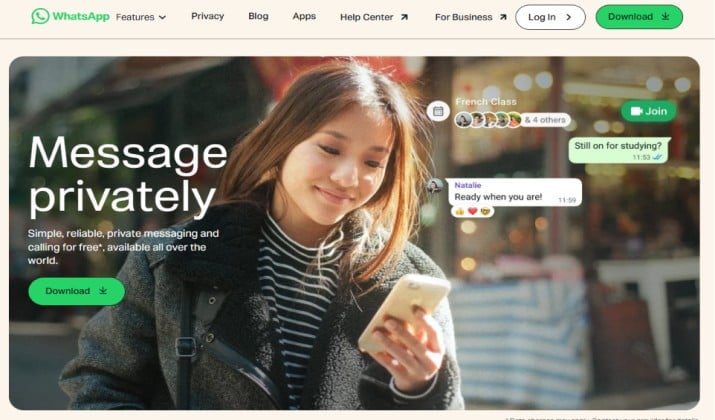
WhatsApp is the most used messenger on the planet, and on Android it feels native.
The app offers an array of features such as:
- End-to-end encryption and disappearing messages
- Message backup with cloud sync and local backup
- Message restore
- Group messaging for up to 1,024 members
- High-resolution photos, stickers, and GIFs
- File sharing, video messaging, and audio messages
- Read receipts, typing indicators, and quick replies
- Multi-device messaging with web messaging and desktop messaging
- App lock with fingerprint lock
It is not an SMS app and cannot replace carrier messaging, but for internet chat, it is unbeatable for reach.
Best for: Staying in touch with anyone, anywhere.
Pricing: Free.
Link: Play Store
10. Telegram
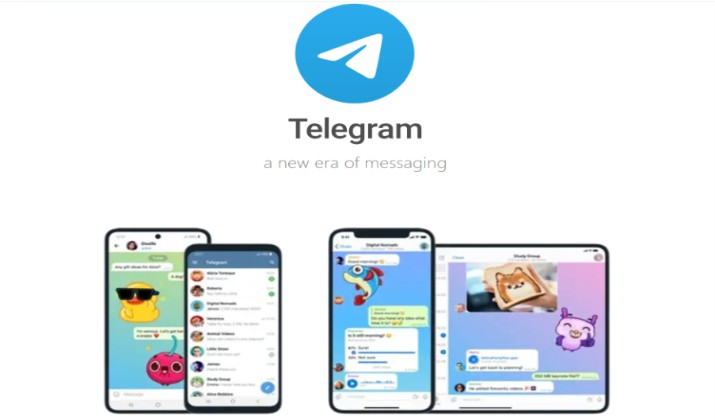
Telegram is built for speed, scale, and customization.
It comes with a range of useful features that include:
- Cross-device sync, tablet messaging, web messaging, and desktop messaging
- Huge group chat support and file sharing up to 4GB
- Video messaging and audio messages
- Emoji reactions, stickers, and GIFs
- Message scheduling, delayed sending, and smart replies
- Message templates
- Private conversations with disappearing messages
Telegram also offers optional end-to-end encryption in Secret Chats, though regular cloud chats use server-client encryption.
The app is fast, open, and constantly updated with new features like message translation and topics in groups.
Best for: Power users, large communities, and anyone who wants messaging on every device.
Pricing: Free
Link: Google Play
Which App Should You Install Today?
If you want a single recommendation that covers most people, stick with Google Messages.
It handles carrier messaging, RCS messaging, dual SIM, eSIM, spam protection, message scheduling, and web messaging without any learning curve.
It is also one of the best free messaging app for Android options because it costs nothing and keeps improving.
That said, the best text messaging apps for Android list is not one-size-fits-all. Use Textra or QKSMS for customization. Choose Pulse SMS if you live on your laptop. Try SMS Organizer if you get flooded with OTP messages. And keep Signal or WhatsApp for encrypted messaging with friends.
When you evaluate the best SMS apps for Android, think about where you text most. Phone only, or phone plus tablet and PC? Do you need private conversations, app lock, and message backup, or just clean spam filtering and quick replies?
Pick two apps. Keep one for carrier SMS/MMS and RCS, and one for internet-based private messaging. That combo covers every scenario Android throws at you, from OTP codes to high-resolution video sharing.